Quick Summary:
Choosing small business accounting software in South Africa comes down to your daily work. This guide helps you compare options based on invoicing, VAT, stock, POS, reporting, pricing, and how well each tool can support growth.
You will walk away learning the following:
- Which small business accounting software suits different South African businesses.
- How each tool compares on features, VAT, inventory, usability, and pricing
- When free accounting software for small business is enough
- When an all-in-one ERP system is better than standalone bookkeeping software
A lot of South African SMEs start by managing accounts in spreadsheets or basic invoice templates. Once the business has more products, suppliers, stock movement, or VAT work, that setup can become slow and messy.
The right small business accounting software gives you a cleaner way to handle invoices, payments, expenses, reports, VAT records, and cash flow. For stock-led businesses, it should also link accounting with inventory, billing, and purchasing.
Importance of Accounting Software for Small Businesses
Small business accounting software helps you keep financial records organised without depending on scattered spreadsheets, paper bills, or manual entries. It gives your team one place to manage everyday finance work, such as:
- Invoices and customer payments
- Expenses and supplier bills
- Bank reconciliation
- VAT records and reports
- Cash flow and profit visibility
In a small retail or wholesale business, the same day can include customer sales, returns, new supplier invoices, stock changes, card payments, and VAT entries.
When these details are handled separately, the team spends more time checking records at month-end, and mistakes can slip through. Accounting software brings the main records into one place.
This makes invoicing quicker, cash flow easier to follow, reports easier to prepare, and end-of-month checks less messy.
Best Small Accounting Software at a Glance
Here is a quick side-by-side view of the top accounting software options, their best use cases, and the key features small businesses should compare before shortlisting one.
| Tool | Best For | Key Features |
|---|---|---|
| VasyERP | Retailers, wholesalers, supermarkets, distributors, and multi-location businesses | Hybrid POS, OCR purchase entry, batch and expiry tracking, real-time dashboards |
| Xero | Service businesses and growing SMEs that want cloud accounting | Bank reconciliation, Hubdoc capture, VAT tools, cash flow forecasting |
| QuickBooks | SMEs that need accounting with inventory and reporting | VAT tracking, receipt capture, FIFO inventory, low-stock alerts |
| Wave | Freelancers and micro-businesses with simple bookkeeping needs | Free invoicing, estimates, bills, bookkeeping records, mobile invoicing |
| SMEasy | South African owner-managed businesses that need simple accounting | Quotes, invoices, payroll, accountant exports, owner-friendly reports |
| Zoho Books | SMEs that want VAT-focused accounting with automation | VAT201 reports, purchase approvals, bank reconciliation, workflow automation |
| Sage | Sole traders and small businesses that want established cloud accounting | VAT returns, bank feeds, AutoEntry capture, audit trails |
Top 7 Accounting Software for Small Businesses in South Africa
The tools below cover different needs, from free accounting software for small business users to connected systems for retailers, wholesalers, and stock-led SMEs.
1. VasyERP
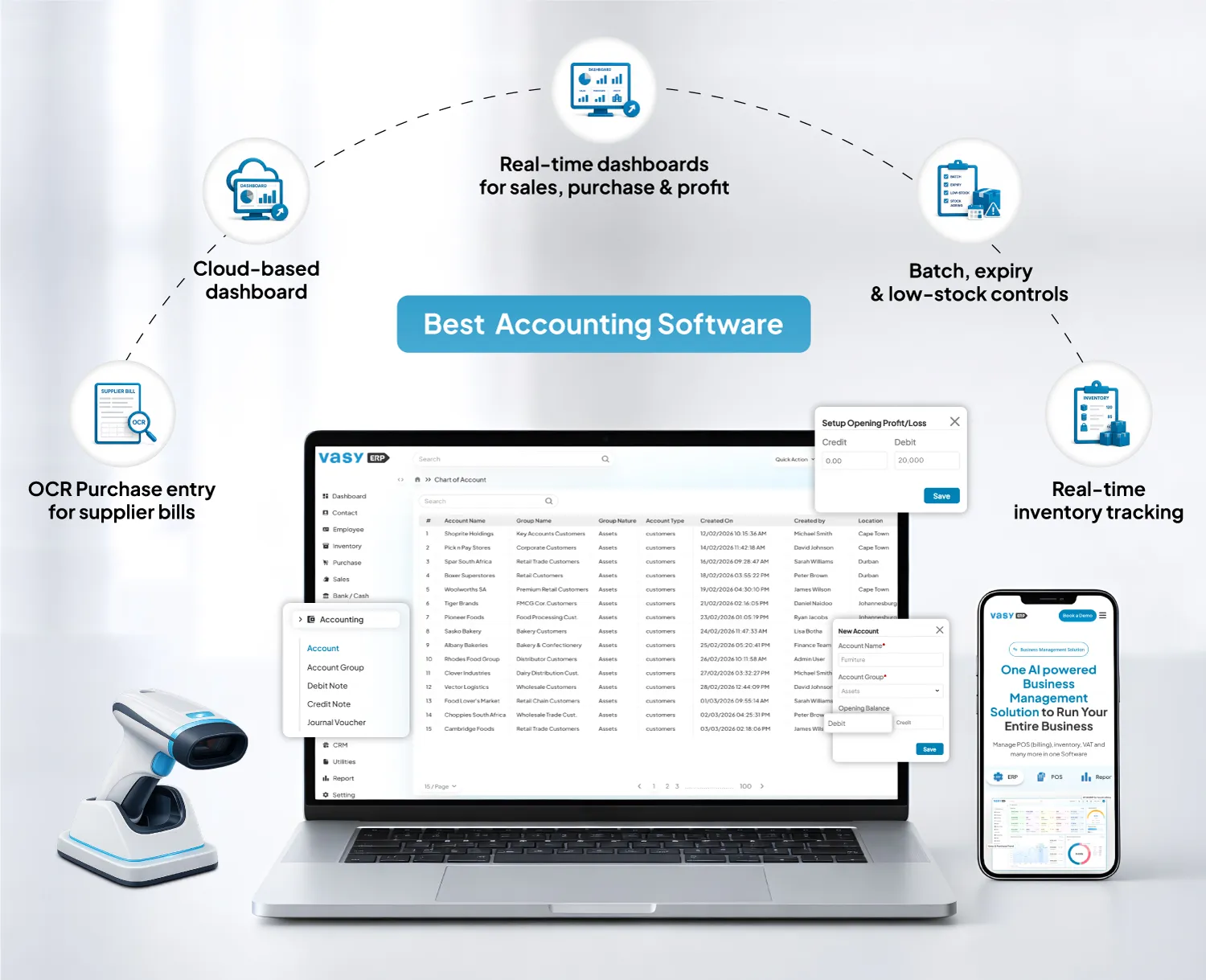 VasyERP works well for South African retailers, wholesalers, supermarkets, distributors, and small manufacturers that want accounting, POS, inventory, purchases, and reports in one place.
It helps owners track sales, stock, supplier bills, expenses, and branch performance without moving between different tools. For stock-led SMEs, VasyERP links financial records with the work happening at the counter, warehouse, and purchase desk.
It supports hybrid POS, online and offline billing, inventory control, dashboards, accounting, and purchase automation through OCR. VasyERP also has POS billing, inventory, VAT, reports, and offline POS as part of its South Africa-focused business management solution.
Key Features:
- Hybrid POS for online and offline billing
- OCR purchase entry for supplier bills
- Batch, expiry, low-stock, and stock-ageing controls
- Real-time dashboards for sales, purchases, profit, and branches
Pros:
- Stronger fit for retailers and wholesalers than standalone bookkeeping tools
- Useful when POS, inventory, VAT, and accounting need to work together
- Supports multi-location visibility across stores, warehouses, and branches
Cons:
- May fall short when it comes to very small service-only business needs
- Needs setup and onboarding when shifting from spreadsheets or separate tools
- May take more time to configure if the business has complex inventory, branch, or approval workflows
Pricing:
- Custom pricing
2. Xero
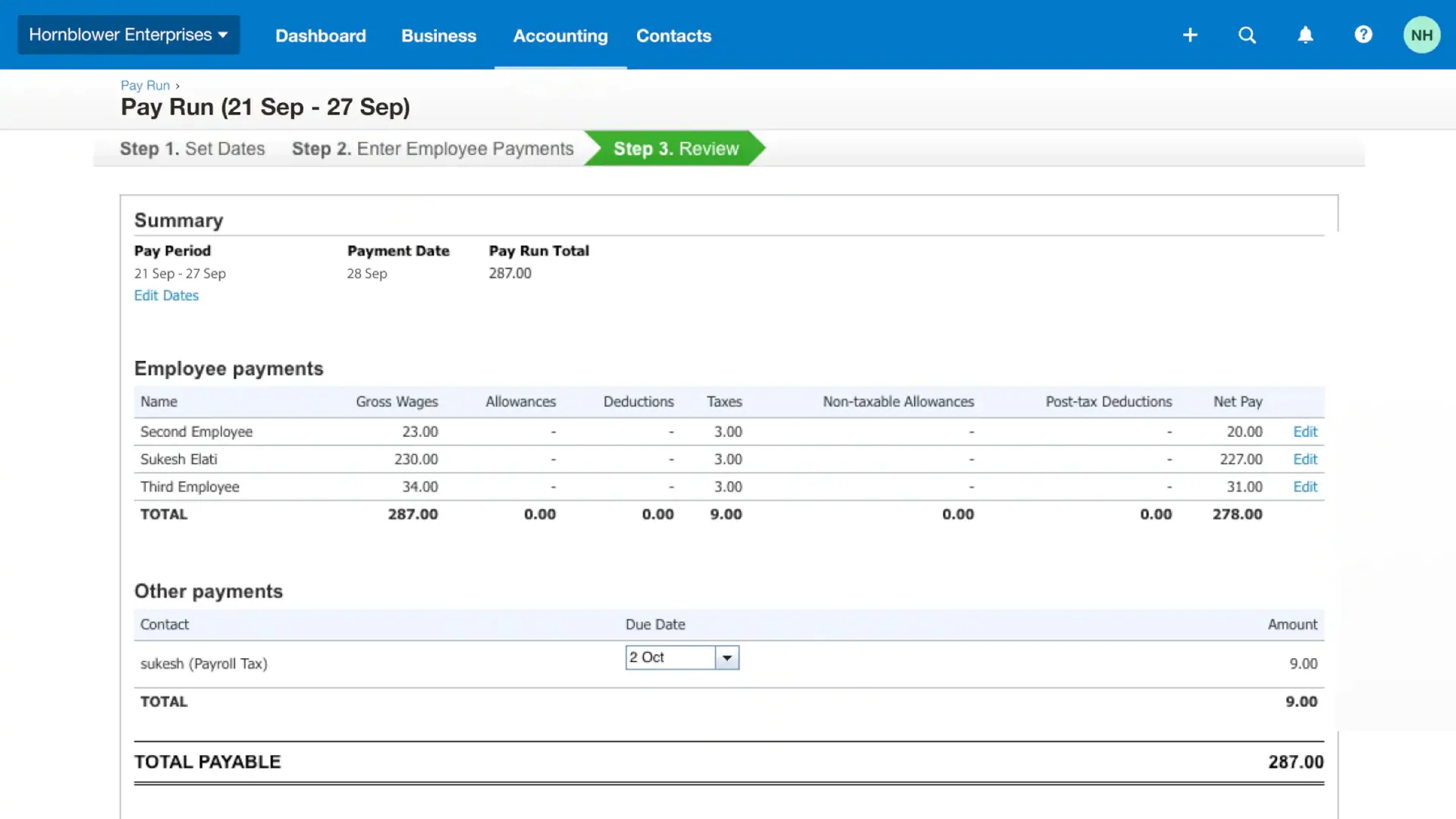 Xero is an online accounting software for small business users who want cloud invoicing, bank reconciliation, VAT support, document capture, and accountant collaboration. It works well for service businesses and growing SMEs that want accounting records they can access from anywhere.
Key Features:
- Bank reconciliation with connected transactions
- Hubdoc capture for bills and receipts
- VAT tools for invoices, bills, and reports
- Cash flow forecasting and performance graphs
Pros:
- Strong cloud accounting experience for service-led SMEs
- Hubdoc helps reduce manual document handling
- Useful for businesses working closely with accountants or bookkeepers
Cons:
- Starter-level plans can limit some everyday activity
- Inventory is not deep enough for complex retail stock
- Expenses, projects, and deeper analytics may need add-ons or higher plans
Pricing:
- Starter: R450 per month
- Standard: R795 per month
- Premium: R1095 per month
3. QuickBooks
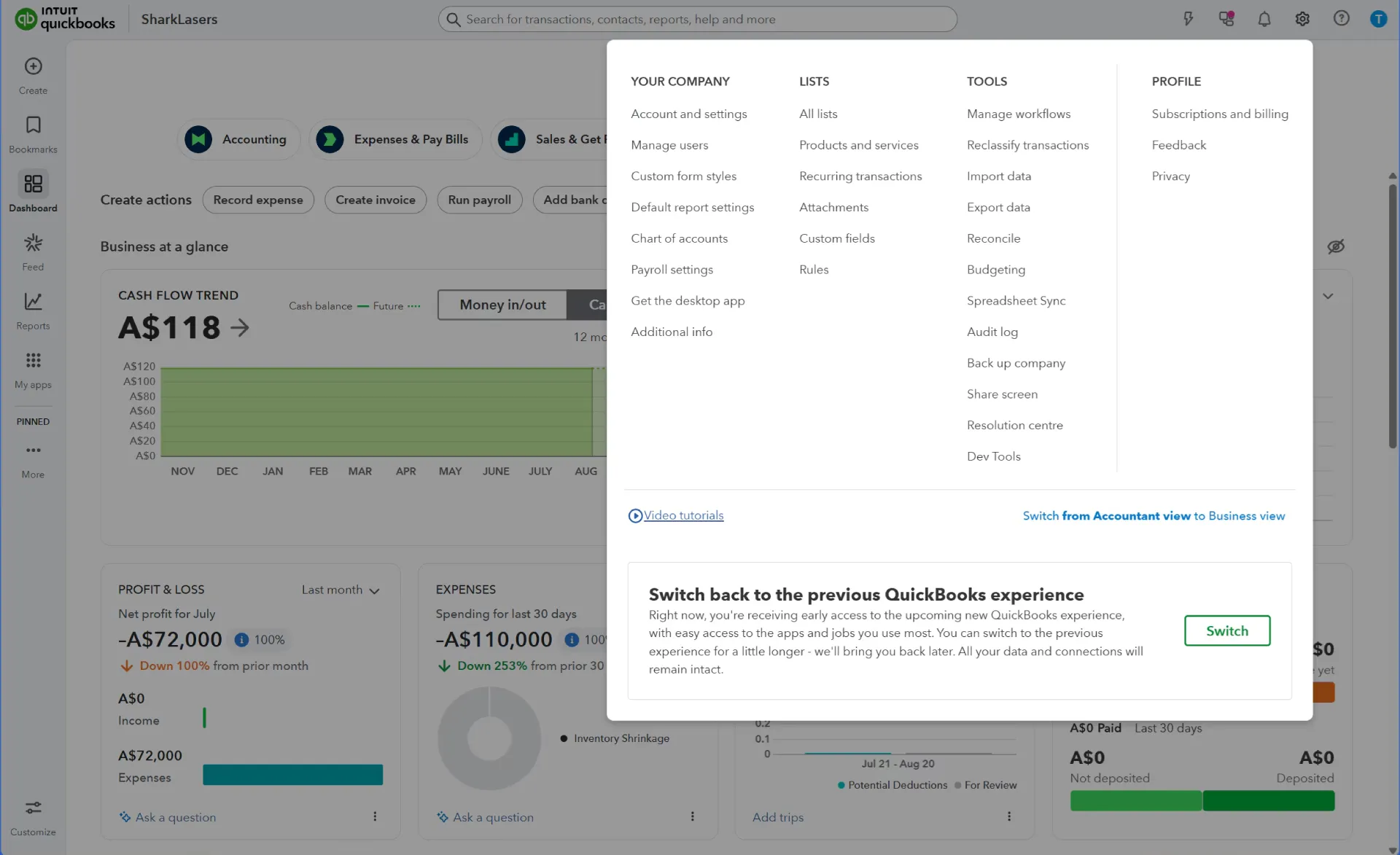 QuickBooks suits small businesses that need cloud accounting, invoices, expenses, VAT tracking, reports, bank feeds, and inventory tools. It can work well for SMEs that want a familiar accounting platform with useful reporting and app connections.
QuickBooks inventory tools include real-time stock quantities, low-stock alerts, order management, supplier records, stock value tracking, and item reports.
Key Features:
- VAT tracking for income and expenses
- Receipt capture through the mobile app
- Real-time stock quantity and value tracking
- FIFO inventory, purchase orders, and low-stock alerts
Pros:
- Good fit for SMEs that need accounting and inventory in one cloud tool
- Strong reporting for profit and loss, cash flow, VAT, and stock value
- Useful for businesses that want app connections and accountant access
Cons:
- Inventory tracking depends on the selected plan
- Retail POS workflows may still need another system
- Larger branch or warehouse operations may outgrow its inventory depth
Pricing:
- Simple Start: R322 per month
- Essentials: R508 per month
- Plus: R708 per month
- Advanced: R1144 per month
4. Wave
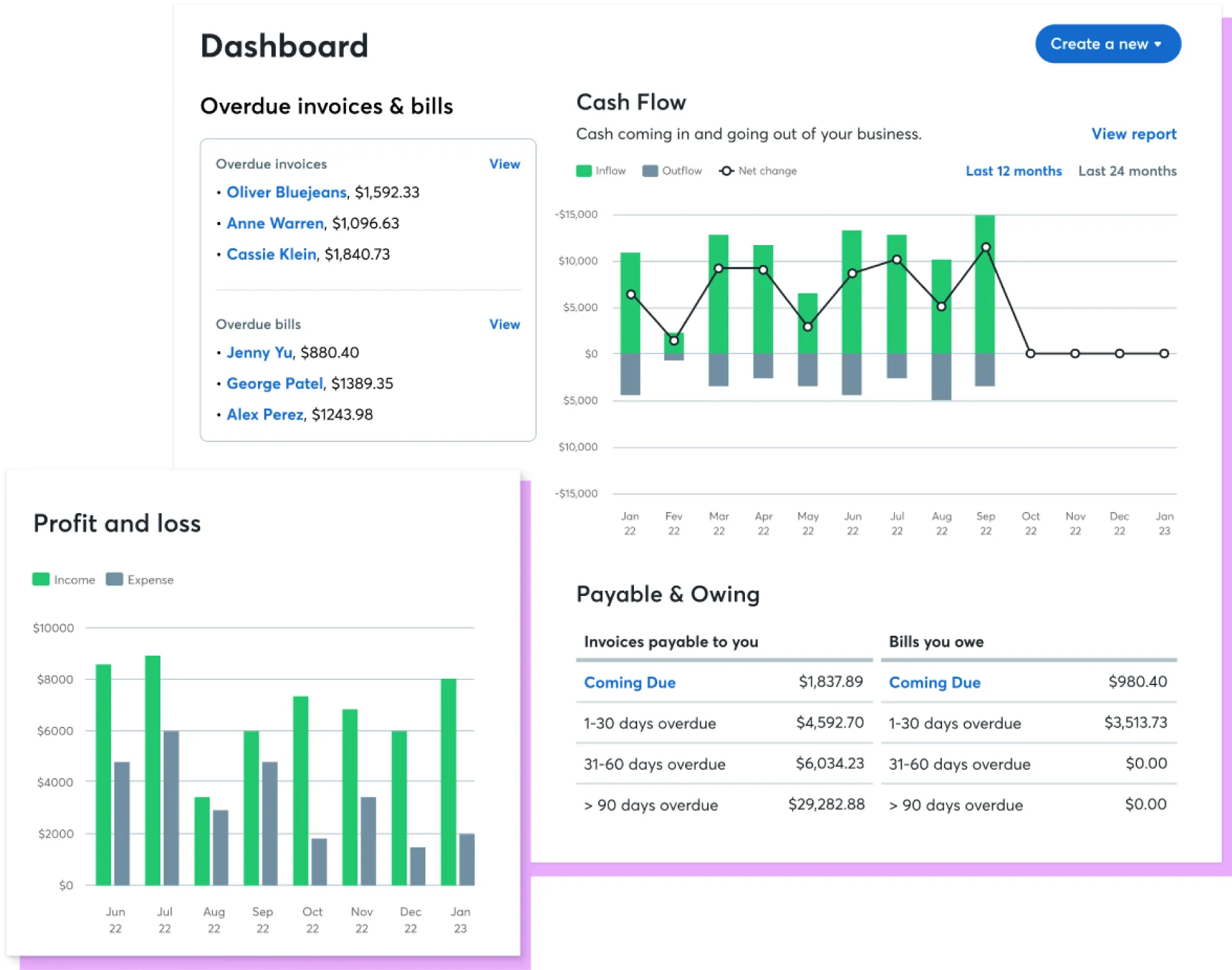 Wave works for freelancers, consultants, and micro-businesses that need free accounting software for small business basics. It supports unlimited estimates, invoices, bills, and bookkeeping records, along with mobile invoicing and a cash flow/customer dashboard.
For South African businesses, the main concern is fit. Wave has shifted focus to the US and Canada, and users outside those countries can no longer send invoices or reminders through Wave.
Key Features:
- Unlimited estimates, invoices, bills, and bookkeeping records
- Mobile invoicing for simple on-the-go billing
- Cash flow and customer dashboard
- Pro tools for receipt capture, transaction imports, and reminders
Pros:
- The free plan is useful for very simple bookkeeping
- Good for freelancers, consultants, and solo businesses
- Invoicing and bookkeeping sit in one simple interface
Cons:
- Support and invoicing access outside the US and Canada are limited
- Not built around South African VAT, payroll, or local compliance needs
- No serious stock, POS, or branch management depth for retailers
Pricing:
- Starter: Free
- Pro: $19 per month
5. SMEasy
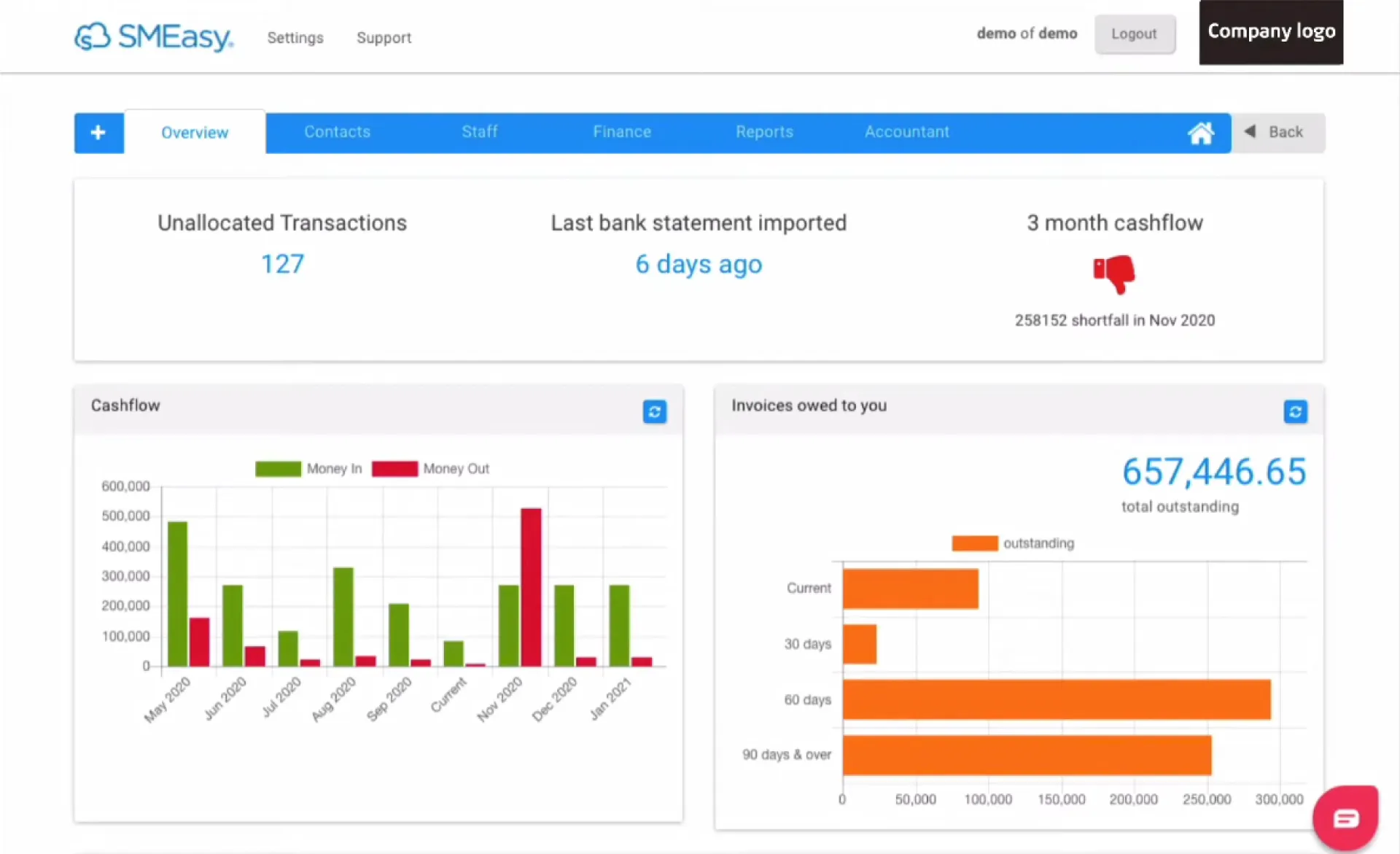 SMEasy is a South African business management and accounting system built for small business owners who do not understand accounting. It includes business management, accounting, payroll, reporting, accountant exports, support, and recordkeeping training.
It is strongest for owner-managed businesses that want simple admin and financial records, not complex ERP-level stock or POS operations.
Key Features:
- Quotes and invoices for everyday billing
- Staff payslips and payroll support
- Business and owner money tracking
- Accountant exports, support, and recordkeeping training
Pros:
- Built around South African small business users
- Designed for owners who struggle with conventional accounting systems
- Includes payroll and support within its small business positioning
Cons:
- Not ideal for advanced POS, warehouse, or stock workflows
- May feel too simple for multi-branch retailers or distributors
- Better suited to admin and accounting than operational retail control
Pricing:
- R240 per month
- R2400 per year
6. Zoho Books
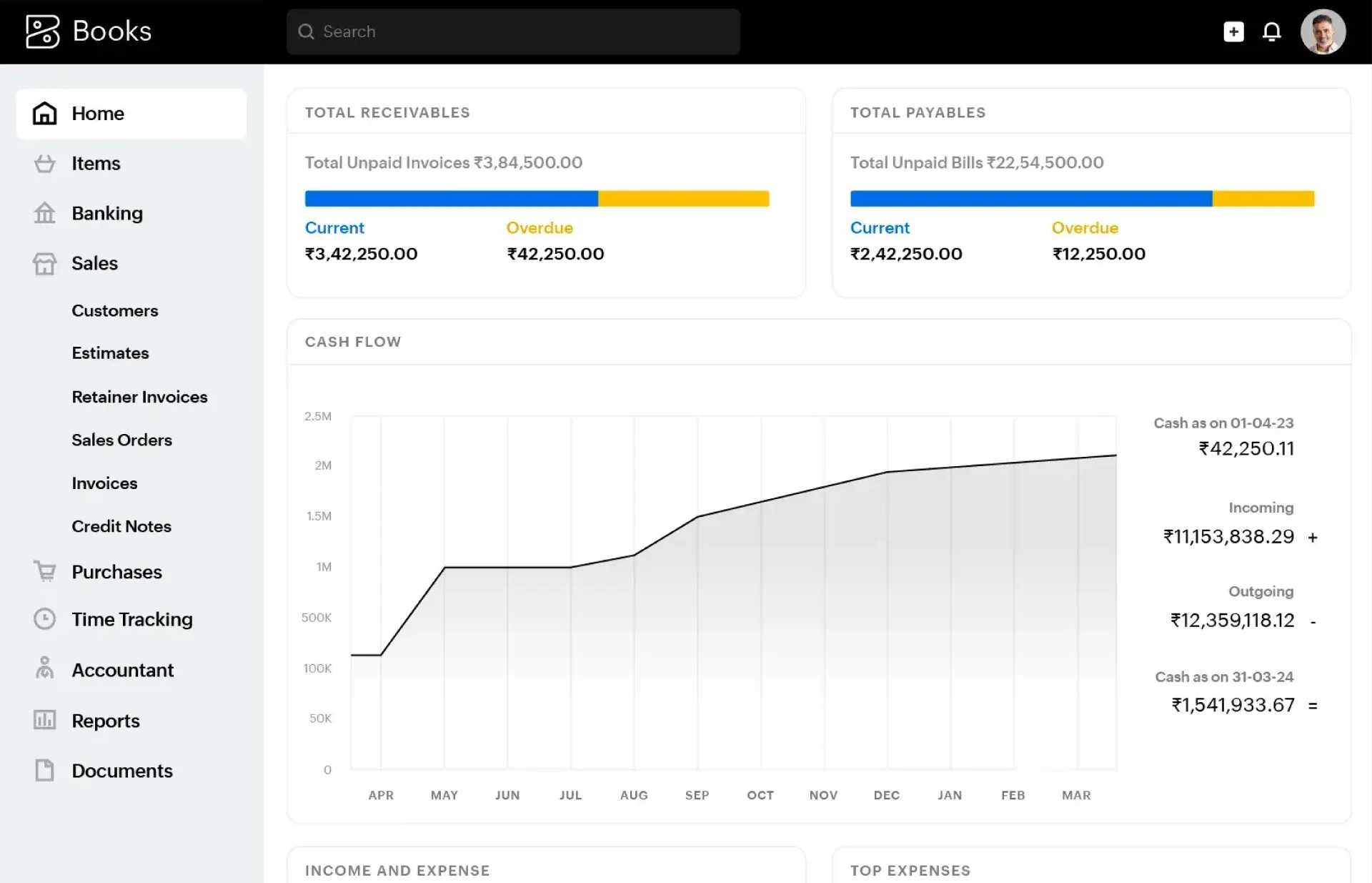 Zoho Books is VAT-compliant cloud accounting software for South African SMEs. It covers invoicing, bank reconciliation, inventory, expenses, and VAT201 reports.
It also supports purchase approvals, VAT audit reports, automation, and broader Zoho ecosystem integrations. It suits businesses that want structured accounting, automation, and VAT reporting without moving to a full ERP setup.
Key Features:
- VAT201 and VAT audit reports
- Bank reconciliation, invoices, bills, and expenses
- Purchase approvals for bills, POs, and vendor credits
- Inventory, sales orders, purchase orders, and workflows
Pros:
- Strong VAT-specific features for South African businesses
- Good automation and approval controls for growing SMEs
- Works well for businesses already using Zoho CRM or other Zoho apps
Cons:
- Advanced inventory starts on higher plans
- Purchase approvals and workflows may need setup time
- Retail POS and branch operations may still require integrations
Pricing:
- Free
- Standard: R99 per month
- Professional: R199 per month
- Premium: R299 per month
7. Sage
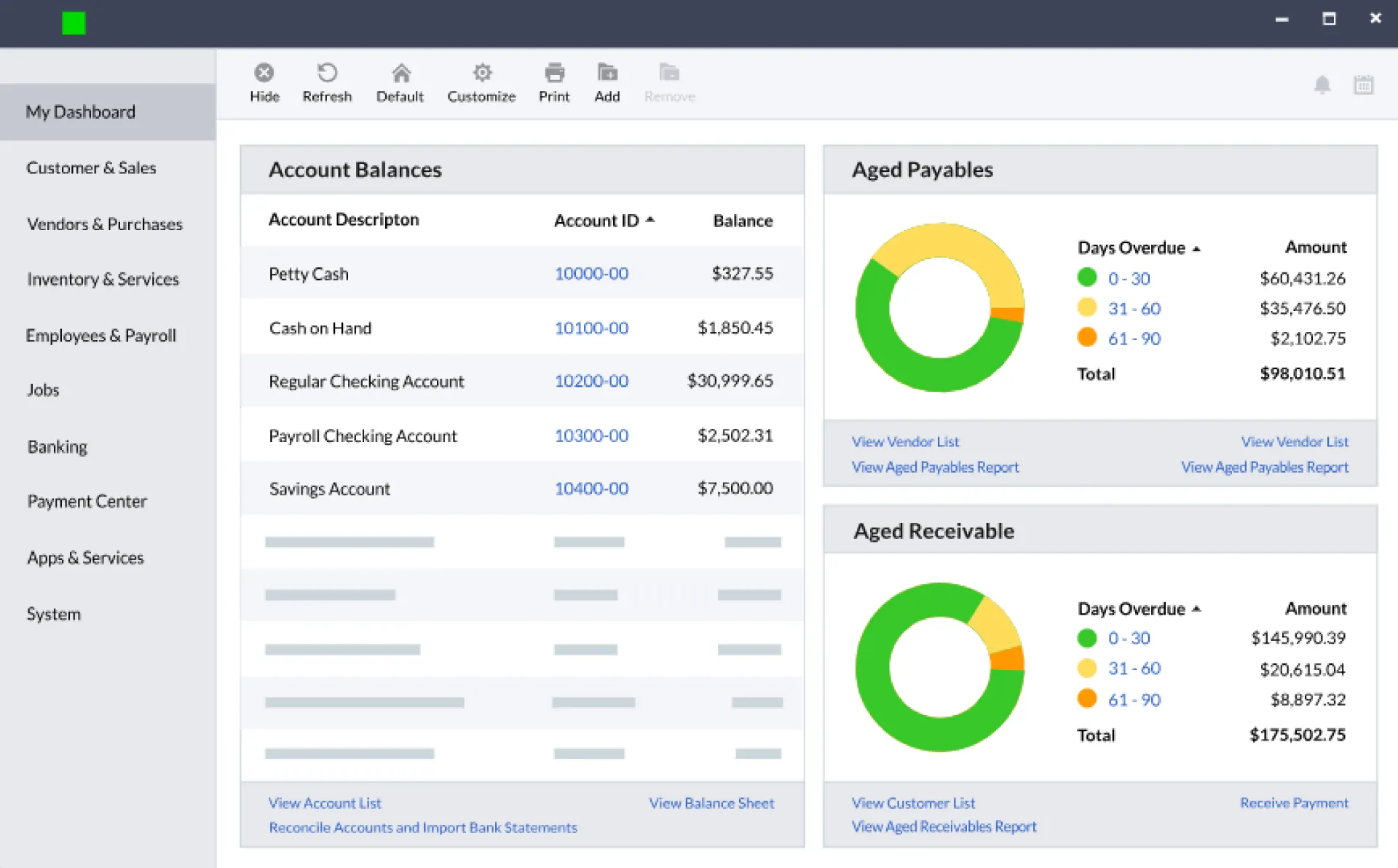 Sage gives South African small businesses a cloud accounting setup for invoices, payments, cash flow tracking, expenses, transactions, and admin work. It is especially useful for businesses that want an established accounting platform.
It also includes VAT return support for SARS, bank feeds, accountant access, and audit trails, so teams can keep financial records easier to review.
Key Features:
- Invoicing, payments, transactions, and cash flow tracking
- VAT returns that can be submitted to SARS
- AutoEntry receipt capture for expenses
- Bank feeds, audit trails, and accountant collaboration
Pros:
- Strong fit for small businesses that want established cloud accounting
- Useful VAT and expense capture support for South African users
- Support options include phone assistance and online help
Cons:
- More accounting-focused than retail-operation-focused
- Advanced stock, POS, and branch workflows may need other Sage tools or integrations
- Payroll and some automation needs may involve separate Sage products
Pricing:
- Start: R240 per month
- Standard: Starting from R435 per month
How to Choose the Right Accounting Software Step-by-Step
Use these steps to shortlist small business accounting software without getting distracted by features your business may not need.
1. Identify Your Business Needs
List your daily workflows first. A consultant may need invoices, expenses, VAT, and bank reconciliation. A retailer may need barcode billing, returns, supplier bills, stock updates, and branch reports.
2. Shortlist Based on Budget
Compare the full cost, not only the monthly fee. Include setup, training, add-ons, extra users, integrations, support, and migration.
3. Account Team Recommendation
Ask your accountant or finance team to review VAT reports, bank reconciliation, chart of accounts, and month-end processes before you commit.
4. Consider Long-Term Scalability
Choose software that can handle more products, users, branches, warehouses, and sales channels later. This is where all-in-one accounting programs for small businesses can save time as operations grow.
Why Many SMEs Are Moving to All-in-One Solutions
Many SMEs are moving away from separate tools because disconnected systems create duplicate work, delayed reporting, and more chances for errors.
1. Eliminates Multiple Tools
An all-in-one system brings billing, accounting, stock, purchases, and reports together. When a sale happens, stock and finance can update from the same transaction.
2. Reduces Manual Errors
Manual entries can affect invoices, supplier bills, tax amounts, stock records, and reports. OCR, barcode scanning, bank feeds, and approval controls help reduce repeated manual work.
3. Improves Efficiency and Reporting
Owners can see sales, purchases, expenses, profit, and branch performance without waiting for manually prepared reports. This helps teams act faster on stock, cash flow, and supplier decisions.
Interesting Fact: 86% of current tasks handled by auditors, accountants, and bookkeepers have automation potential
Source:Mckinsey
Why VasyERP Stands Out as Accounting Software
VasyERP stands out when a business needs accounting to work closely with POS, stock, purchases, customer orders, branches, and reports. That makes it a practical option for retailers, wholesalers, supermarkets, distributors, and small manufacturers. Its key strengths include:
- Accounting connected with POS, inventory, purchases, and reports
- Hybrid POS for online and offline billing
- OCR purchase automation for supplier bills
- Stock control with batch tracking, expiry alerts, and low-stock alerts
- Dashboards, role-based access, and B2B ordering support
For stock-led businesses, accounting works better when it connects with sales, purchases, stock movement, and branch activity. VasyERP helps South African SMEs manage these areas from one system, so owners can track money, inventory, and performance with fewer gaps.
FAQs Regarding Small Business Accounting Software
Yes, provided the software provider uses secure access controls, data encryption, regular backups, and user permission settings. Businesses should also use strong passwords and role-based access for employees.
Yes, many accounting solutions support VAT records and tax reporting. However, businesses should confirm that the software aligns with current SARS requirements and their accountant’s workflow.
Look for invoicing, VAT support, bank reconciliation, expense tracking, reporting, accountant access, and user permissions. Retail businesses should also consider POS integration, inventory management, purchasing, and returns handling.
Wholesalers and distributors typically need stock control, supplier management, customer-specific pricing, purchase tracking, and detailed reporting. VasyERP is a strong option because it connects these functions with accounting in a single system.
Inventory integration is essential for businesses that sell physical products. It helps keep sales, purchases, stock movements, and accounting records aligned and accurate.
Last Updated on June 5, 2026