Quick Summary:
A supermarket checkout must scan packaged products, bill weighted produce, apply promotions, accept several payment methods, and update stock before the next customer arrives. This guide compares seven systems for South African retailers.
You will walk away learning the following:
- Which grocery store point-of-sale software options suit different store sizes.
- What to check before choosing the best pos system for grocery store operations.
- How VAT rules, internet reliability, barcode scanning, weighing scales, and payment options shape your final choice.
A supermarket sale does not end at the checkout. The quantity sold must be deducted from the stock count, the payment must appear correctly in the day’s records, and the transaction must be easy for managers to trace later.
That becomes more difficult when the store handles loose produce, multipacks, promotional items, and goods with short expiry dates. Supplier deliveries, damaged products, stock transfers, and regular price changes add even more work, which is where a basic till often falls short.
The best POS for supermarket use keeps this activity connected, instead of leaving staff to update separate systems later. It should also be easy for cashiers to learn and practical for the manager handling stock, suppliers, and daily closing.
Why Grocery Retail Needs Specialized Software
A basic till records an item and takes payment, but supermarkets conduct a larger number of tasks during every trading day. The software has to support the counter, stock room, purchasing team, and accounts process without creating duplicate work.
Specialised grocery store point of sale software should cover these areas:
- Barcode and Weight-Based Billing: Cashiers need to process packaged goods, loose produce, bakery items, and multipacks through the same checkout flow
- Live Stock Movement: Each sale, return, delivery, and adjustment should update inventory so staff can refill shelves and reorder with better information
- Batch and Expiry Control: Dairy, frozen food, fresh products, and promotional stock need closer tracking to reduce avoidable waste
- Promotions and Customer Offers: The system should apply discounts, loyalty benefits, and quantity deals without relying on manual calculations
- Store and Branch Visibility: Owners need clear sales, payment, stock, and transfer records for each outlet.
Best POS for Supermarket Options at a Glance
The table below gives a quick view of the seven systems. The final choice depends on your product range, number of tills, branch structure, payment setup, and budget.
| Tool | Best For | Key Features |
|---|---|---|
| VasyERP | Supermarkets and growing chains | Hybrid POS, barcode and scale billing, inventory, accounting, offers, reports, and multi-store control |
| Bizzfo | Retailers wanting local South African support | POS, inventory, payments, loyalty, online ordering, and branch reporting |
| iK POS | Independent grocers with a controlled product range | All-in-one terminal, stock tools, promotions, loyalty, and staff management |
| Easy POS | Mini markets, spaza shops, and simple single-store setups | Offline billing, barcode scanning, stock control, and local hardware packages |
| Lightspeed Retail | Multi-location and omnichannel retailers | Inventory, suppliers, e-commerce, analytics, and Yoco integration |
| Square for Retail | Retailers in supported Square markets | Checkout, inventory, customer profiles, online sales, and payments |
| LOC ThriVersA | Established grocery and convenience chains | Grocery POS, scales, purchasing, replenishment, promotions, and self-checkout |
The 7 Best POS Systems for South African Supermarkets
The sections below cover each product’s strengths, possible limitations, and current pricing approach.
1. VasyERP
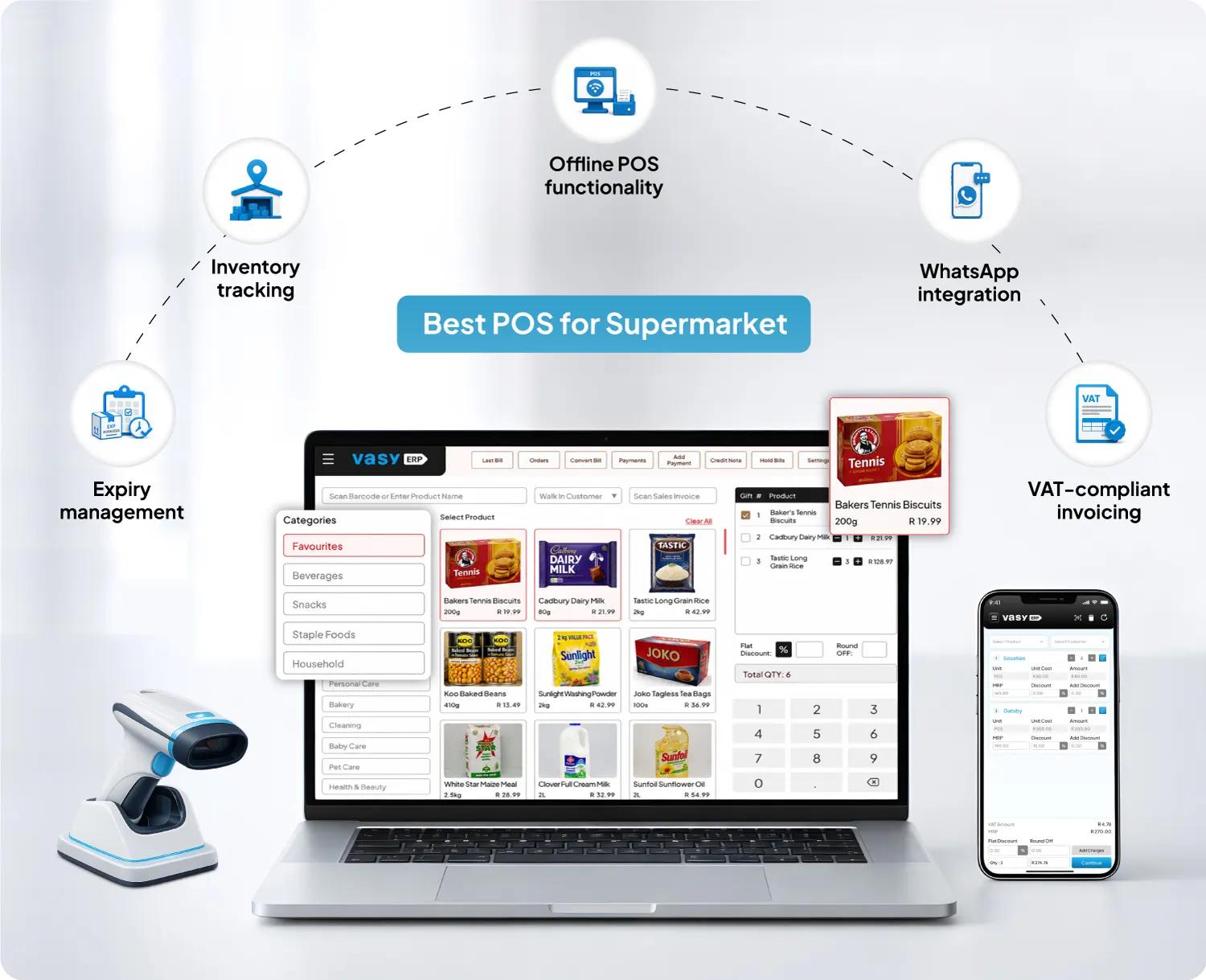
VasyERP connects POS billing with inventory, purchasing, accounting, customer management, online selling, and reporting. Its hybrid POS keeps billing available during an internet interruption and synchronises the data after the connection is re-established.
VasyERP also supports image-based item selection, mPOS billing, loyalty programmes, central product data, and role-based access. The platform includes negative-stock controls for transfers, VAT-based documents for outlet movements, bulk price changes across product variants, and combined coupon and bill discounts.
Multi-UOM stock visibility also helps supermarkets manage products bought by the case and sold by the pack or individual unit. V-Checkout gives stores a QR-based self-checkout option where customers can scan products on a mobile device and complete payment online.
Pros:
- Connects checkout, inventory, purchasing, accounting, customer tools, and reports in one platform
- Supports barcode and scale billing, hybrid operation, multiple outlets, and central stock visibility
- Gives growing retailers room to add branches, online orders, loyalty, and deeper financial control
Cons:
- Staff may need role-based training across POS, inventory, purchasing, and accounts
- Store-specific customisations depend on technical feasibility
- Adopting several modules together requires more implementation planning than setting up billing alone
Pricing:
- Custom pricing
2. Bizzfo
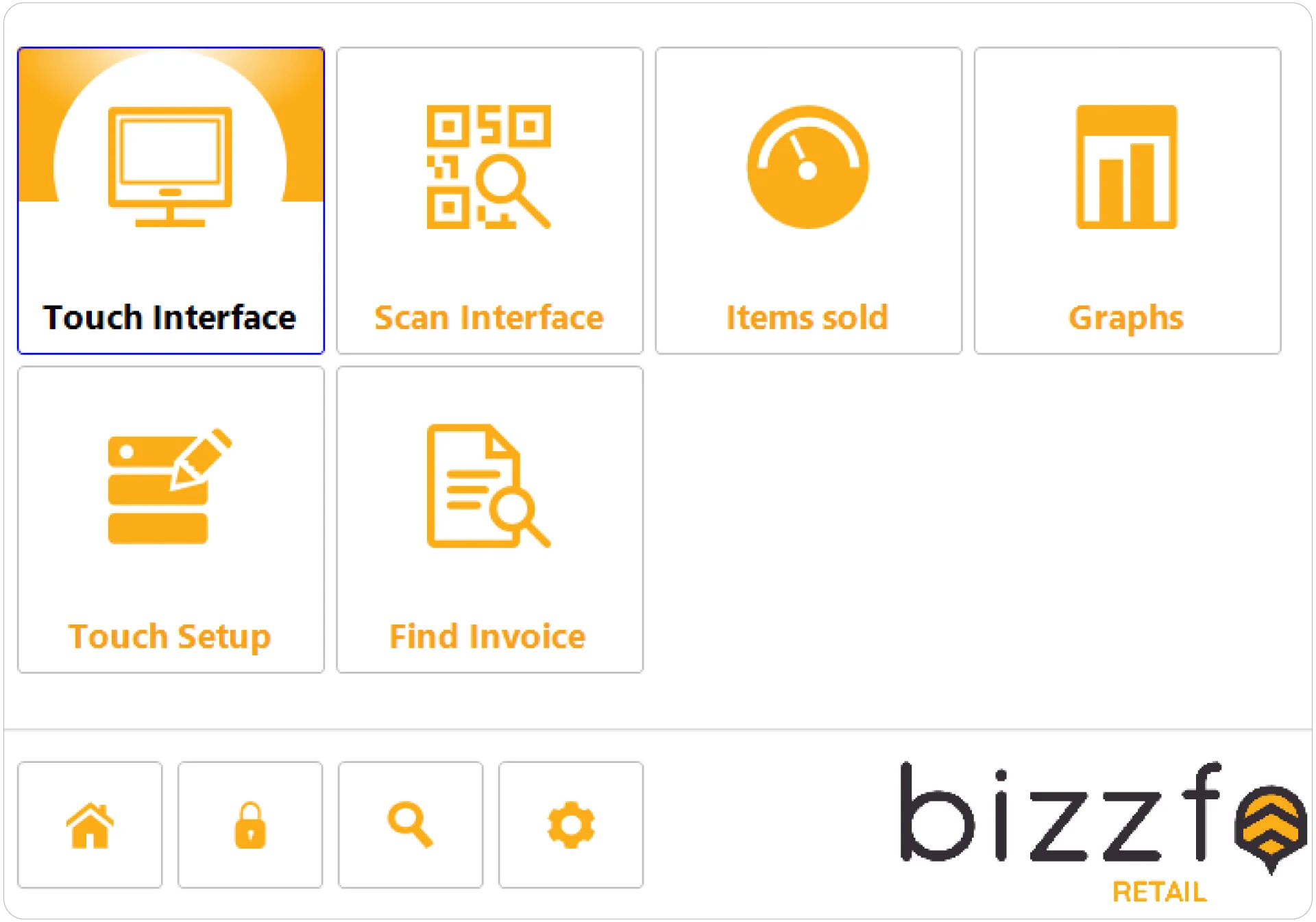
Bizzfo brings POS, integrated payments, inventory, loyalty, online ordering, delivery workflows, and reporting into one South African platform. It works on Windows and Android, supports offline selling, and provides multi-user permissions, promotions, refunds, stock takes, low-stock alerts, and multi-branch inventory.
A locally supported POS for small grocery store operations can make setup and ongoing assistance easier. Convenience retailers can also connect in-store and online orders. Test scales, batches, expiry controls, and purchasing with your own catalogue.
Pros:
- Provides South African support and locally relevant payment and retail workflows
- Connects in-store sales, online ordering, inventory, loyalty, and branch reporting
- Supports offline operation, staff permissions, promotions, and stock adjustments
Cons:
- No native iOS or macOS version is listed
- Integrated payments are centred on AddPay
- Cancellation requires 30 days’ written notice
Pricing:
- Custom pricing
3. iK POS
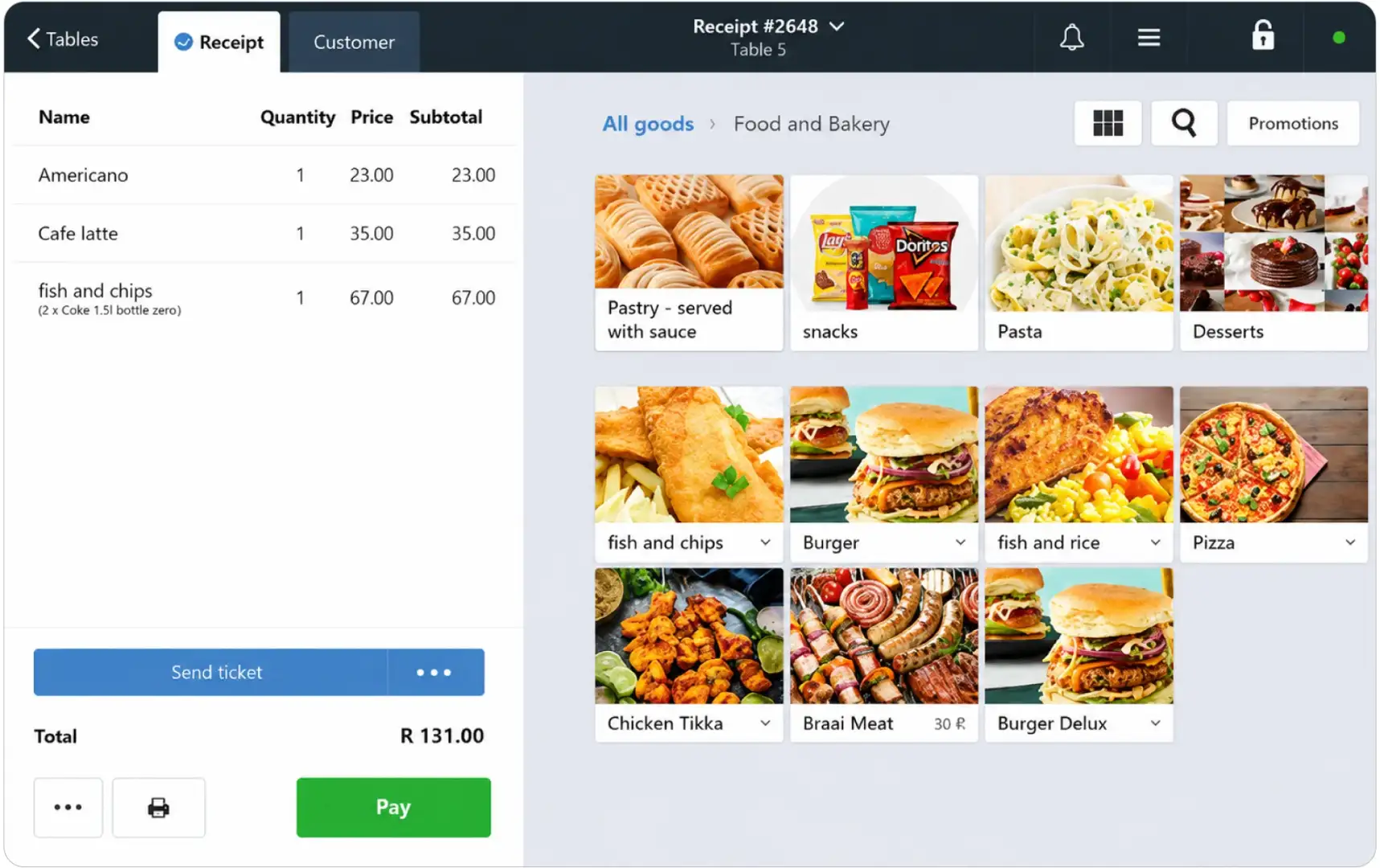
iK POS combines a touchscreen, a built-in receipt printer, Wi-Fi, Bluetooth, and mobile connectivity. Its Poster software handles sales, stock, suppliers, promotions, loyalty, staff access, and live reporting.
The business package supports one licence and up to 3,000 retail products. Pro includes two licences and supports up to 15,000 products.
This setup suits a POS for a small grocery store with a controlled catalogue. It also gives convenience teams a compact till and remote reporting. Card payments require a separate iKhokha card machine.
Pros:
- Combines the main till hardware in one compact terminal
- Publishes clear monthly prices, licence limits, and product limits
- Includes inventory checks, loyalty, promotions, staff management, and remote reporting
Cons:
- Card payments require a separate iKhokha device
- Product limits apply to both Business and Pro plans
- Licence payments must run through automated debit order
Pricing:
- Hardware: R9,999
- Business: R660 per month
- Pro: R960 per month
4. Easi POS
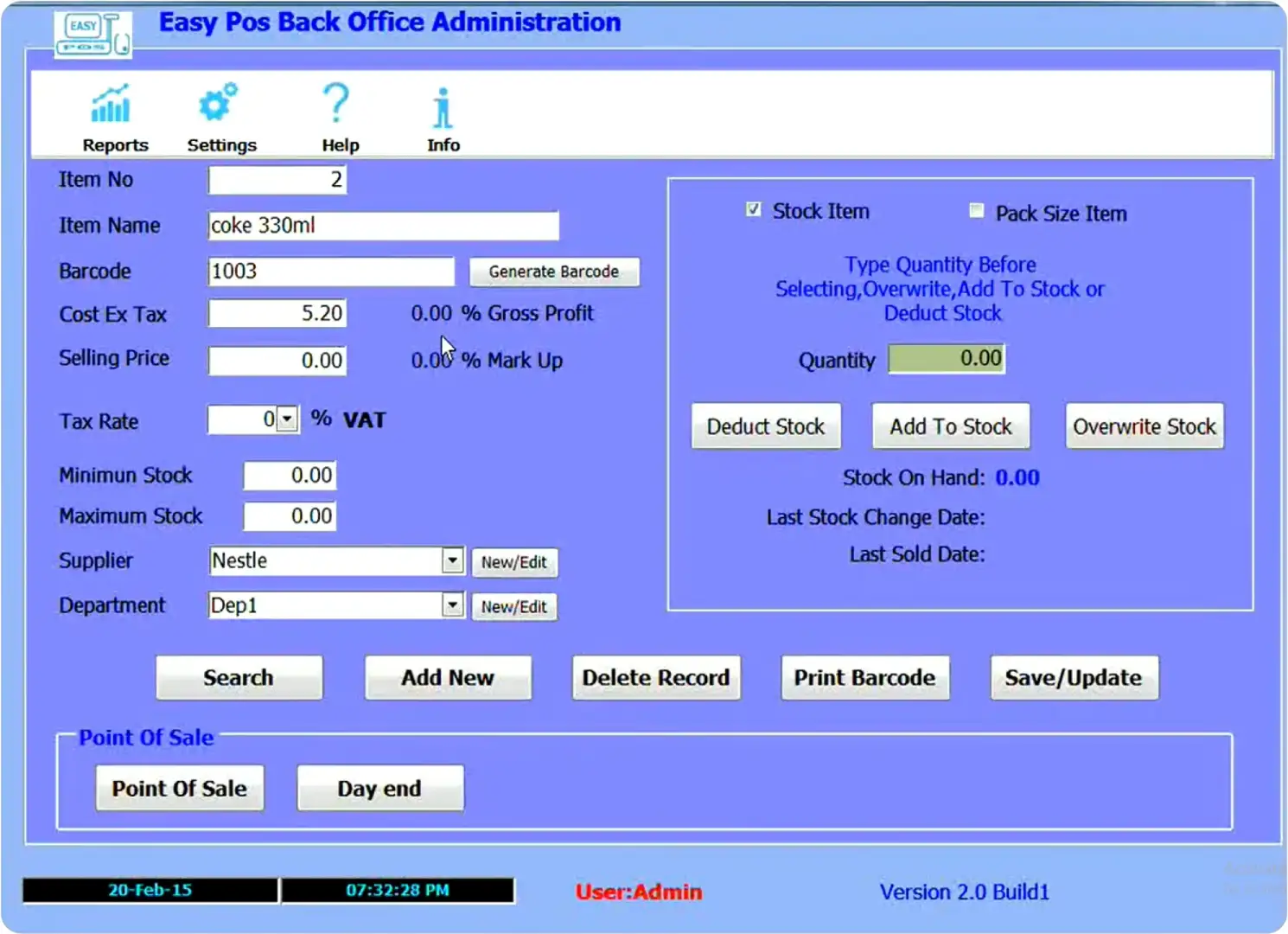
Easi POS from retail systems focuses on straightforward offline billing for smaller South African retailers. The software handles barcode sales and basic stock control without requiring an internet connection for daily transactions. Retail Systems also supplies complete counter packages and remote setup support.
The system suits a price-sensitive POS for small grocery store setups. Before buying, confirm scale compatibility, backups, updates, extra tills, payments, and central reporting.
Pros:
- Keeps daily billing available without an internet connection
- Uses a one-off software and hardware approach instead of monthly software fees
- Provides local hardware packages, delivery, and remote setup assistance
Cons:
- It lacks the same browser-based access as a cloud POS
- An annual software licence fee still applies
- Support can cost extra on hardware bought elsewhere
Pricing:
- One-off package price + annual fee
5. Lightspeed Retail
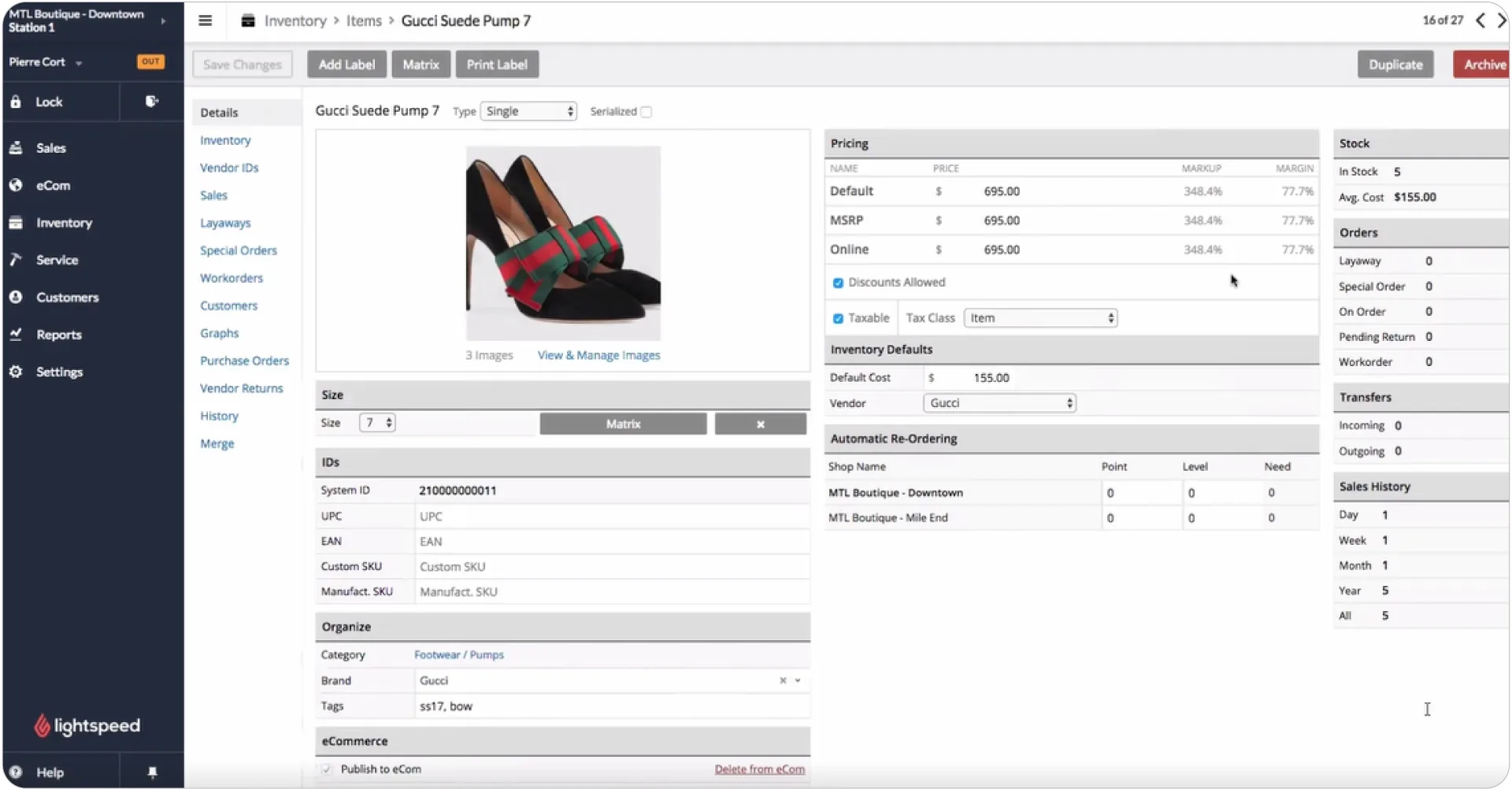
Lightspeed Retail manages inventory, suppliers, purchase orders, stores, registers, customer data, e-commerce, and reports from one platform. Separate outlets maintain their own stock levels, while transfers and consolidated information support multi-location retail.
In South Africa, Lightspeed Retail X-Series connects with Yoco for integrated card payments and reconciliation. Supermarkets should confirm scale support, expiry handling, onboarding, and the cost of each register and outlet.
Pros:
- Handles detailed inventory, suppliers, purchase orders, and multiple locations
- Connects physical retail with e-commerce and customer information
- Supports integrated Yoco payments for South African Retail X-Series users
Cons:
- Yoco integration is limited to the retail X-Series on iPad
- Extra outlets require additional licences
- Some Xero stock entries still need manual handling
Pricing:
- Custom pricing
6. Square for Retail
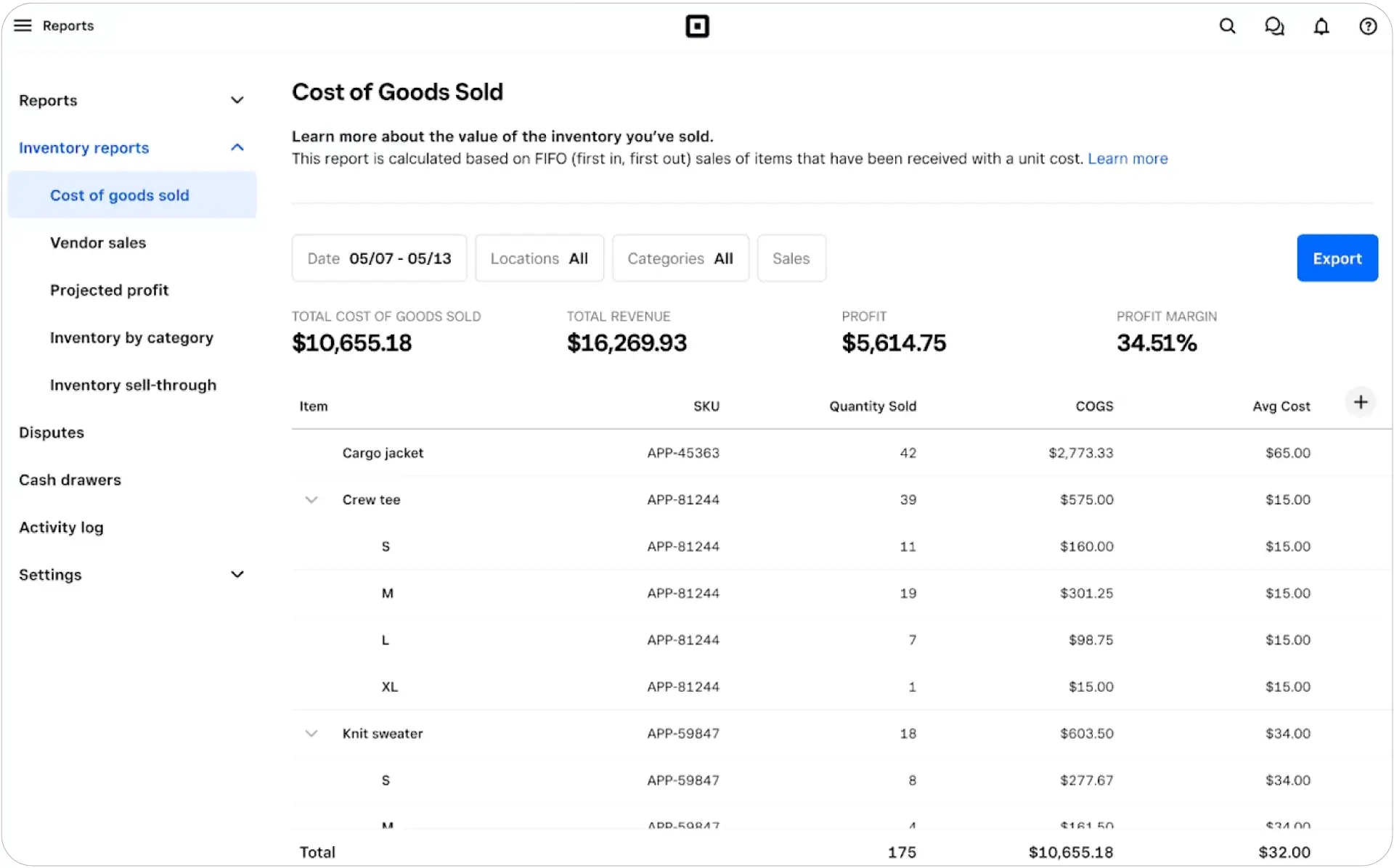
Square for retail combines checkout, products, customers, online selling, staff tools, and payments in supported markets. Square for retail has a straightforward checkout screen and useful tools for products, customers, staff, and online orders. However, Square does not provide its card-processing service in South Africa.
That limitation removes the main benefit of using Square as a grocery store point of sale software in South Africa. Record-keeping remains possible, but payments and local hardware stay disconnected.
Pros:
- Provides an approachable checkout interface and product-management tools
- Connects customer profiles, online sales, and payments in supported markets
- Has a large international software and hardware ecosystem
Cons:
- Square payments are unavailable in South Africa
- Square hardware is country-restricted
- It does not offer a local ZAR payment setup
Pricing:
- Square Plus: $49 per month
- Square Premium: $149 per month
7. LOC ThriVersA
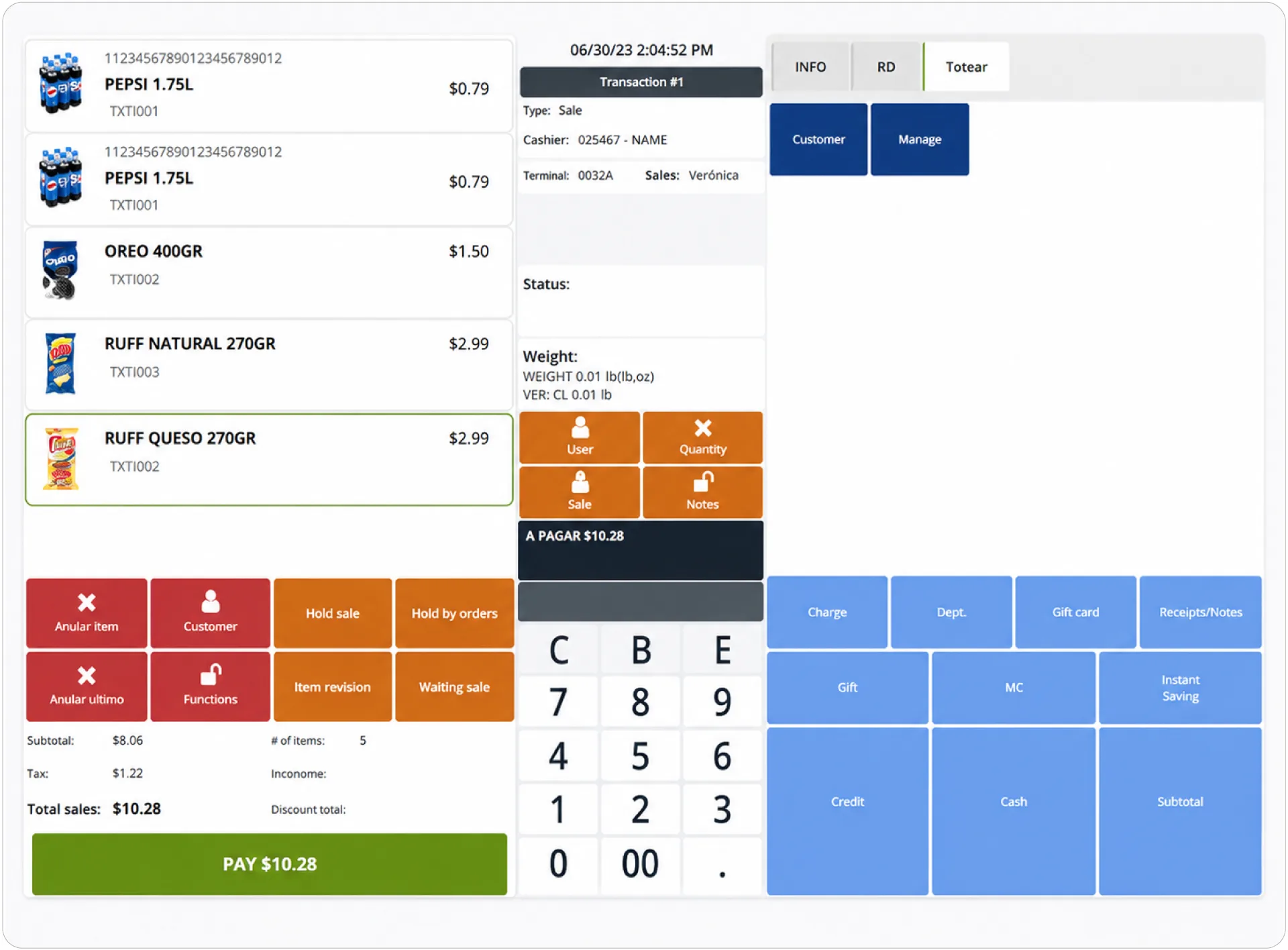
LOC ThriVersA is grocery store point of sale software for high-volume food and convenience retail. It covers counter, mobile, online, and self-service checkout, along with scales, inventory, purchasing, receiving, transfers, labels, cash management, promotions, loyalty, and e-commerce.
The platform can support an established POS system for convenience store chains. South African buyers should confirm local implementation, VAT, payments, hardware partners, and support before shortlisting it.
Pros:
- Covers specialist grocery functions such as scales, replenishment, promotions, and prepared-food workflows
- Supports counter, mobile, online, delivery, and self-checkout channels
- Gives larger operators control over purchasing, inventory, loyalty, cash, and store data
Cons:
- A complete setup may require several separate modules
- Deployment follows a managed implementation process
- Some extended functions rely on partner applications
Pricing:
- Custom pricing
Intresting Fact Global Payments Report places global POS transaction value at nearly $28.5 trillion in 2025 across the 42 markets it covers. The scale of in-store payments increases the value of reliable checkout, reconciliation, and payment reporting.
Source:WorldPlay
How to Choose the Right Supermarket POS in South Africa
The best POS system for grocery store operations should fit daily store work. Follow one demo transaction from checkout into stock, accounts, and reports.
1. Test Real Checkout Tasks
Ask the vendor to bill barcoded goods, weighed produce, multipacks, returns, discounts, and split payments. Grocery store point of sale software should handle these tasks without unnecessary screens.
2. Follow Stock From Delivery to Sale
Check receiving, stock counts, damaged goods, transfers, batches, expiry dates, and multiple units. A store may buy juice by the case and sell it by the bottle, so both quantities must stay connected.
3. Check Local VAT and Payment Support
Confirm VAT, tax invoices, returns, credit notes, ZAR reports, and accounting exports. Payments should produce clear cash-up and reconciliation records.
4. Plan for Outages and Growth
A POS for small grocery store operation may have only one checkout point. Ask what works offline, how data synchronises, and what extra tills or branches will cost.
5. Compare the Full Cost
Include software, hardware, scanners, scales, printers, payment fees, migration, training, support, and future licences. Essential add-ons can change the final cost.
How VasyERP Can Improve Grocery Store Efficiency
The best POS for supermarket operations should keep the counter and back office working from the same information. VasyERP connects billing, inventory management software, purchases, payments, accounts, customer records, and reports, reducing the need to correct the same figures in several places.
VasyERP also supports hybrid billing, image-based item selection, fast and slow stock reporting, damaged and expired stock tracking, and branch-level visibility. Negative-stock rules, VAT-based outlet transfers, multi-variant price changes, combined discounts, and bank reconciliation give managers tighter control beyond checkout.
Retailers comparing the best POS system for grocery store growth can manage checkout, stock, purchases, payments, and accounts through the same platform. Cashiers get a practical billing flow, while managers can follow stock, payments, suppliers, accounts, and branches in one system.
Last Updated on July 22, 2026