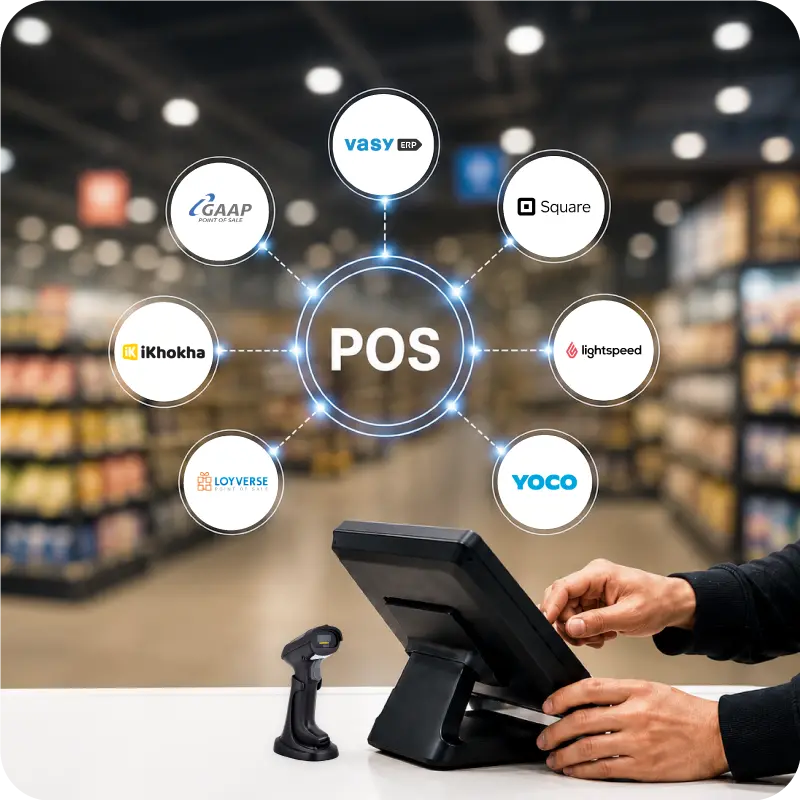
Quick Summary:
Choosing the best inventory management software starts with knowing how your business handles stock every day. South African businesses often need better control across branches, cleaner warehouse visibility, smoother purchasing, and reporting that helps teams act faster.
You'll walk away knowing:
- What inventory management software does, how it works, and who typically uses it
- Which software options are best for retail, D2C, wholesale, warehouse, and manufacturing needs
- How to compare tools based on usability, reporting, integrations, and long-term fit.
For many South African businesses, stock issues begin long before a warehouse check. Problems usually show up when purchasing, sales, billing, transfers, and reporting sit in separate systems. That leads to delayed updates, stock mismatches, manual corrections, and buying decisions based on incomplete information.
The best inventory management software gives businesses one place to manage stock activity across the business. With stock management software, teams can check current stock levels, prepare reorders on time, and follow stock movement across stores, warehouses, and online sales channels.
What is Inventory Management Software?
Inventory management software is a digital system used to record, track, control, and update stock across daily business operations. It can manage item masters, stock receipts, warehouse transfers, barcode-based movements, reorder planning, stock counts, and valuation in one place.
In day-to-day use, the system follows real stock activity. When goods are purchased, sold, transferred, returned, counted, or adjusted, stock levels update automatically. A stronger warehouse stock management system can also connect purchasing, fulfilment, reporting, and multi-location stock visibility.
Its use depends on the business. Retailers use it for fast-selling stock. D2C brands use it to handle orders from different channels. Wholesalers use it to manage replenishment. Manufacturers use it to track materials against production. Businesses with more than one branch use it to view stock across locations.
Quick Glance at Top 10 Inventory Management Tools for South Africa
| Tools | Best For | Key Features |
|---|---|---|
| VasyERP | Retail, D2C, distribution, multi-location operations | Barcode-led tracking, offline and online stock sync, mobile stock verification |
| Zoho Inventory | SMBs and growing online sellers | Barcode and RFID support, batch and serial tracking, UoM conversion |
| Katana | Small manufacturers and product brands | Real-time stock visibility, auto stock movements, omnichannel order sync |
| CIN7 | Multichannel commerce and connected inventory operations | Real-time visibility, AI demand forecasting, lot and serial tracking |
| QuickBooks | Accounting-led businesses with lighter inventory needs | Auto-updating stock, stock value and COGS tracking, advanced barcode and bin tools |
| NetSuite ERP | Larger businesses with complex inventory flows | Multi-location fulfilment, cycle counting, consignment inventory |
| Xero | Small businesses wanting simple stock control inside accounting | Real-time stock tracking, item-based invoices and POS, sales visibility |
| Square for Retail | Retailers that want POS-led inventory control | Low-stock alerts, vendor and PO support, stock adjustments by reason |
| Oracle Fusion Cloud | Enterprises with broad supply chain complexity | Barcode-enabled transactions, replenishment automation, serial and lot tracking |
| SYSPRO | Manufacturing and distribution businesses | Multi-warehouse visibility, automated replenishment, goods-in-transit tracking |
Top 10 Best Inventory Management Software
The tools below suit different kinds of businesses, so the best inventory control software for one company may be too limited or too heavy for another.
1. VasyERP
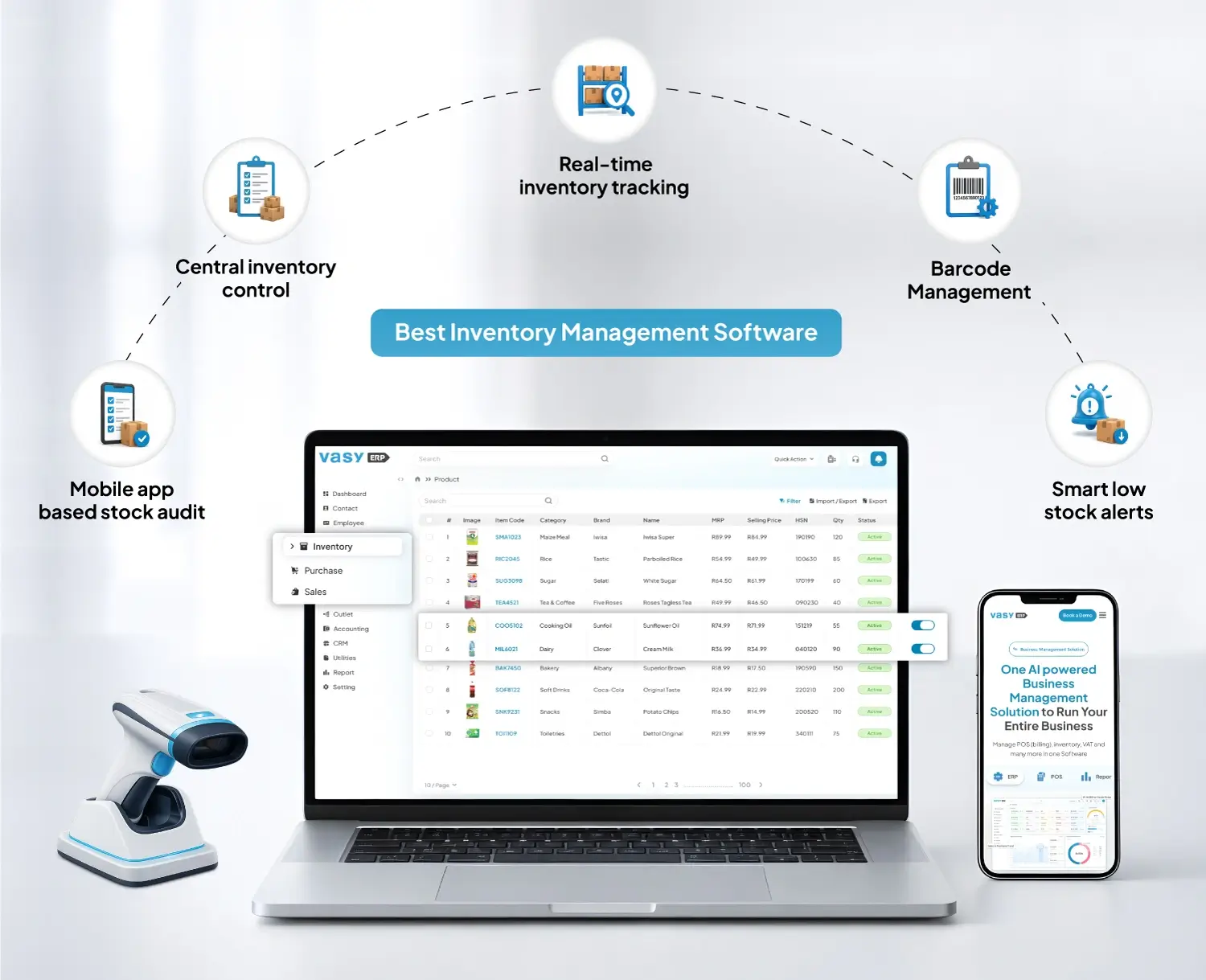
VasyERP is built for businesses that want stock control connected to daily operations, not managed in a separate tool. It brings inventory, POS, ERP, accounting, CRM, and omnichannel functions into one system, which makes it more useful for retailers, distributors, and fast-moving businesses than for companies that only need a basic stock tracker.
For inventory, VasyERP focuses on the areas that usually get harder as a business grows. These include online and offline stock sync, barcode-led tracking, supplier mapping, stock verification, expiry handling, and multi-location visibility. That makes it a stronger choice for businesses managing branches, warehouses, godowns, and fast-moving stock.
Pros:
- Strong for multi-location operations
- Connects stock with wider business functions
- Covers barcode and verification workflows well
Cons:
- May be too broad forvery smallbusinesses
- Better for growing operations than basic stock tracking
- Less suitable for businesses wanting only a narrow inventory tool
Key Features:
- Real-time inventory tracking with barcode management
- Offline and online inventory sync
- Mobile app-based stock audit and verification
- Smart low-stock alerts and automated reorder planning
2. ZOHO Inventory
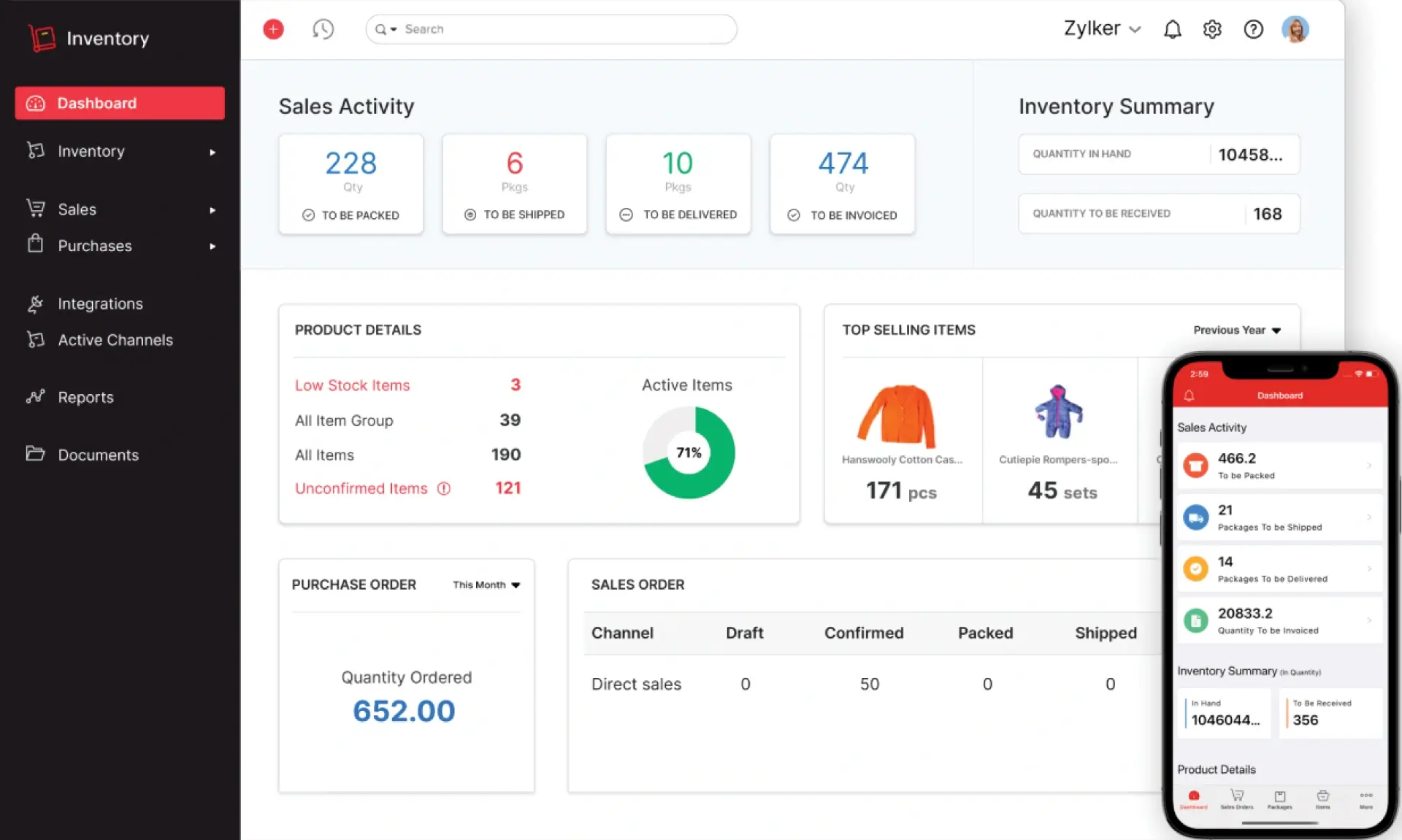
Zoho Inventory is a cloud-based stock and order management tool for SMBs that sell through multiple channels and want better control over items, warehouses, shipping, and fulfilment.
It combines inventory, order handling, barcode and RFID support, composite items, and replenishment features in a way that is easier to manage than a full ERP. That makes it a practical option for online sellers, distributors, and growing businesses moving beyond spreadsheets.
Pros:
- Good for multichannel selling
- Easier to use than heavier systems
- Useful batch and item control features
Cons:
- Some stronger features sit in higher plans
- Less suited to deeper production workflows
- Advanced warehouse needs may outgrow it
Key Features:
- Barcode and RFID-based stock tracking
- Batch and serial number tracking
- UoM conversion for flexible selling and stocking
3. Katana
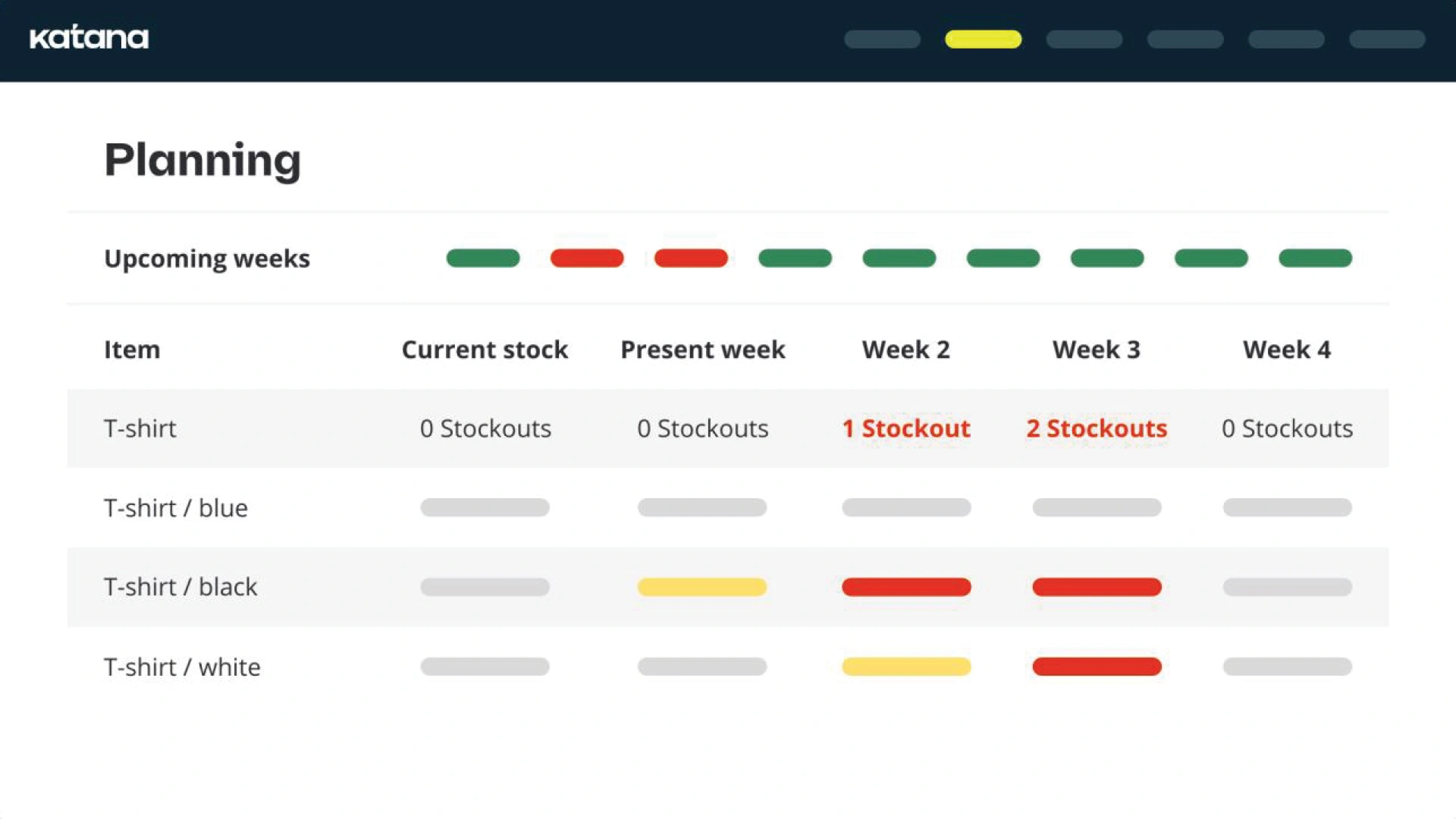
Katana is built for manufacturers and product businesses that need inventory linked closely to production. Its main strength is visibility across raw materials, work in progress, outsourced production, and finished goods.
It also supports automated stock movements, make-to-stock workflows, and shop floor control, which makes it a better fit for makers and D2C product brands than for regular retail businesses.
Pros:
- Strong for manufacturing workflows
- Clear view of materials and finished stock
- Useful for in-house and outsourced production
Cons:
- Less suited to retail branch operations
- Best for businesses with production workflows
- Finance usually depends on integrations
Key Features:
- Real-time inventory visibility across products and materials
- Automated stock movements
- Omnichannel order sync across sales channels
4. CIN7
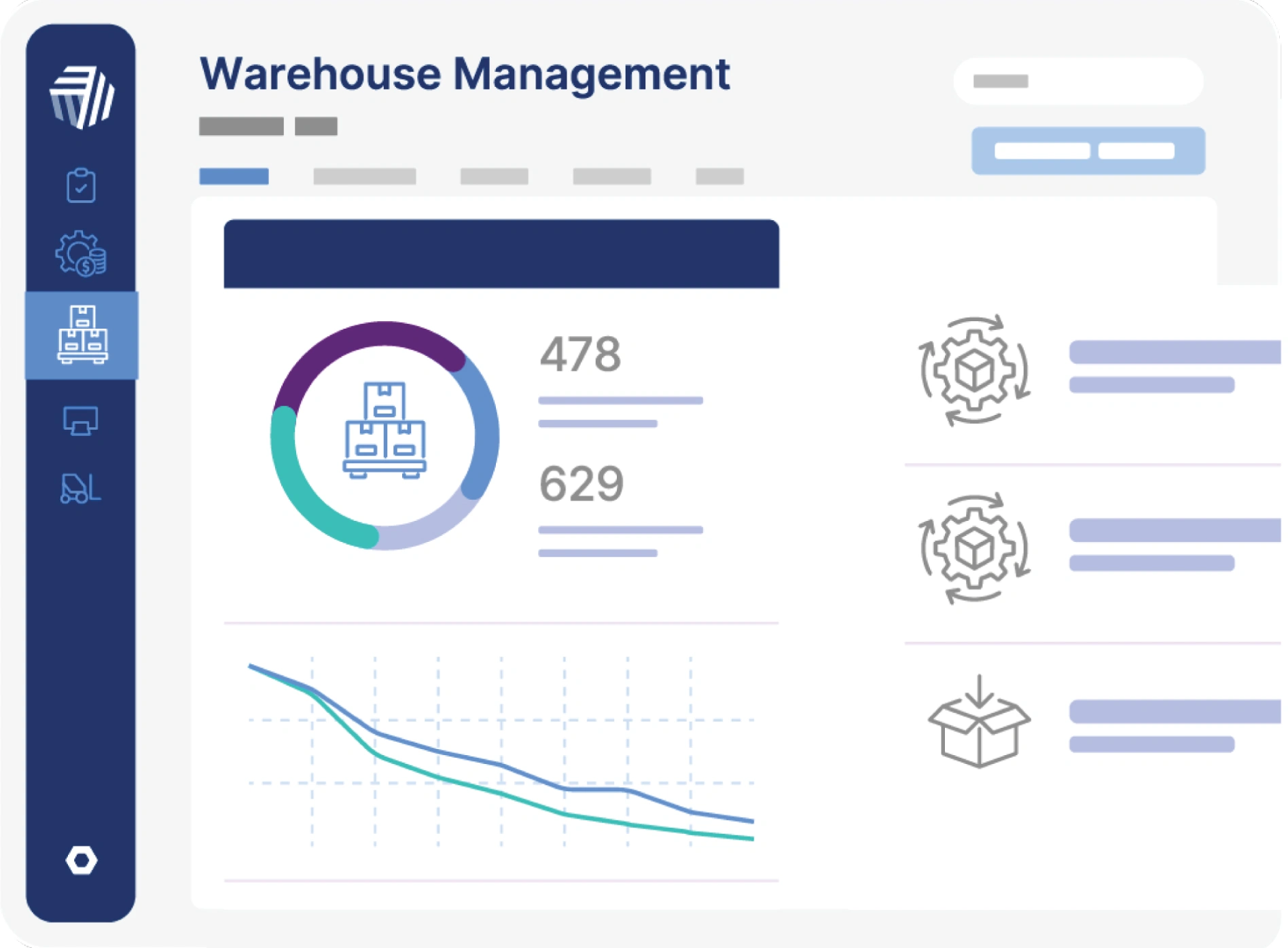
Cin7 is designed for businesses that need inventory connected across e-commerce, wholesale, warehouses, fulfilment, EDI, and third-party logistics.
It combines multi-channel stock visibility with AI forecasting, automatic purchase order generation, and links to 3PL and EDI workflows. That makes it a good fit for growing commerce businesses that want stock, sales channels, and fulfilment partners connected in one system.
Pros:
- Strong for multichannel operations
- Good forecasting and replenishment tools
- Useful built-in EDI and 3PL links
Cons:
- Can be too complex for smaller setups
- Best value comes from using advanced features
- Heavier setup than lighter SMB tools
Key Features:
- Real-time inventory visibility across channels and warehouses
- AI demand forecasting
- Lot, batch, and serial tracking for compliance and traceability
5. QuickBooks
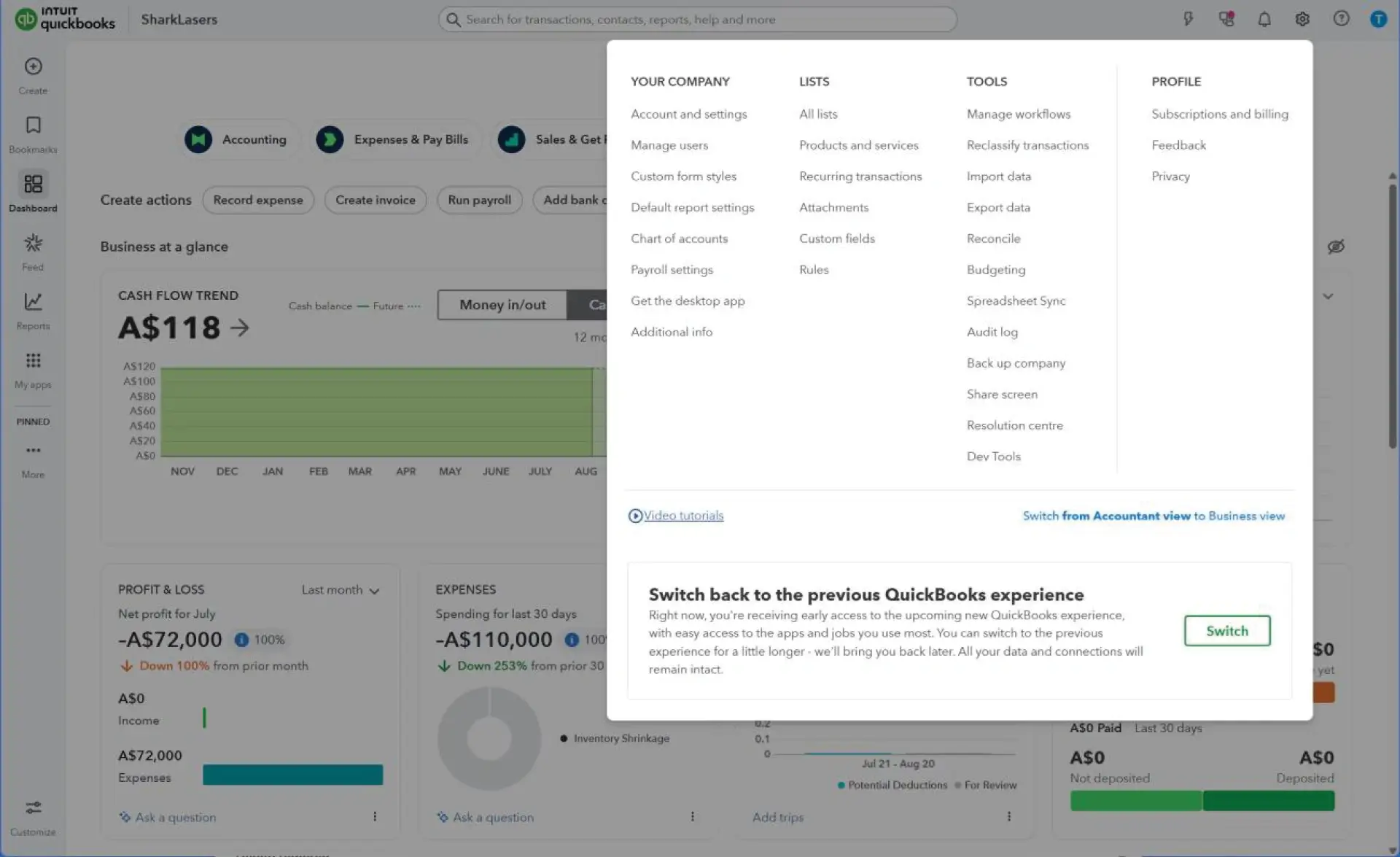
QuickBooks works best as an accounting-led inventory option rather than a warehouse-first platform. In QuickBooks Online, stock values stay linked to purchasing and COGS.
The deeper inventory controls, such as multi-location tracking, bins, lot tracking, serial tracking, and barcode support, sit inside QuickBooks Desktop Enterprise Advanced Inventory. That makes QuickBooks a reasonable fit for businesses already working in the Intuit ecosystem, but the best fit depends on how advanced the inventory requirement is.
Pros:
- Keeps stock and financeclosely linked
- Familiar when it comes to accounting-led businesses
- Enterprise tier adds stronger inventory controls
Cons:
- Advanced inventory sits in higher-tier products
- Limited when it comes to broader operational workflows
- Less suited to complex distribution setups
Key Features:
- Auto-updating inventory quantities
- Real-time stock value and COGS tracking
- Barcode, bin, serial, and lot tools in Advanced Inventory
6. NetSuite ERP
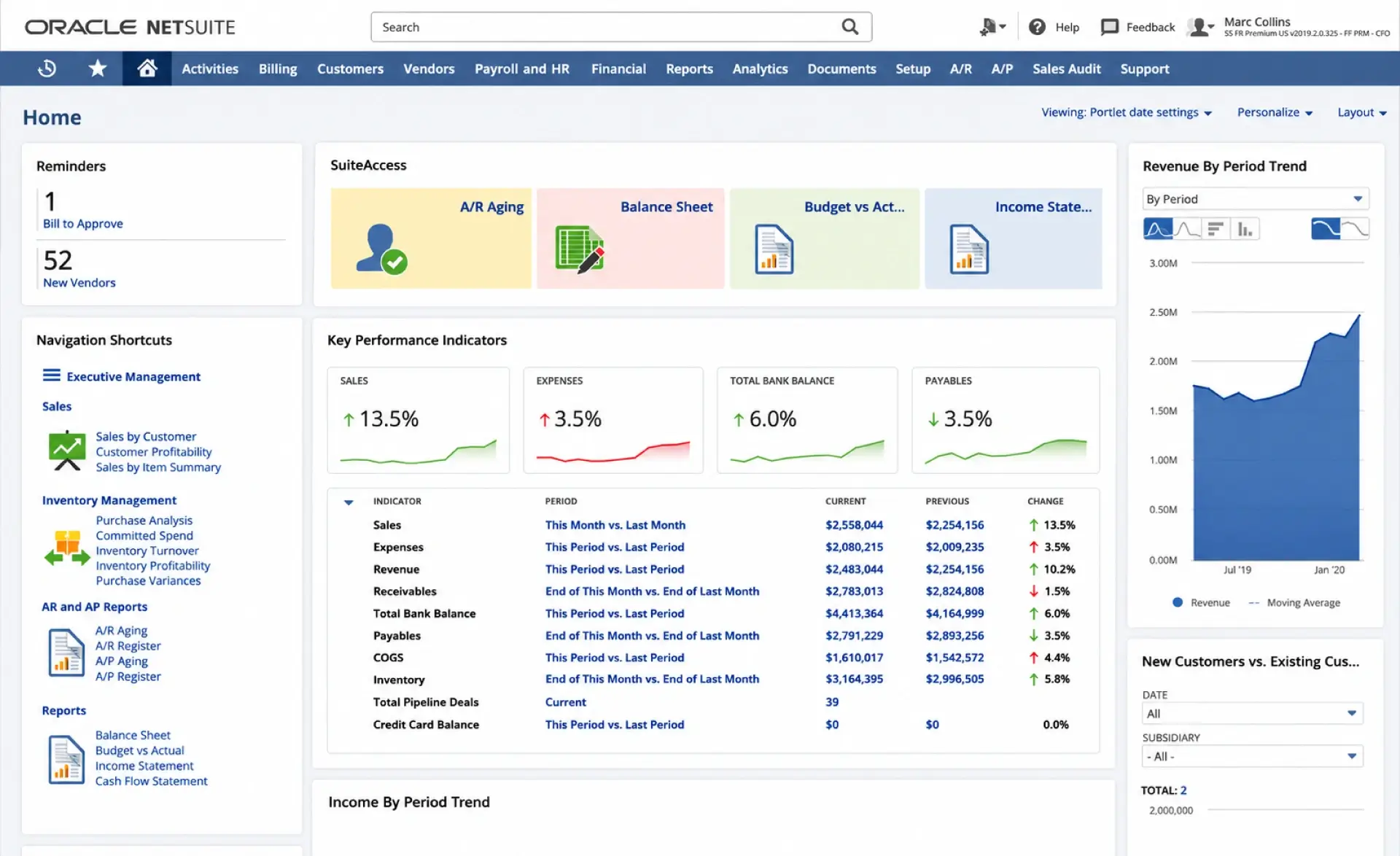
NetSuite ERP is a broader ERP platform with a mature inventory layer for businesses managing multiple locations, fulfilment complexity, and tighter counting and traceability controls.
Its inventory features include multi-location fulfilment, replenishment, cycle counting, consignment inventory, and location-based stock visibility. It suits larger or more complex organisations better than businesses simply looking for a quick stock tool.
Pros:
- Strong for multi-location control
- Good fit for complex fulfilment
- Deeper traceability and counting tools
Cons:
- Can be too much for smaller businesses
- Usually needs a more structured rollout
- Best suited to wider ERP adoption
Key Features:
- Multi-location fulfilment
- Cycle counting
- Consignment inventory support
7. Xero
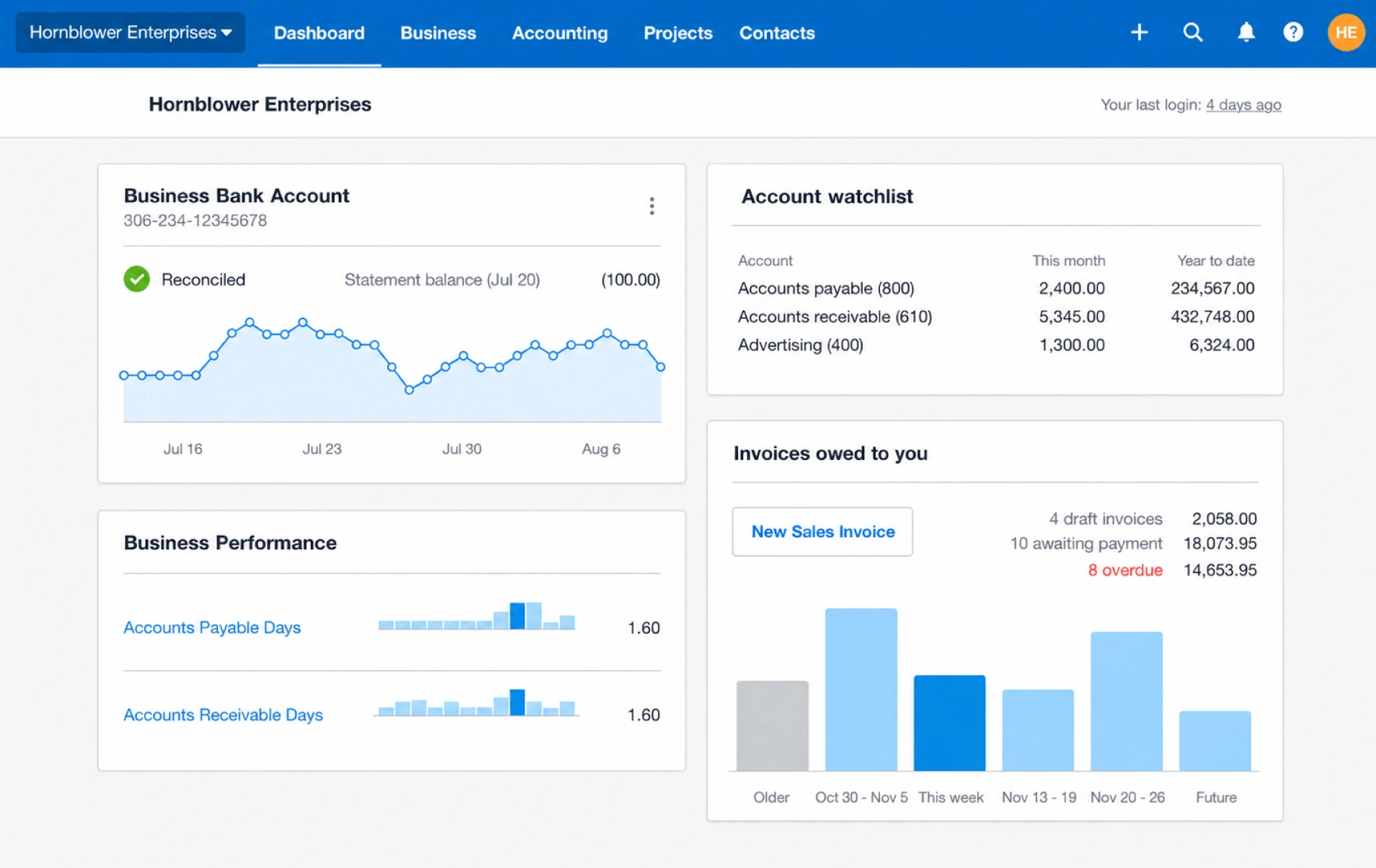
Xero is a finance-first option with built-in inventory for smaller businesses that want stock, purchasing, and billing kept together. Its native tools let users track stock in real time, reuse item details in invoices and purchase orders, and update stock counts and COGS as sales and purchases happen.
It works well for smaller operations, but businesses with more advanced inventory needs often need an add-on.
Pros:
- Simple for smaller teams
- Keeps stock close to invoicing and purchasing
- Useful for repeat item-based billing
Cons:
- Advanced inventory often needs third-party apps
- Not built for deeper warehouse control
- Limited for complex stock workflows
Key Features:
- Real-time stock tracking
- Item details flowing directly into invoices and purchase orders
- Visibility into what is selling best
8. Square for Retail
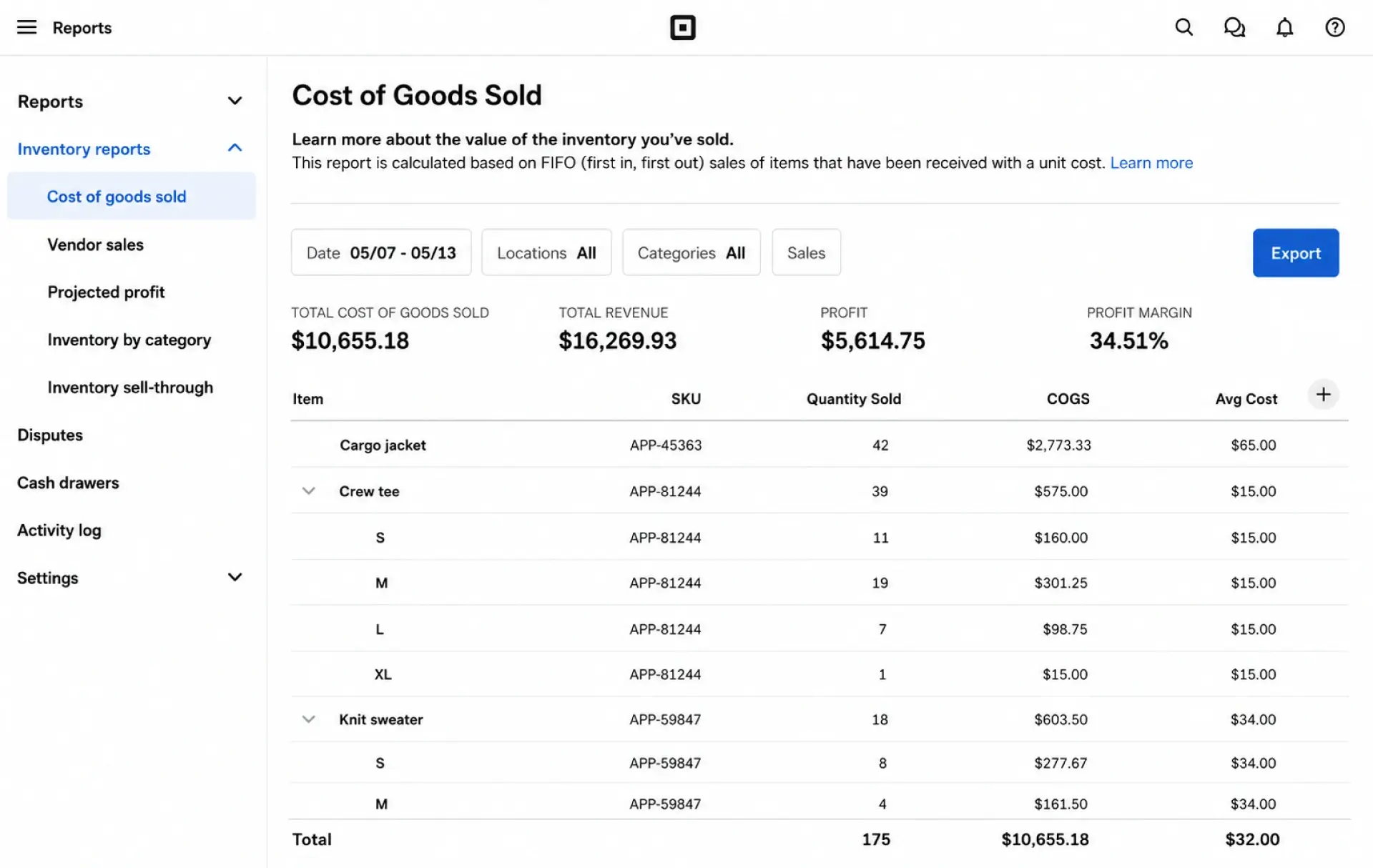
Square for Retail is a retail-first inventory system built around the POS. It works best for businesses that want stock, checkout, online sales, barcode labels, purchase orders, vendor profiles, and stock counts connected inside one retail setup.
Features such as real-time stock sync, inventory history, sell-through reporting, and camera-based stocktakes make it especially useful for retailers that want speed and ease of use without moving to a full ERP.
Pros:
- Strong fit for shop-floor retail
- Keeps sales and stockclosely linked
- Good range of retail inventory tools
Cons:
- Not built as a full ERP-style inventory system
- Better features depend on higher plans
- Less suited to manufacturing or distribution
Key Features:
- Low-stock alerts and stock-level reporting
- Vendor and purchase order support
- Stock adjustments by reason across locations
9. Oracle Fusion Cloud
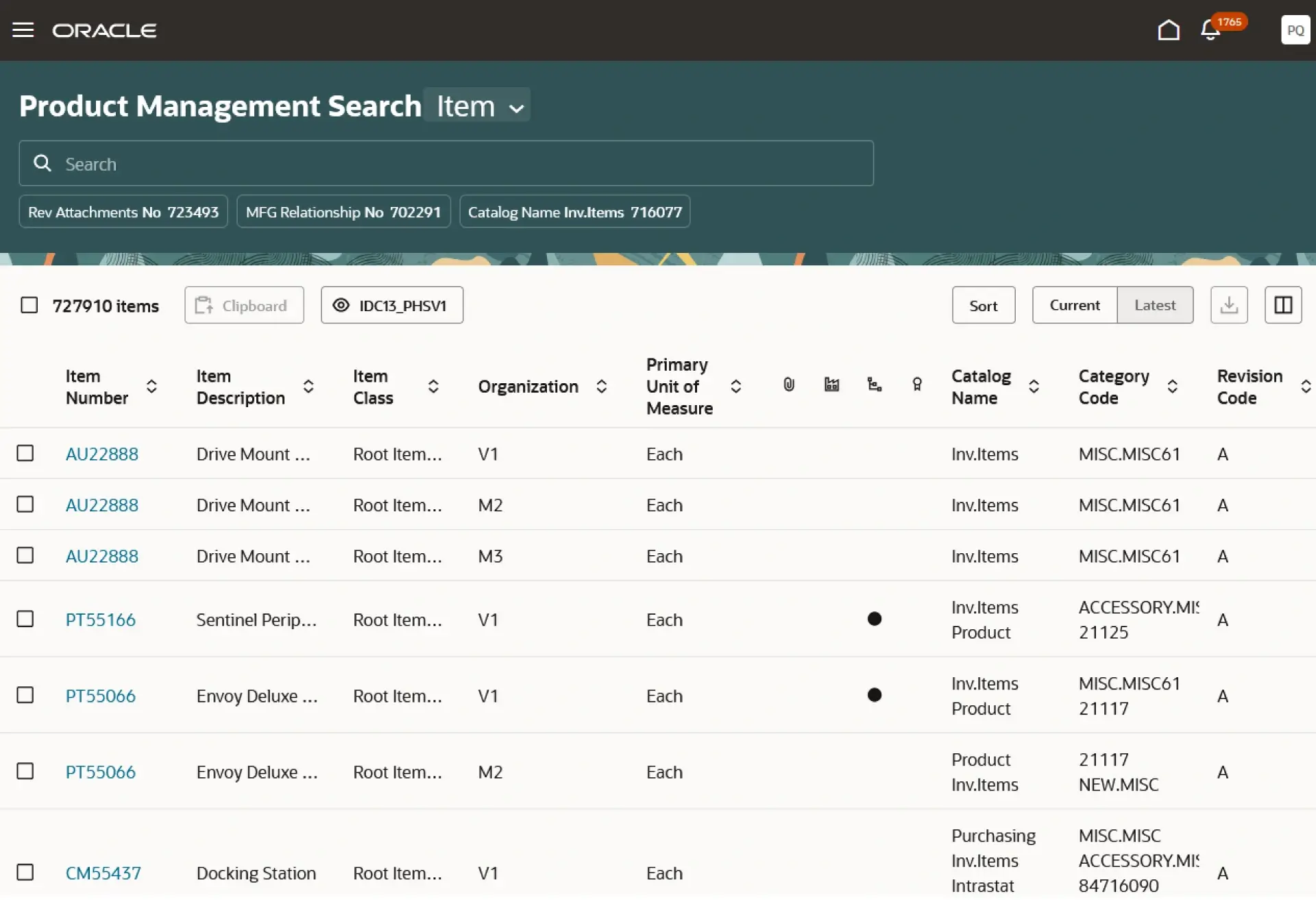
Oracle Fusion Cloud is built for structured supply chain environments where inventory accuracy depends on task control, warehouse discipline, and detailed transaction handling.
It supports task assignment for counts and deliveries, LPN-based handling for receiving and transfers, and mobile barcode-enabled flows for warehouse work. It suits enterprise businesses that need process-level control inside inventory operations.
Pros:
- Strong for process-heavy warehouse environments
- Detailed handling with LPN-based workflows
- Good mobile and barcode transaction support
Cons:
- Heavier in cost and administration than mid-market tools
- Best for disciplined warehouse processes
- Less suitable for simple stock projects
Key Features:
- Barcode-enabled inventory transactions for receiving, put away, picking, and cycle counting
- Automated replenishment across locations
- Serial and lot tracking for traceability
10. SYSPRO
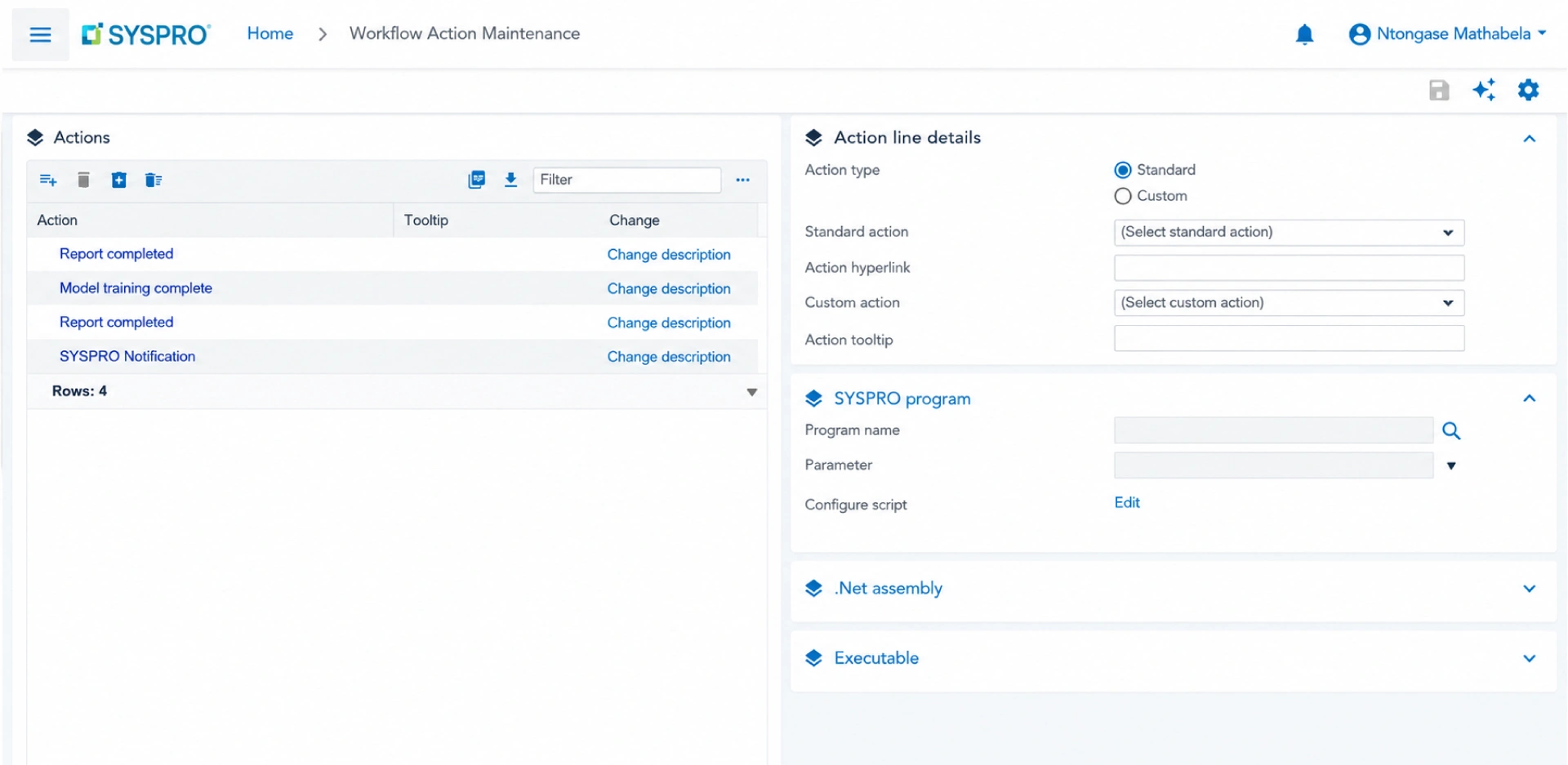
SYSPRO is a long-established ERP option for manufacturing and distribution businesses. It remains relevant where warehouse control, replenishment, and stock visibility need to remain closely linked with wider operations.
Its inventory features focus on real-time stock control across multiple warehouses, replenishment, safety stock, landed costs, available-to-promise visibility, and goods in transit.
Pros:
- Useful multi-warehouse depth
- Inventory control sits well inside wider ERP processes
- Useful replenishment and ATP visibility
Cons:
- Less appealing for businesses that only need light retail stock tools
- Best value comes with wider ERP use
- Can feel heavy for smaller teams
Key Features:
- Multi-warehouse stock visibility
- Automated replenishment and safety stock support
- Goods-in-transit tracking
How to Choose the Right Inventory Management Software
A South African business should compare product depth, branch structure, warehouse needs, VAT-linked processes, and how well the software fits daily work.
1. Budget & Licensing Model
Check whether pricing changes by users, branches, warehouses, transactions, or advanced modules, and whether the quote is in rand or a foreign currency.
2. Integrations
Check how well it links with accounting, e-commerce, POS, barcode workflows, courier tools, and supplier processes.
3. Ease of Use for Staff
Even strong software can fall short if store teams, warehouse staff, and finance users struggle with daily tasks. Clean usability saves time and reduces mistakes.
4. Customisability
Check how workflows for approvals, item categories, batch handling, internal processes, or reporting can be adjusted without making the system messy.
5. Reporting & Analytics
It should help teams track ageing, fast movers, slow movers, reorder needs, valuation, and branch-wise performance.
6. Scalability as You Grow
A system that works at one location may become harder to manage when the business expands to more branches, online channels, or more involved stock movement.
Tip: In the demo, ask them to walk through one full process, such as receiving stock, moving it to a branch, and selling it through the POS.
Benefits of Using Inventory Management Software
Effective inventory software can help teams buy more carefully, spend less time on manual updates, handle fulfilment with fewer issues, and keep a better handle on daily stock activity.
Businesses usually see clearer stock visibility, fewer out-of-stock situations, lower chances of overstocking, faster barcode-based processes, more useful reporting, tighter purchasing control, and better stock tracking across locations. For businesses comparing the best inventory management software options, those day-to-day gains are usually more useful than long feature lists.
Quick Fact Global stock turns averaged 5.3, which shows many businesses still have room to improve inventory movement and sell-through.
Source:Netstock
Free Inventory Management Software – is it Enough?
Free tools can be a sensible starting point, but the real issue is how long the software can keep up once stock, users, and sales channels start increasing.
- Good for Micro-Businesses:Free software can work when stock is limited, the team is small, and daily operations are still simple
- Lacks Scalability:Once a business adds more SKUs, users, warehouses, branches, or sales channels, free tools often start to feel restrictive
- Hidden Limitations:Restrictions often show up in integrations, reporting depth, automation, multi-location visibility, or support
- When To Upgrade:It is usually time to upgrade when stock issues start affecting cash flow, fulfilment speed, customer experience, or reporting confidence
Tip: If your team are already using separate tools for selling, purchasing, and stock counting, you are usually past the point where free software is enough.
Better Inventory Control Starts With a Connected System
Choosing inventory software depends on how the business runs day to day. For South African businesses, stock control usually works better when it connects with sales, accounting, barcode processes, warehouse activity, and reporting instead of sitting in a separate tool.
VasyERP is a practical option for businesses that want that kind of setup. It helps bring inventory into the wider flow of daily operations, with clearer visibility across locations and fewer gaps between teams. For businesses that want stronger stock control and a system that can support growth over time, VasyERP is worth considering.
Last Updated on July 3, 2026