Quick Summary:
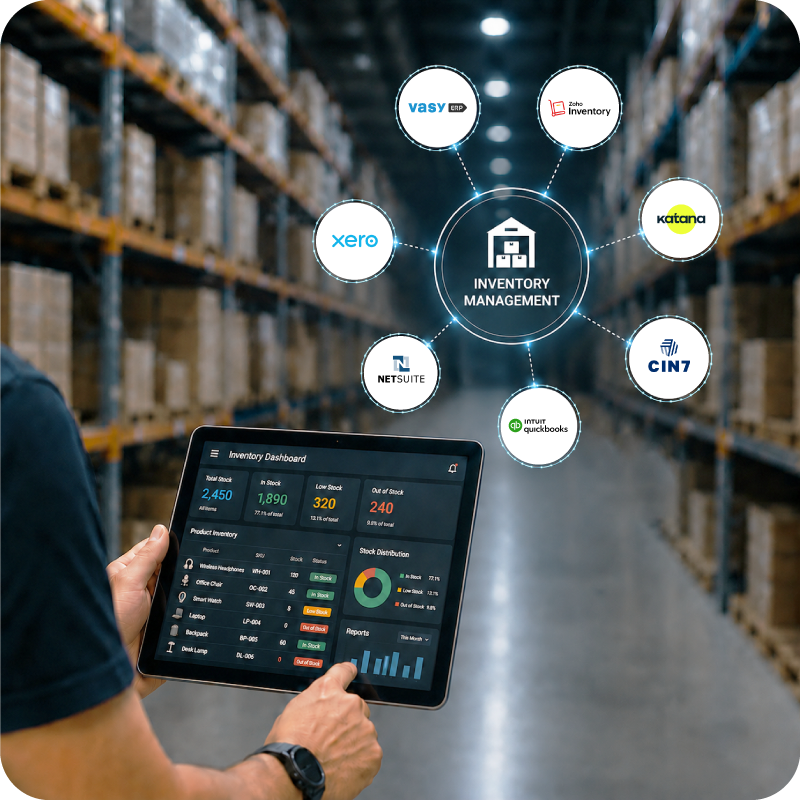
Point-of-sale systems are changing how retailers do business in South Africa. They aren't just a simple replacement for the cash register. The best POS systems can manage everything from inventory to VAT compliance and more. This guide will help you find the best solution for your business.
You'll walk away knowing:
- What a POS system is, how they work, and the various types.
- A comparison of the top POS tools available in South Africa.
- How to choose the right one for your specific setup.
Running a retail business in South Africa is just as, if not more challenging, than in other countries. Rising inflation, supply chain disruptions, the volatility of the Rand, and rolling blackouts are just some of the factors that come to mind.
All of the above factors together have a significant impact on the margins of retail and small businesses. While businesses have no control over these external factors, they can improve operational efficiencies internally to help neutralise these impacts. One way to do so is by using the best POS system for their specific business.
However, with several options available, choosing the best POS system can quickly become overwhelming. This guide simplifies that decision by breaking down the best POS systems in South Africa and helping you identify the one that fits your business needs the best.
What are Point of Sale Systems?
Point of sale systems connect your payment terminals or electronic point of sale devices to a larger integrated software solution that manages your inventory, customer data, and accounts simultaneously.
The best POS systems work in real-time, i.e., the moment a sale occurs, the same is reflected in your accounts, stock levels, customers’ purchase history, and reporting. From the business owner’s perspective, a POS system digitises your entire business and becomes the operational backbone of your retail store.
Types of POS Systems
Point-of-sale systems are available in various formats. Knowing them will help you evaluate which will be a better fit for your specific needs.
- Desktop/Legacy POS: These are traditional systems that are installed on your local servers. They are stable but work out to be expensive when you decide to scale your business.
- Cloud-based POS systems: Cloud-based systems are the new modern standard of POS systems for small businesses. They are hosted on the web, thus enabling the ability to access them from anywhere, and are highly scalable.
- Mobile POS (mPOS): mPOSs are app-based systems that run on smartphones or tablets. They are usually paired with a mobile card reader and work best for small businesses or those that rely on on-the-go sales, such as delivery drivers or pop-up stores.
Interesting Fact The Global POS market size is projected to grow to USD 138.92 billion by 2034.
Source:Fortune Business Insights
A Quick Comparison of the Best POS Systems in South Africa
Here is a quick comparison of all the POS systems we will be comparing in detail in the coming sections.
| POS Solution | Best For | Key Features |
|---|---|---|
| VasyERP | Multi-location SA retailers | Offline POS, inventory, SARS VAT, WhatsApp billing, batch tracking |
| Square | Small retailers and startups | Free plan, card payments, basic inventory |
| Lightspeed POS | Mid-size retail and hospitality | Advanced inventory, analytics, e-commerce integration |
| Yoco | Micro and small SA businesses | Local card reader, simple mobile POS, low barrier to entry |
| Loyverse | F&B and small retail | Free tier, loyalty programme, multi-store dashboard |
| iKhokha | SA small businesses | Local card machine, low transaction fees, simple app |
| GAAP | SA retail and hospitality | Local support, offline mode, hospitality-specific features |
| InTouch POS | SA retailers and franchises | Local deployment, inventory, reporting, franchise support |
Top Eight POS Software Systems in South Africa
Here are eight of the best POS systems you should consider in 2026 if you are based in South Africa.
1. VasyERP
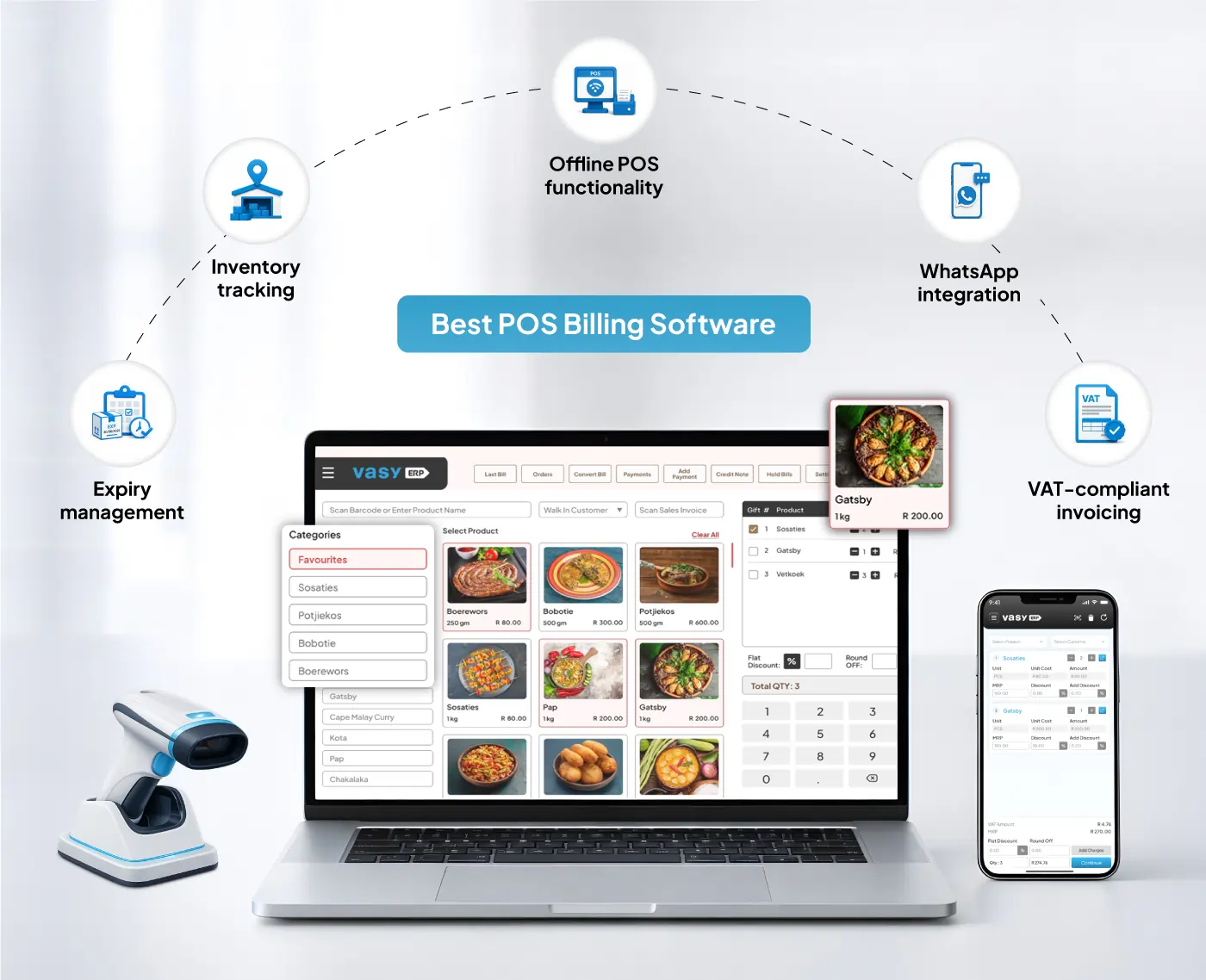 VasyERP is a cloud-based POS and ERP system built specifically for the South African retail industry. It’s one of the few till systems for small businesses on this list that integrate POS with inventory, purchasing, accounting and SARS-compliant accounting on one platform natively.
Beyond the core systems, VasyERP is built keeping the realities of the South African market in mind. Its offline mode keeps the POS running during network outages and load shedding. All transactions sync back automatically once connectivity is restored.
For retailers with multiple locations, stock levels, POS reports, inter-branch transfers, and customer data are all visible and updated in real time across every branch from a single dashboard.
Key Features
- Offline POS functionality
- VAT-compliant invoicing
- Built-in WhatsApp integration for sending digital receipts and offers
- Real-time multi-location inventory tracking with expiry management
- Batch tracking with automated near-expiry alerts
- OCR-based purchase automation to eliminate manual receiving errors
- Role-based access control with a full audit trail
- 150+ reports across sales, inventory, and accounts
Pros
- Full retail management in one system.
- Works offline during connectivity drops.
- Supports scalability from a single store to a national chain.
Cons
- Maybe more than what a micro-business needs at the early stage.
- The learning curve can be a little steep for non-tech-savvy business owners.
- Complex customisation is dependent on the vendor.
Pricing
- Custom pricing based on modules and usage.
2. Square POS
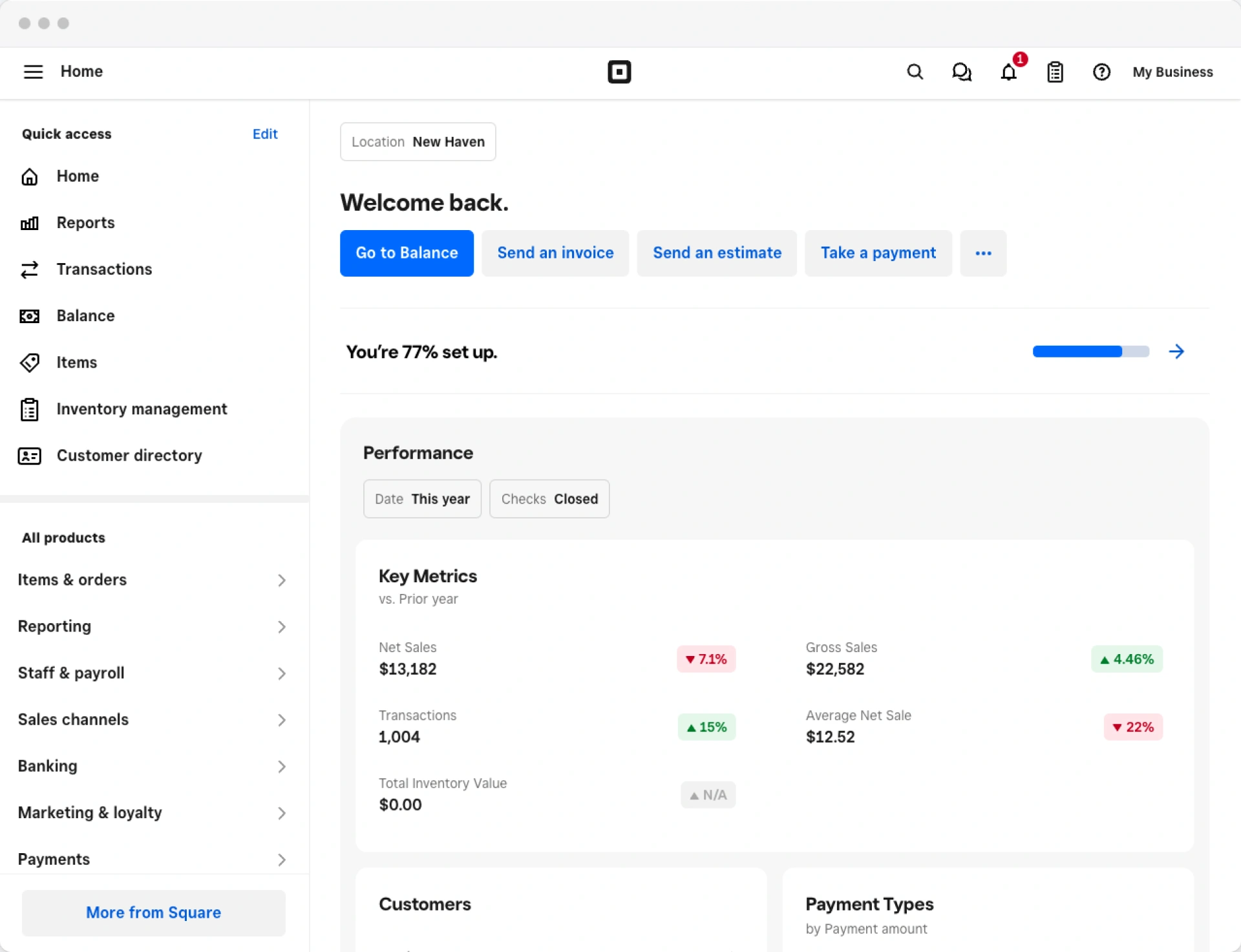 Square is a globally recognised point of sale system for small businesses with a free entry-level plan. It handles card payments, basic inventory, and sales reporting out of the box, and its hardware is straightforward to set up.
Square also offers built-in appointment booking, invoicing, and customer directory features, making it useful for service-based small businesses alongside retail stores.
Key Features
- Free POS software with support for card payments.
- Basic inventory management and low-stock alerts.
- Online store integration.
- Built-in invoicing and appointment booking tools.
Pros
- Beginner-friendly with minimal setup.
- Strong add-on ecosystem.
- Suitable for both retailers and service-based businesses.
Cons
- Limited advanced features.
- Transaction fees apply to every sale processed through Square.
- A few features are limited to Square’s core supported regions.
Pricing
- Free Plan
- Square Plus: ~804 Rand per month
- Square Premium: ~2444 Rand per month
3. Lightspeed POS
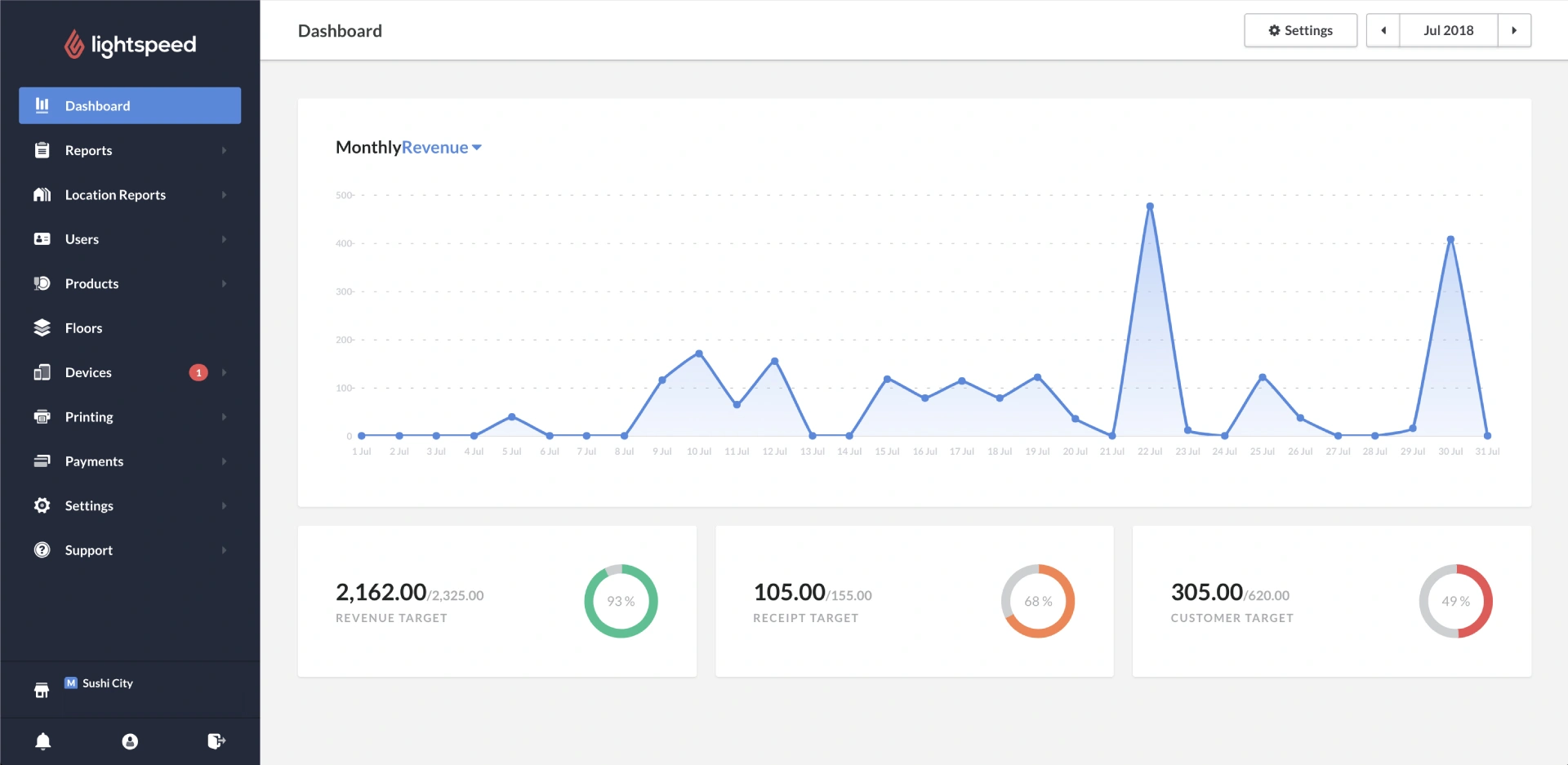 Lightspeed POS is one of the best till systems in South Africa if your primary need is to manage complex retail operations across thousands of SKUs. It offers strong inventory management, detailed reporting, and e-commerce integration.
Being a retail-focused POS, its built-in analytics are capable of tracking parameters like product performance, profit margins, and customer buying trends in detail.
Key Features
- Advanced, granular inventory management.
- Built-in e-commerce integration
- Detailed sales analytics and reporting
Pros
- Advanced inventory management features target retailers who deal with large product catalogues.
- Deep analytics capabilities.
- Supports supplier and purchase order management in the same system.
Cons
- Pricing and complexity are not small business-friendly.
- Limited support in South Africa.
- Requires extensive onboarding and training to get the most out of the tool.
Pricing
- Basic: ~1460 Rand per month
- Core: ~2444 Rand per month
- Plus: ~4840 Rand per month
4. Yoco
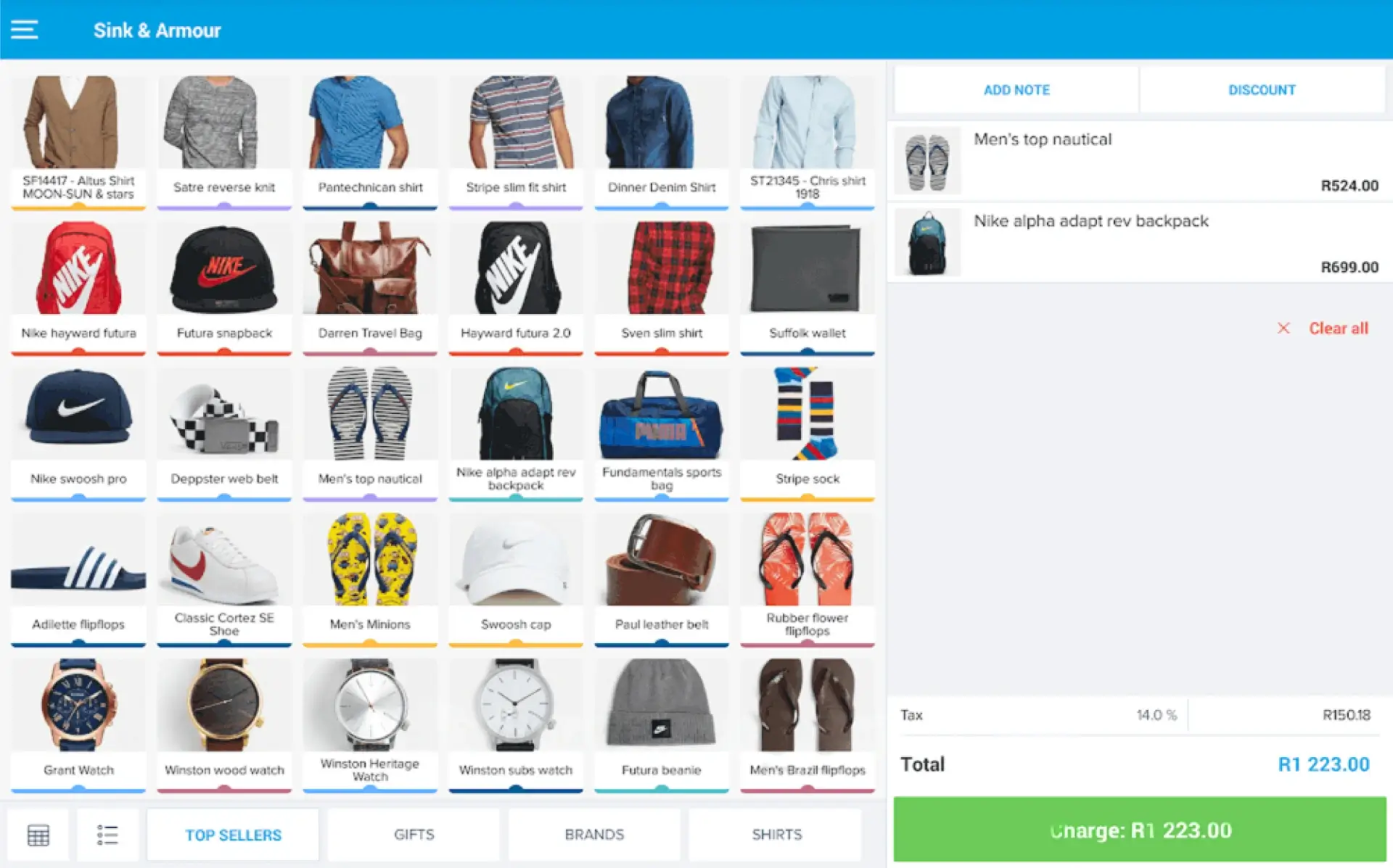 Yoco is an SA-based fintech company that has built one of the most widely used point of sale systems for small businesses in the country. It is a card reader and mobile app in one combo that makes it easy to accept payments anywhere.
Yoco also provides features like next-day payouts, sales insights, and basic business funding options for eligible merchants through its platform, Yoco Capital.
Key Features
- Card reader hardware and software are designed and built into one.
- Mobile POS app with basic sales tracking.
- Real-time transaction dashboard.
Pros
- Designed and supported locally.
- Very low price barrier for micro and small businesses.
- A simple mobile-first setup works well for pop-up stores and mobile sellers.
Cons
- Basic inventory and reporting features.
- Not suited for multi-location operations.
- Limited automation capabilities when compared to the other software on this list.
Pricing
- Yoco Counter (card reader and software included): R4999
5. Loyverse
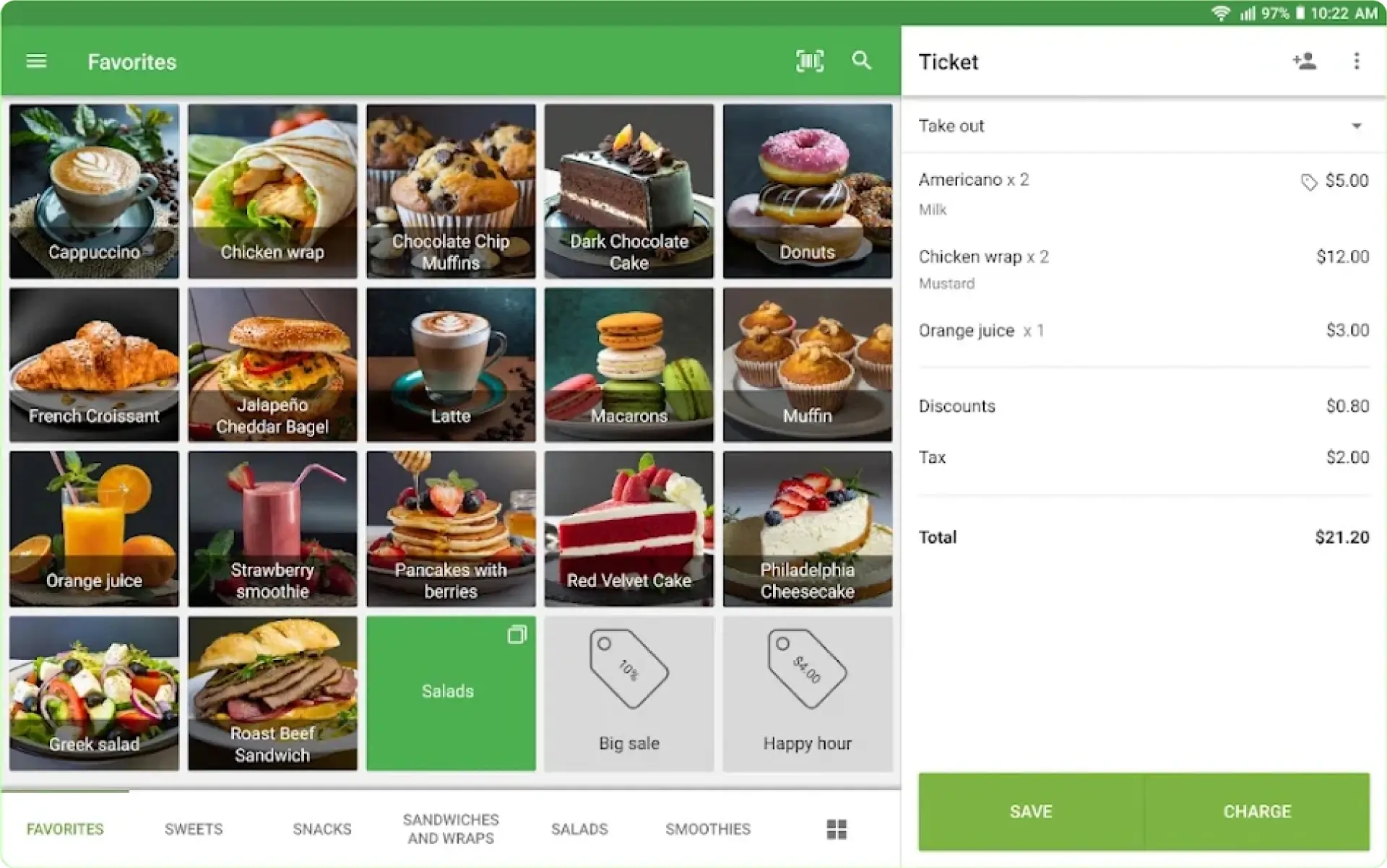 Loyverse is a free-to-use point of sale system for small businesses and is popular among small F&B businesses and small independent retailers. Despite being free, it does come with features like a built-in loyalty programme and a multi-store dashboard in addition to the basic POS-related features you would expect.
Key Features
- Free POS software with loyalty programme built in.
- Multi-store management capabilities.
- Basic inventory and supplier management capabilities.
Pros
- The core POS software is free.
- Built-in loyalty programme.
- Shallow learning curve.
Cons
- Advanced features such as unlimited sales history, employee management, and inventory evaluation and purchase management are paid add-ons.
- Limited accounting and ERP-level functionality.
- Not suited for large-scale businesses.
Pricing
- Core POS software: Free
- Unlimited sales history add-on: ~80 Rand per month per store.
- Employee management add-on: ~80 Rand per month per store.
- Advanced inventory features: ~410 Rand per month per store.
6. iKhokha
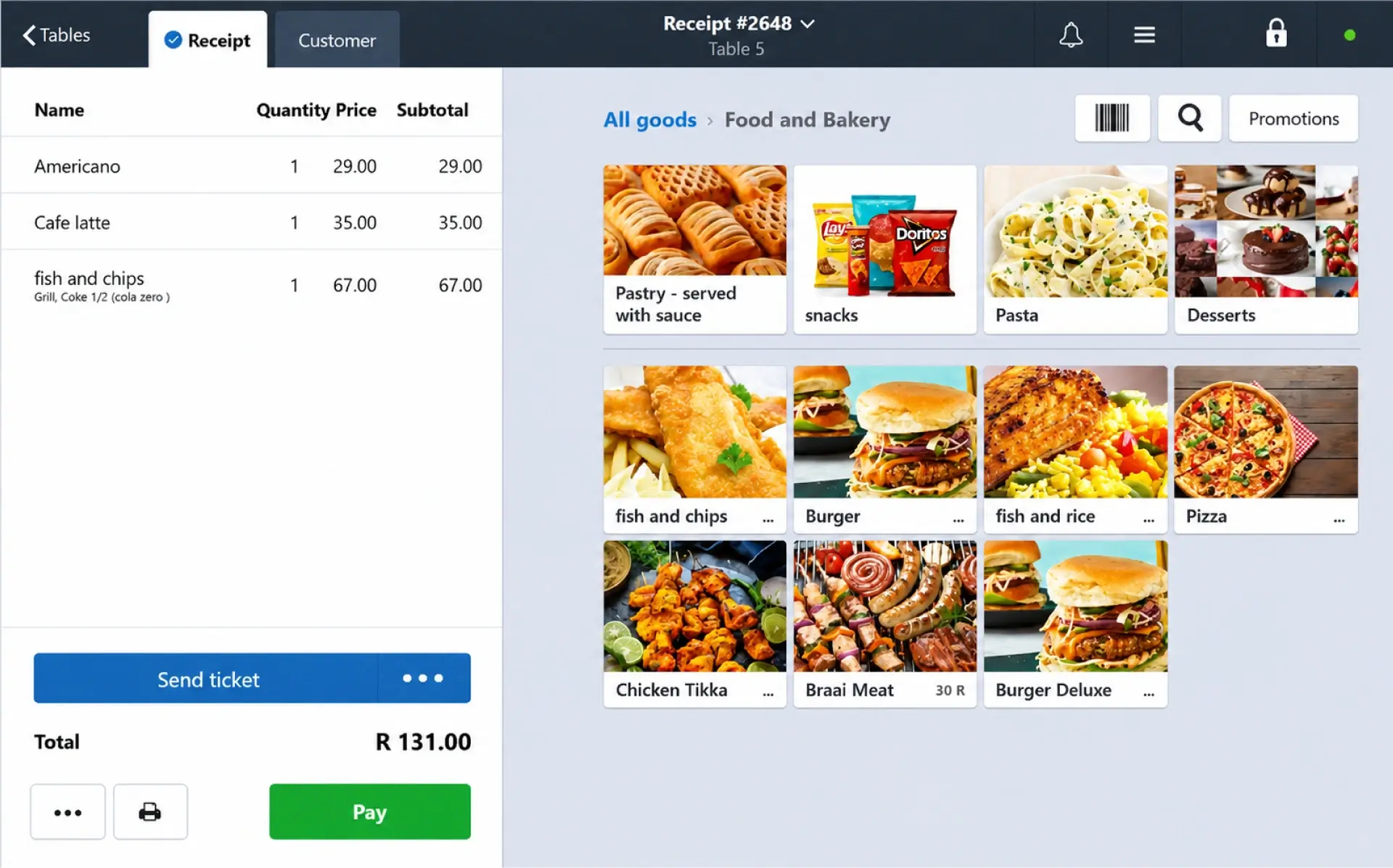 ikhokha is another vendor that offers a range of POS hardware coupled with POS software. It’s a direct local competitor to Yoco and is one of the best POS systems in South Africa if you want a local alternative to international platforms.
iKhokha has built out a broader business management ecosystem that can handle checkout and product management (iK POS), basic bookkeeping (iK Accounting), and business funding (iK Cash Advance) of up to R1 million, all from the same account.
Key Features
- Wide range of card machines with a simple integrated POS app.
- A simple dashboard that helps you track sales, forecasting capabilities, and reporting.
- Tap-to-pay functionality on supported smartphones.
- Access to funding through iK Cash Advance.
Pros
- Locally built, local support, and pricing.
- Extremely simple to operate.
- Flexible hardware options reduce upfront investment costs.
Cons
- Basic features that are not suited for multi-store operations.
- Limited multi-store and advanced inventory functionality.
- Reporting and analytics are not extensive.
Pricing
- iK Flyer: 1,499 Rand
- iK Flyer Lite: 699 Rand
7. GAAP
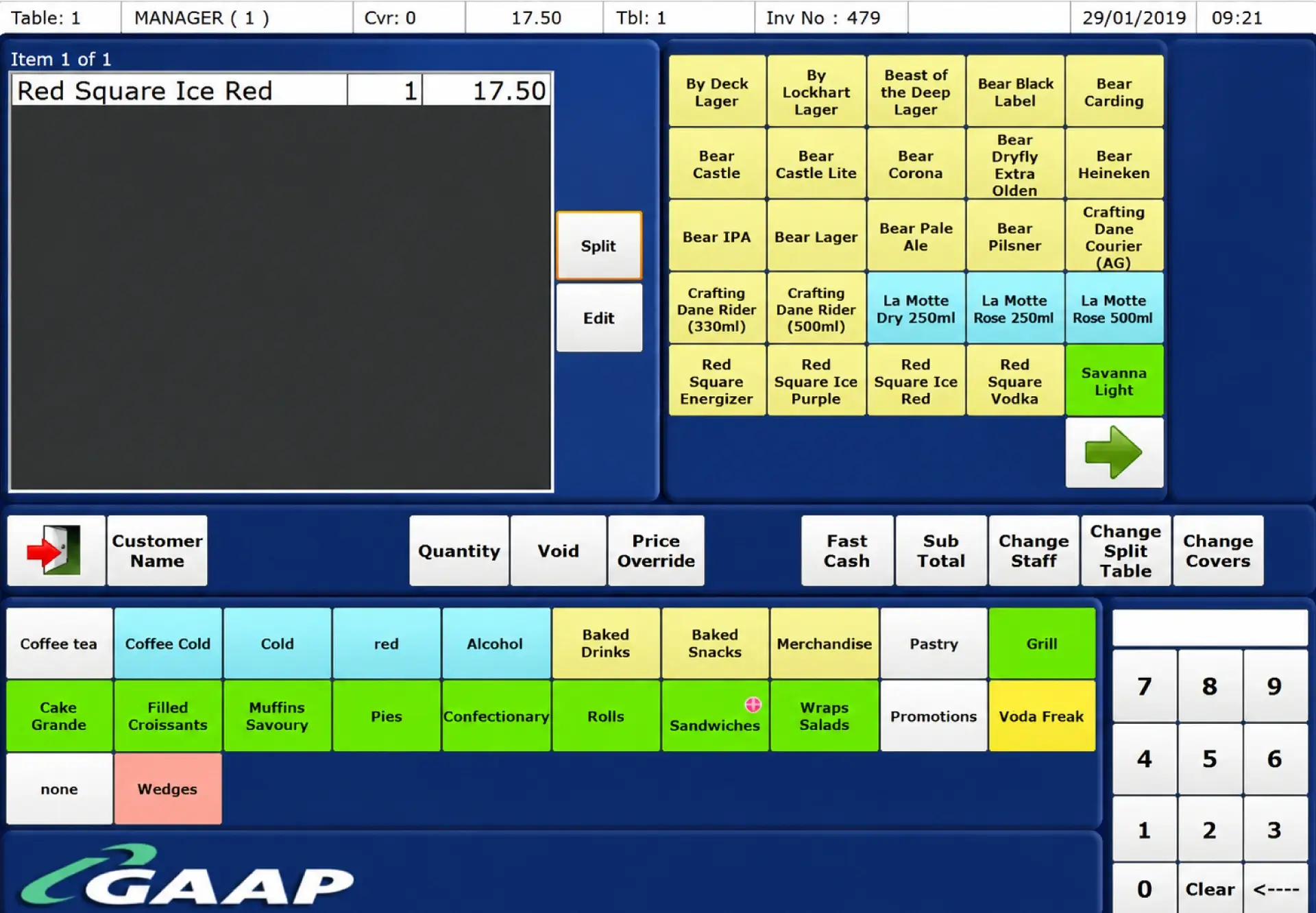 GAAP is a POS system provider that focuses solely on restaurants. The POS is integrated with their native kitchen and customer fusion systems that together help manage orders, updates, and loyalty programmes.
The platform also features specialised kitchen display systems (KDS) to eliminate paper order tickets and table-side ordering tech that communicates directly with the till point.
Key Features
- Offline mode.
- Inventory and stock management
- Hospitality-specific features, like table management
Pros
- Established local provider with on-the-ground support.
- Dedicated focus on hospitality businesses.
- Kitchen and front-of-house coordination tools built in.
Cons
- Less suited for retailers with e-commerce requirements.
- Reporting and analytics capabilities are less advanced than modern cloud-first retail systems.
- May require dedicated on-site hardware infrastructure depending on the deployment setup.
Pricing
- Contact for pricing
8. InTouch POS
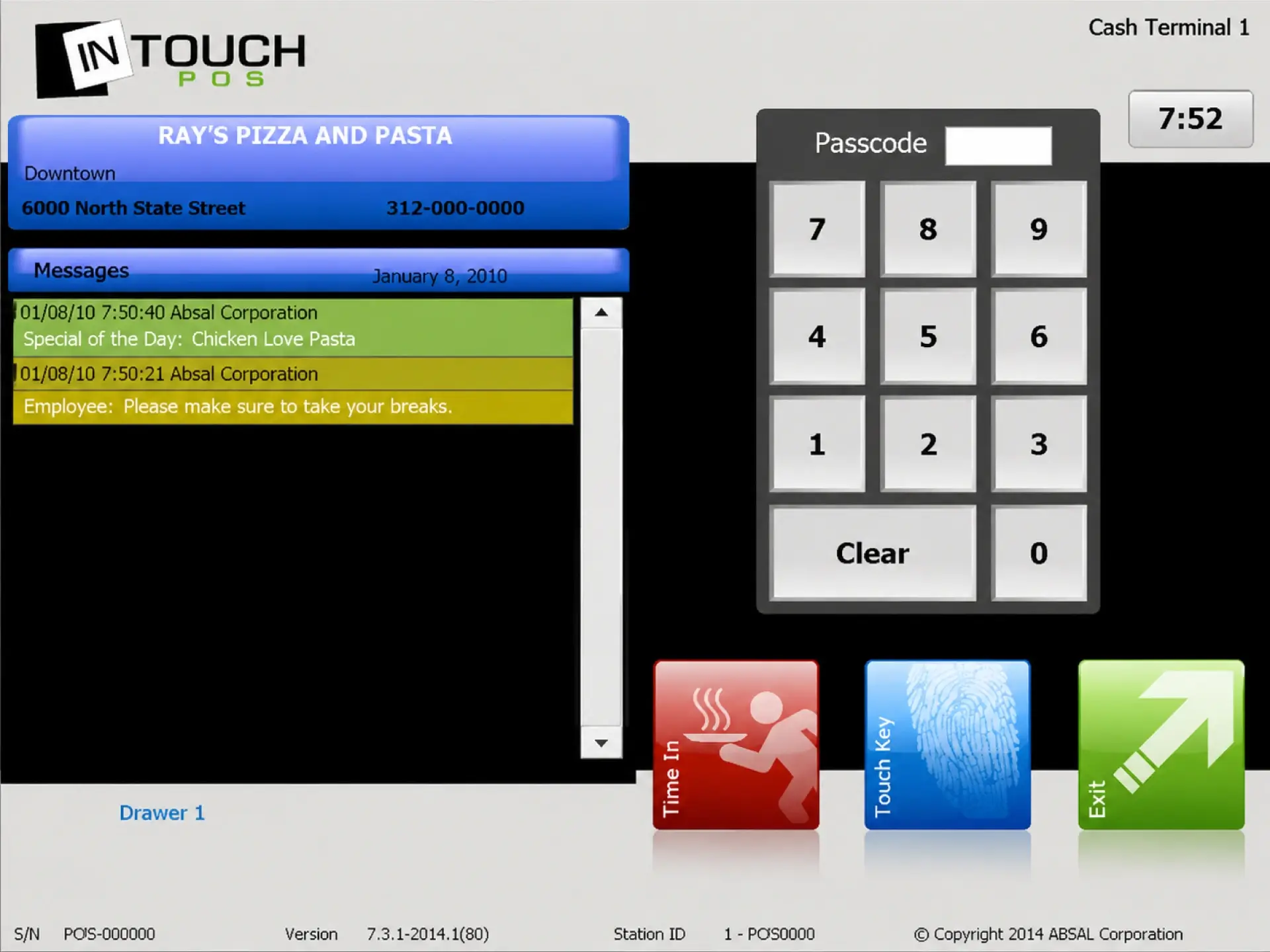 InTouch POS is another solution provider focusing on the needs of restaurants, specifically quick-service restaurants. It supports inventory management, reporting, and multi-branch operations, with local deployment options that suit businesses in areas with inconsistent internet access.
Its franchise and chain management capabilities make it particularly suitable for businesses that require standardised operations across multiple outlets.
Key Features
- Delivery and Delivery Management
- Touchless order intake via QR codes for customers.
- Multi-branch inventory and stock control
- Franchise management support
Pros
- Good fit for franchise and chain retail operations in South Africa.
- Local deployment reduces the need for constant internet access.
- Supports standardised workflows across multiple outlets.
Cons
- Requires more setup effort than cloud-first systems
- Dated interface
- Better suited for hospitality chains than general retail businesses.
Pricing
- Contact for pricing
How to Choose the Right Till Software for Small Business?
The best POS system for you depends on the answers to the following practical checks:
1. Does it Handle VAT Compliance Requirements Correctly?
VAT compliance is an essential part of running any business in South Africa. The solution in question should be able to calculate VAT on every transaction and calculate returns accurately. During the demo, keep your accountant on standby to verify if the system can generate all the reports they need.
Quick Fact No compliance with the SARS requirements can range from R250 to R16,000 per month, depending on your revenue.
Source:SARS
2. Does it Work Without the Internet?
Load shedding has reduced significantly in South Africa but still happens. Verify if the POS in question can continue functioning during periods of network downtimes.
3. Is There Local Support?
A local support team or certified partner network in South Africa is worth prioritizing over a cheaper international option with no local presence. Give the same weightage to this parameter as you would to the others.
Why is VasyERP the Best POS for South Africa?
When you evaluate the options on this list, most of them do a couple of things well. This is where VasyERP stands on its own. Every sale generates a VAT-compliant invoice sent directly to your customer via WhatsApp.
Simultaneously, stock levels, accounts, and customer records update in real time. During load shedding or a network outage, the system continues functioning offline and syncs everything back automatically once connectivity returns.
Beyond the till, VasyERP connects your entire retail operation. Batch tracking prevents expired stock from leaving your shelves. Low-stock alerts warn you of an impending stockout beforehand. Inter-branch transfers go through a two-way verification process before updating your inventory and accounts.
And with built-in CRM, loyalty tools, and WhatsApp integration, your customer relationships are managed from the same system your team uses to bill them. Book a 30-minute demo with VasyERP and see how it can streamline your operations from day one.
Last Updated on July 18, 2026