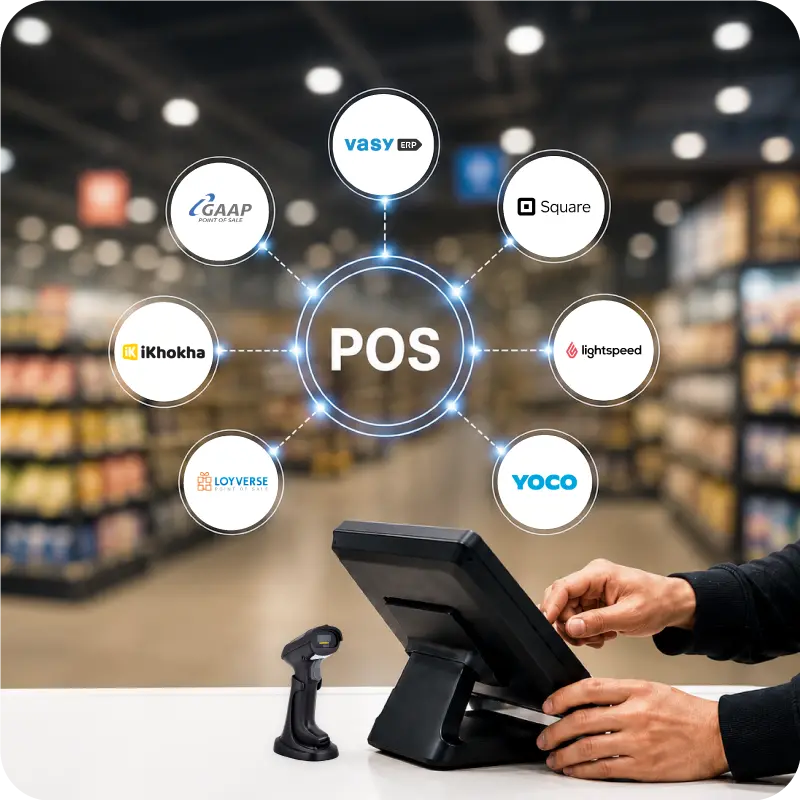
Quick Summary:
This guide breaks down the best ERP system options. South African businesses can consider in 2026 and show which features deserve a closer look.
You'll walk away knowing:
- What South African businesses should look for in an ERP system.
- Which top ERP software options stand out for stock control, finance, branch operations, and reporting.
- How to compare software based on business fit, support, pricing, and long-term value.
South African businesses handle stock control, billing, VAT, purchasing, reporting, and customer service at the same time. When these functions sit in separate systems, work slows down. Teams spend more time fixing gaps, checking numbers, and moving data from one place to another.
That is why more companies are reviewing the best ERP systems instead of relying on disconnected tools. The best ERP tools give a clearer picture of sales, stock, accounts, and operations in one place, so teams can work faster and with fewer manual steps.
Why South African Businesses Need a Modern ERP System
ERP becomes more useful when a business has several moving parts to manage every day. Retailers rely on accurate stock levels. Distributors need purchasing and warehouse processes to run with fewer gaps. Manufacturers need closer control over materials, production, and costs.
Online sales have risen in recent years, and VAT continues to sit within everyday business paperwork. When stock, billing, and reporting are handled through separate tools, the workload becomes harder to manage.
A modern ERP brings core functions into one system. With finance, stock, billing, purchasing, and reporting connected, owners and managers can review performance more clearly and act with less delay.
Tip: List the daily delays first, then match the ERP to those problems.
Let’s Have a Glance at Top ERP Software.
Here is a quick comparison of some of the top ERP vendors and top enterprise resource planning companies used by South African businesses.
| Tools | Best For | Key Features |
|---|---|---|
| VasyERP | Retail, wholesale, distribution, multi-branch businesses | Online/offline POS, OCR bill capture, auto stock replenishment, multi-store stock control |
| SAP Business One | Small to mid-sized firms needing broad operational coverage | Batch serial tracking, bin location control, multi-branch management, production order planning |
| Oracle NetSuite | Growing businesses that want a cloud-first ERP | Multi-book accounting, SuiteAnalytics workbook, demand planning, smart order allocation |
| Microsoft Dynamics 365 Business Central | Businesses needing finance, supply chain, and manufacturing support | Dimensions-based reporting, serial lot tracking, advanced warehouse control, Copilot bank reconciliation |
| Sage Business Cloud | Smaller businesses that start with finance and VAT control | VAT-ready accounting, auto bank reconciliation, cash flow forecasting, quotes and invoicing |
| Odoo ERP | Businesses wanting modular flexibility | Studio customisation tools, offline POS mode, unified app suite, eCommerce integration |
| Syspro ERP | Manufacturing and distribution businesses | Lot traceability, product genealogy tracking, materials requirements planning, expiry-aware stock control |
| Acumatica | Cloud-focused businesses wanting mobile access and dashboards | Open API integrations, low-code workflows, role-based dashboards, unlimited-user licensing |
| Epicor | Manufacturers with deeper production and supply chain needs | Drag-drop scheduling, shopfloor intelligence, quality compliance tools, supplier quality management |
| QuickBooks Enterprise + Add-ons | Finance-led businesses needing stronger inventory tools | Advanced Inventory, bin lot tracking, advanced pricing rules, approval workflows |
Top ERP Systems for South Africa in 2026
This list includes a mix of broad ERP platforms, specialist systems, and software that suits different business sizes and operating models.
1. VasyERP
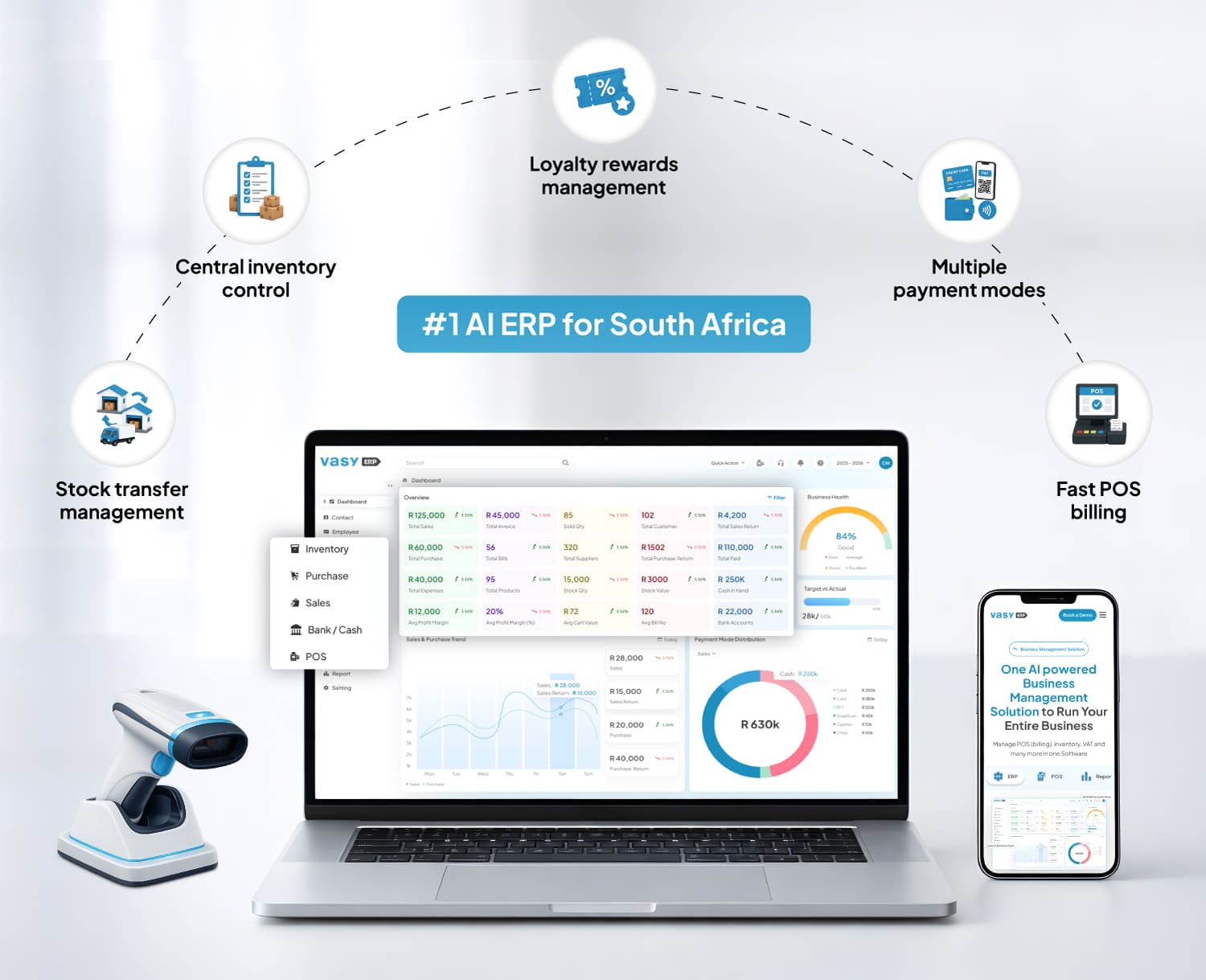 VasyERP is designed for retail, wholesale, distribution, and multi-branch businesses that need billing, inventory, purchasing, and reporting to work together in one system. It covers the day-to-day areas that usually get split across separate tools, including POS billing, stock control, purchase tracking, customer offers, and branch-level visibility.
Its feature set also includes offline POS support, which is useful for businesses that cannot afford billing delays during connectivity issues. It also brings in operational features that are especially relevant for store-led businesses, such as stock transfers, loyalty handling, multiple payment modes, and supplier bill capture through OCR.
That makes it a practical option for businesses that want faster store billing, clearer stock movement across locations, and less manual work between the counter and the back office.
Pros:
- Offline POS helps stores continue billing when internet connectivity drops.
- OCR bill reading can reduce manual supplier invoice entry.
- Real-time inventory sync, auto-replenishment, and centralised multi-store control support tighter branch operations.
Cons:
- Businesses with more complex production planning should review the fit carefully.
- Teams looking only for basic accounting may prefer a simpler setup.
- Larger businesses should still review integration and reporting needs before rollout.
Key Features:
- Fast POS billing.
- Multiple payment modes.
- Central inventory control.
- Stock transfer management.
- Loyalty rewards management.
2. SAP Business One
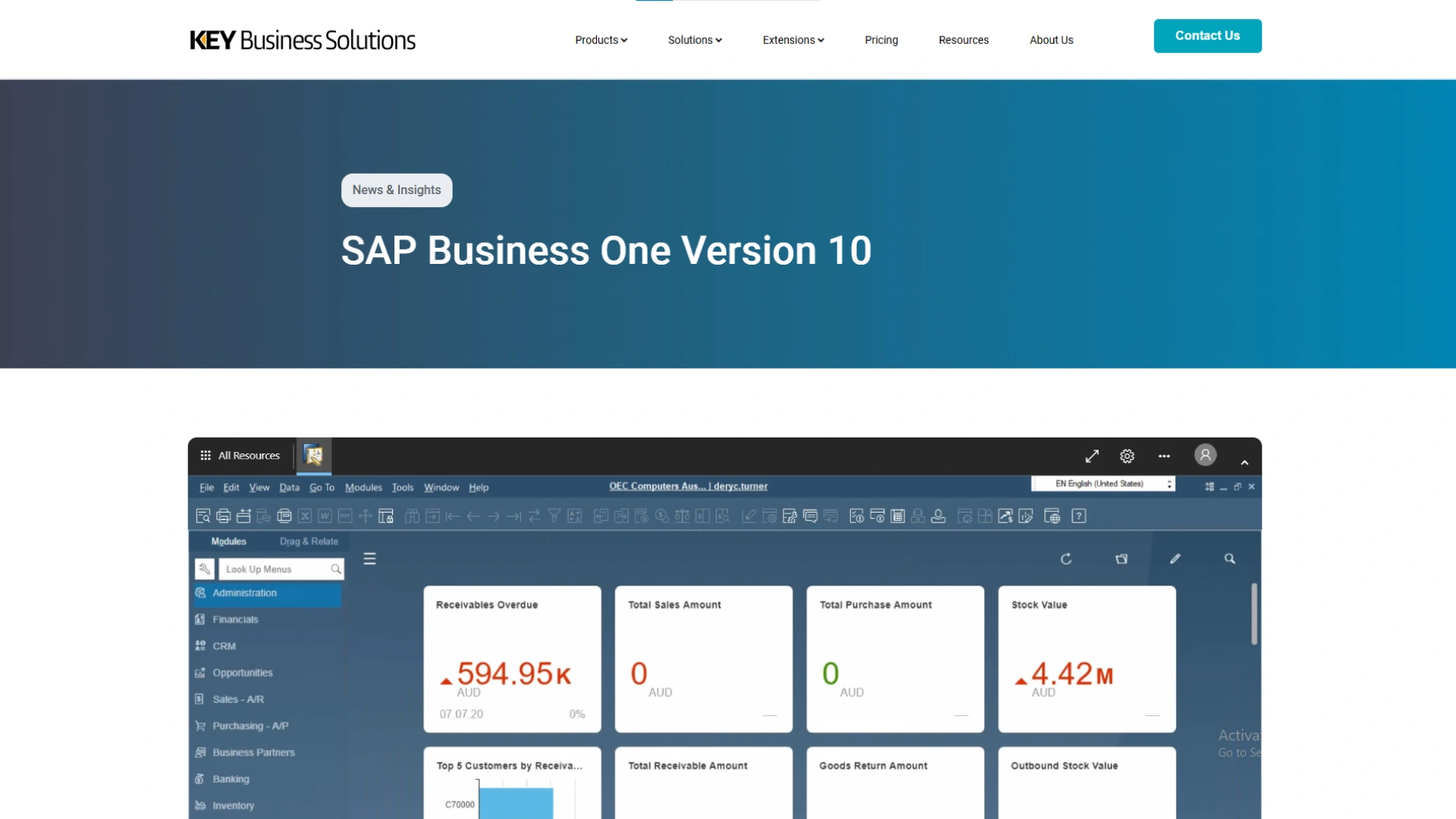 SAP Business One is often considered by small and mid-sized businesses that want finance, sales, purchasing, inventory, customer management, and reporting on one platform.
It is a broad ERP system with a stronger inventory structure than lighter business software, especially for businesses that need batch and serial control, multi-branch handling, and production-related workflows alongside core financial management.
Pros:
- Batch, serial, and bin controls support tighter stock traceability.
- Multi-branch support helps businesses manage more than one branch in one database.
- Purchasing, inventory, finance, and production workflows sit in one system.
Cons:
- Smaller businesses may find the setup heavier than they need.
- Bin, batch, and branch controls usually require more process discipline at setup.
- It is less retail-counter-led than software built mainly around POS operations.
Key Features:
- Purchasing and inventory control.
- Batch and serial tracking.
- Bin location management.
- Multi-branch support.
3. Oracle NetSuite
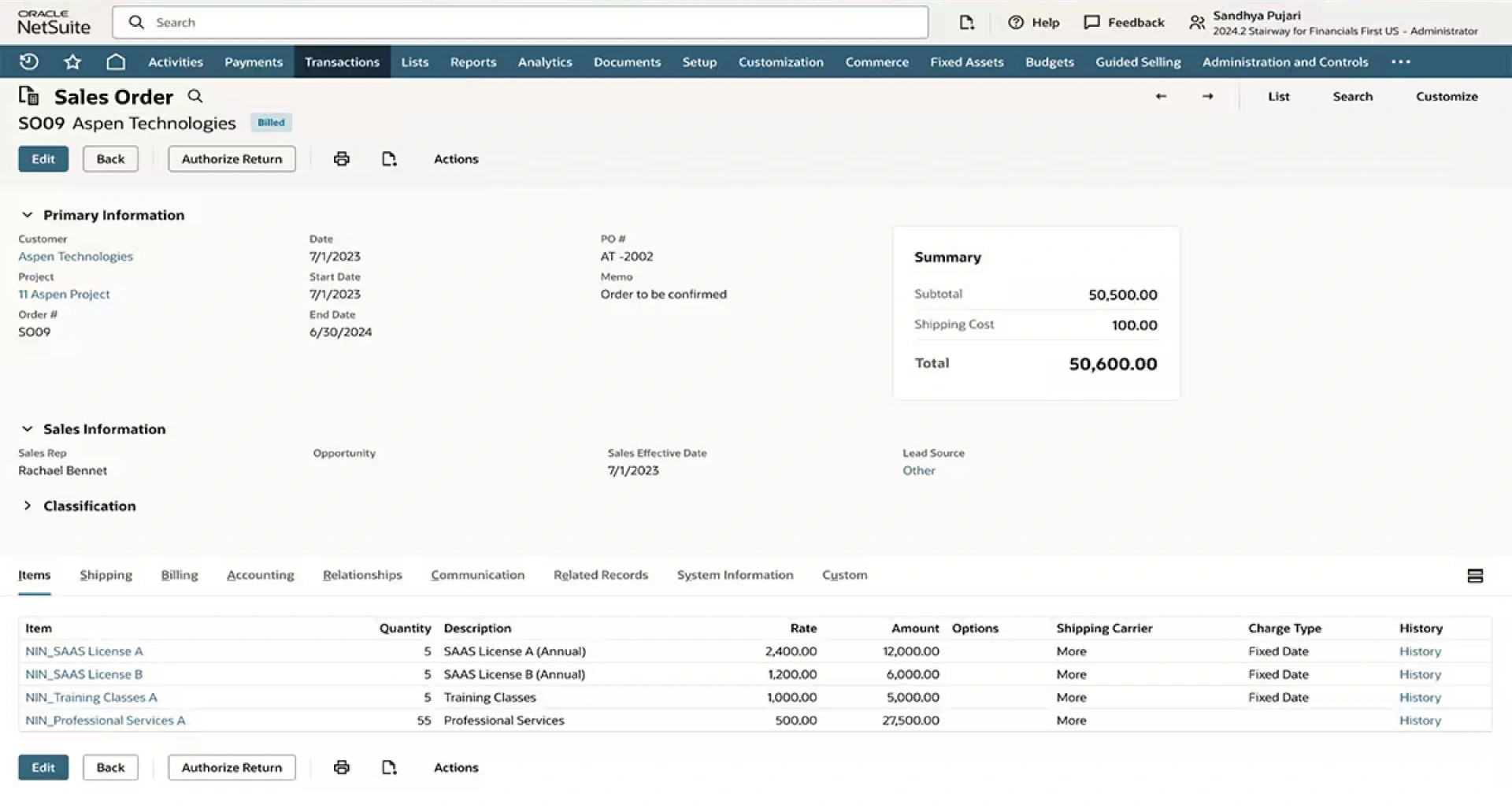 NetSuite is a cloud ERP platform that combines finance, inventory, order management, analytics, and planning in one system. It is usually a better fit for businesses that want a cloud-first setup with stronger reporting and more structured control over accounting and fulfilment as the business grows.
Its built-in tools include multi-book accounting for maintaining different accounting books from the same transactions and planning tools for demand and supply allocation.
Pros:
- Multi-Book Accounting is useful for businesses managing more than one accounting book.
- Suite Analytics Workbook gives teams better reporting with pivot tables and charts.
- Demand planning and allocation tools support more structured stock and fulfilment decisions.
Cons:
- Smaller businesses may find the system broader than they need.
- Planning tools work best when internal processes are already well defined.
- Setup usually takes more work than lighter finance or inventory systems.
Key Features:
- Multi-Book Accounting.
- SuiteAnalytics Workbook.
- Demand Planning.
- Supply Allocation.
4. Microsoft Dynamics 365 Business Central
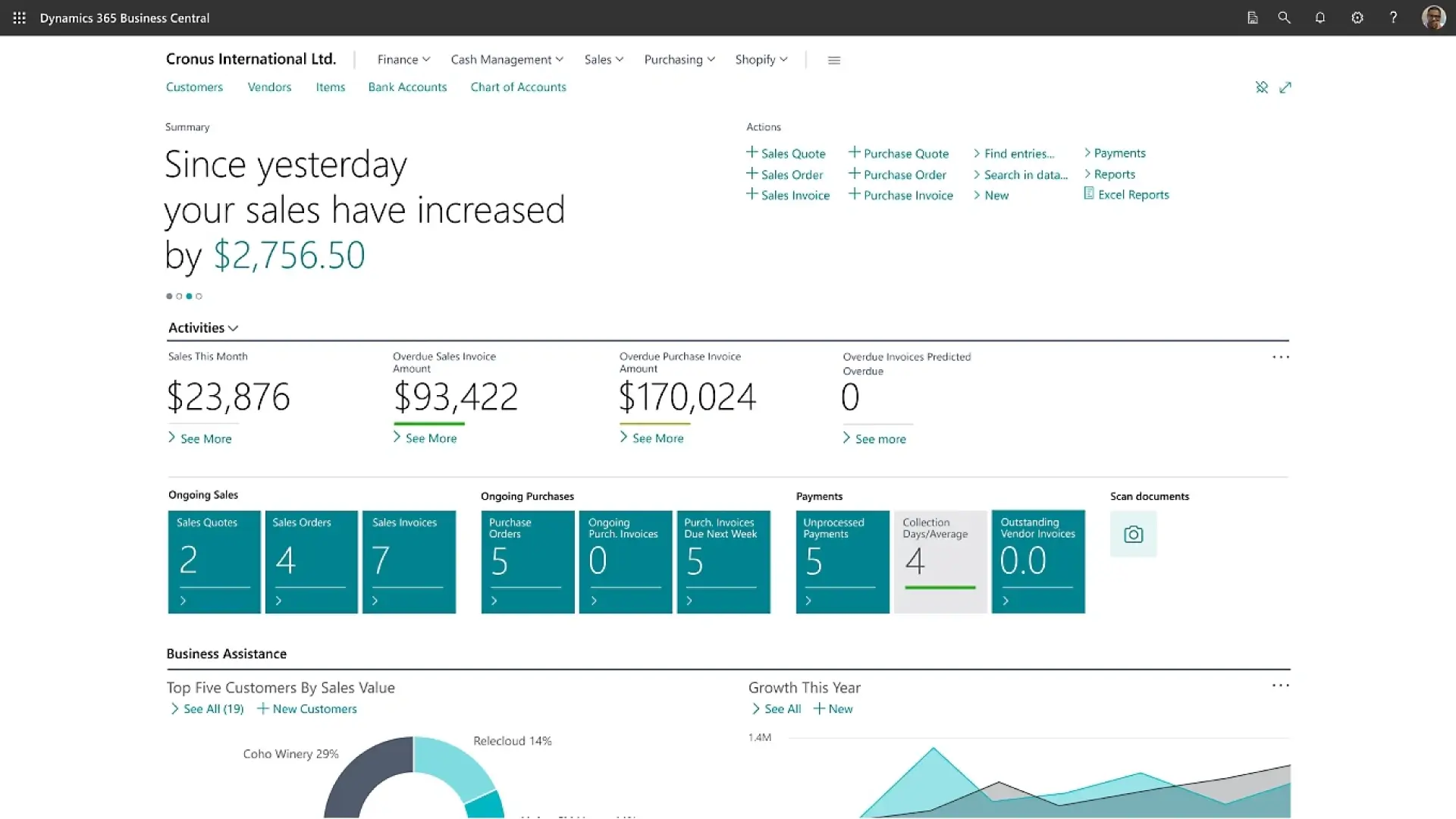 Microsoft Dynamics 365 Business Central suits growing businesses that want finance, supply chain, warehousing, projects, and service operations in one connected Microsoft environment.
It offers more control over stock tracking and reporting, especially through dimensions, serial and lot tracking, warehouse bins and zones, and Copilot-assisted bank reconciliation. That makes it relevant for businesses that need more structure than a basic accounting or POS-led tool can offer.
Pros:
- It works well for businesses already using Microsoft Finance and business tools.
- Warehouse bins and zones support more structured put-away and picking.
- Copilot-assisted reconciliation can reduce part of the bank-matching workload.
Cons:
- Directed warehouse setup may feel too detailed for simpler stock operations.
- Businesses that do not use dimensions may not get the full value from the reporting layer.
- It needs more process structure than a lighter accounting or POS-led system.
Key Features:
- Analysis by dimensions.
- Serial, lot, and package tracking.
- Warehouse bins and zones.
- Copilot bank reconciliation.
5. Sage Business Cloud
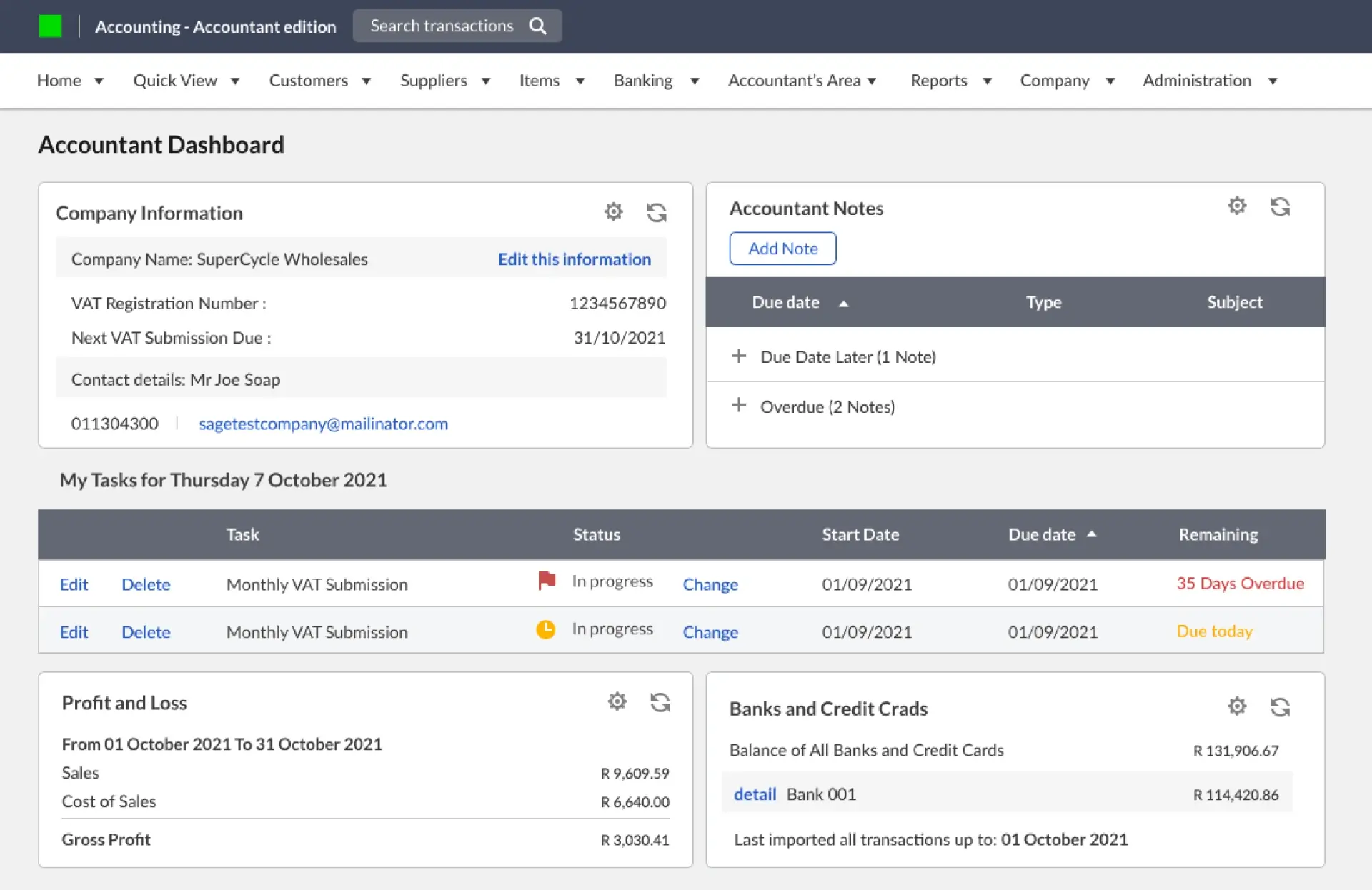 Sage Business Cloud is more finance-focused than some of the broader ERP platforms on this list. It works well for smaller businesses that want tighter control over invoicing, VAT handling, cash flow, and bank activity without moving straight into a heavier operational system.
It is a practical option for businesses that want cleaner day-to-day accounting visibility, easier reconciliation, and a simpler starting point for finance management.
Pros:
- VAT returns, invoicing, and bank reconciliation sit close to the daily finance work most smaller businesses actually need.
- Bank feeds and reconciliation help reduce manual bookkeeping across routine transactions.
- Quotes, invoices, and cash flow visibility make it easier to manage day-to-day finance without adding a heavier ERP layer.
Cons:
- Stock control is lighter than systems built for multi-warehouse or production-heavy operations.
- Businesses adding more branches, more complex inventory flows, or deeper purchasing controls may outgrow it.
- It works better as a finance-led system than as a central platform for operational control.
Key Features:
- VAT-ready accounting.
- Bank reconciliation.
- Inventory and invoicing.
- Cash flow visibility.
6. Odoo ERP
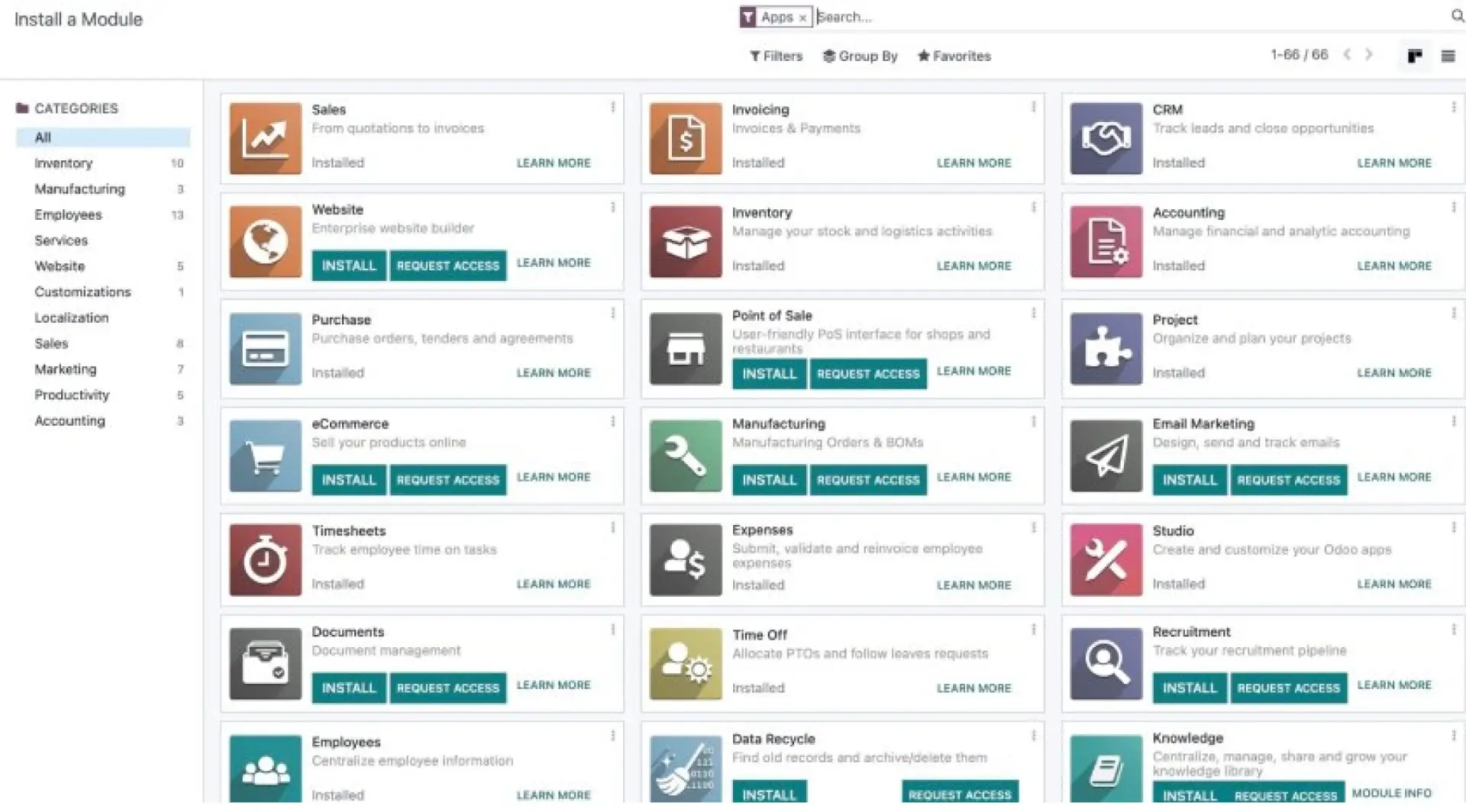 Odoo is modular by design, which is a big part of its appeal. Instead of forcing every business into the same setup, it lets teams combine apps for accounting, CRM, inventory, POS, eCommerce, and more based on how they work.
That flexibility is useful for businesses that want room to shape workflows over time, especially when retail and back-office tasks need to stay connected.
Pros:
- Browser-based POS can keep working during temporary offline periods.
- POS activity updates stock automatically, which helps keep inventory aligned.
- Odoo Studio allows workflow and layout changes without coding.
Cons:
- Results depend heavily on choosing the right apps and configuring them well.
- Too many modules without a clear process can make the setup harder to manage.
- It usually needs more implementation discipline than a tightly packaged system.
Key Features:
- Odoo Studio customisation.
- Browser-based POS.
- Temporary offline selling.
- Integrated accounting, CRM, inventory, and eCommerce.
7. Syspro ERP
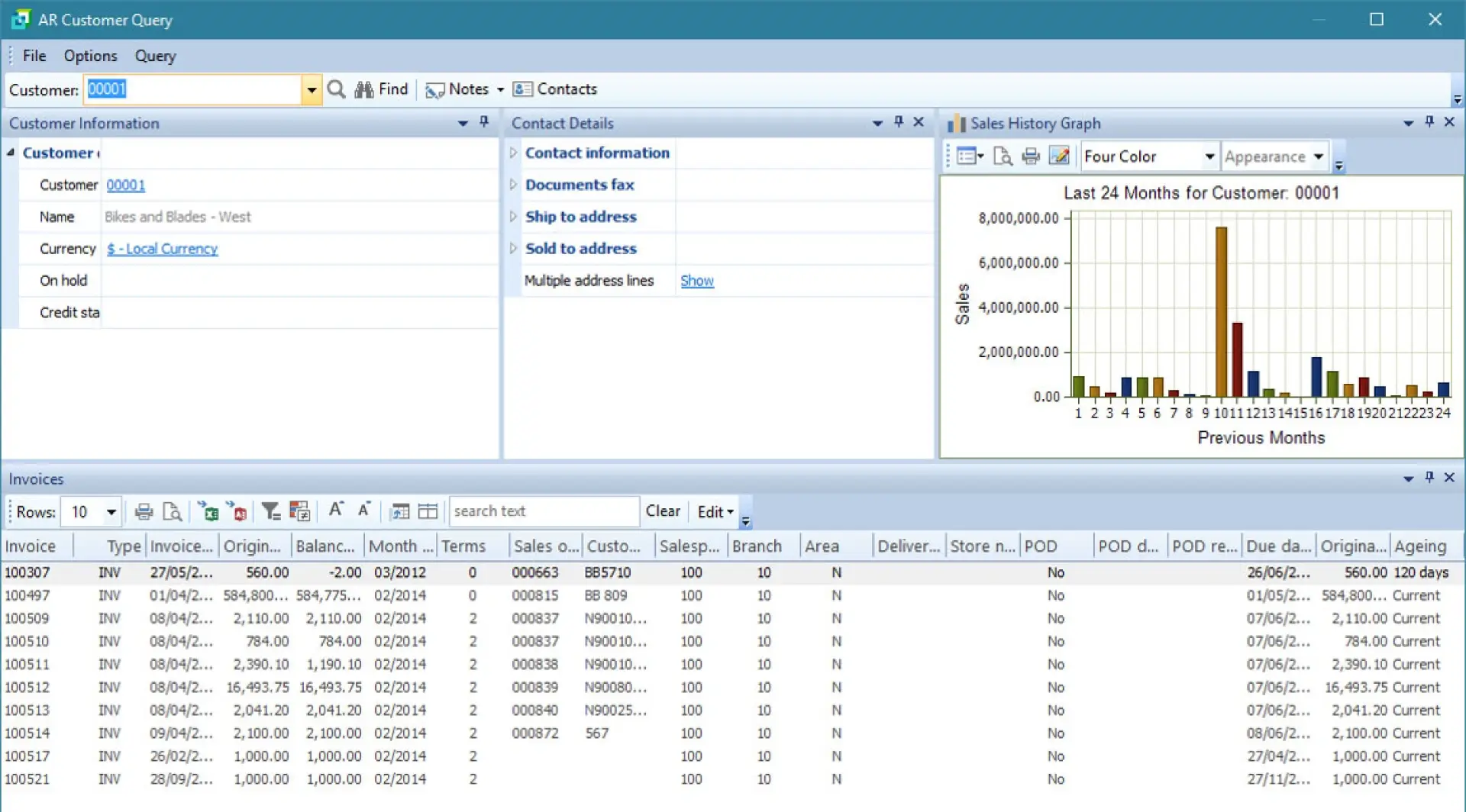 Syspro is aimed mainly at manufacturing and distribution businesses that need stronger traceability, planning, and product control. It provides close visibility over raw materials, batches, expiry dates, and product movement across production and distribution.
It stands out in environments where inventory accuracy, product genealogy, and material planning are critical to daily operations. That makes it more relevant for product-led businesses than for simpler retail or finance-led setups.
Pros:
- Bi-directional traceability supports recalls, audits, and quality checks.
- Product genealogy improves visibility from raw material to finished product.
- MRP helps with material planning and stock control.
Cons:
- It is less suitable for businesses mainly looking for retail POS or light accounting.
- Simpler trading businesses may not need this level of traceability and planning depth.
- It works best where traceability and product control are already central to operations.
Key Features:
- Bi-directional lot traceability.
- Product genealogy tracking.
- Expiry and quality controls.
- Material requirements planning.
8. Acumatica
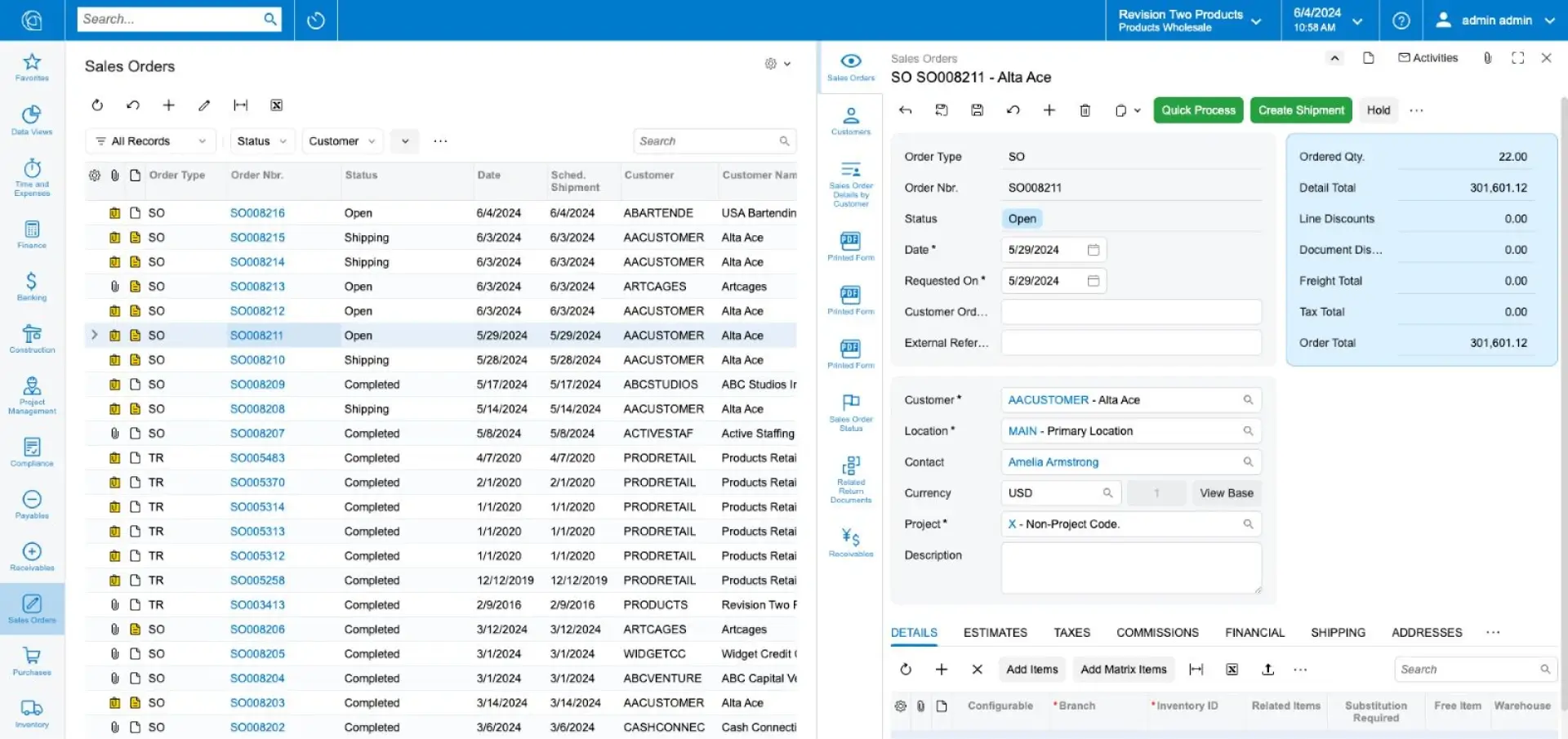 Acumatica stands out more for platform flexibility than for one specific module. Unlimited-user licensing, mobile access, dashboards, and open integrations make it easier for more teams to work inside the same system without building everything around seat-based access.
It fits best where businesses want cloud access across departments and expect workflows to evolve over time.
Pros:
- Unlimited-user licensing can work well for growing teams.
- Open APIs and low-code tools give businesses more flexibility around workflows and integrations.
- Mobile access and dashboards help teams work across locations.
Cons:
- Businesses looking for a simpler accounting-first setup may find the platform more extensive than they need.
- The flexibility around workflows and integrations can increase implementation time if requirements are not clearly defined early.
- The value depends on matching the licensing and deployment model to actual business usage, not just team size.
Key Features:
- Unlimited-user licensing.
- Open APIs and integrations.
- Low-code and no-code tools.
- Role-based dashboards and mobile access.
9. Epicor
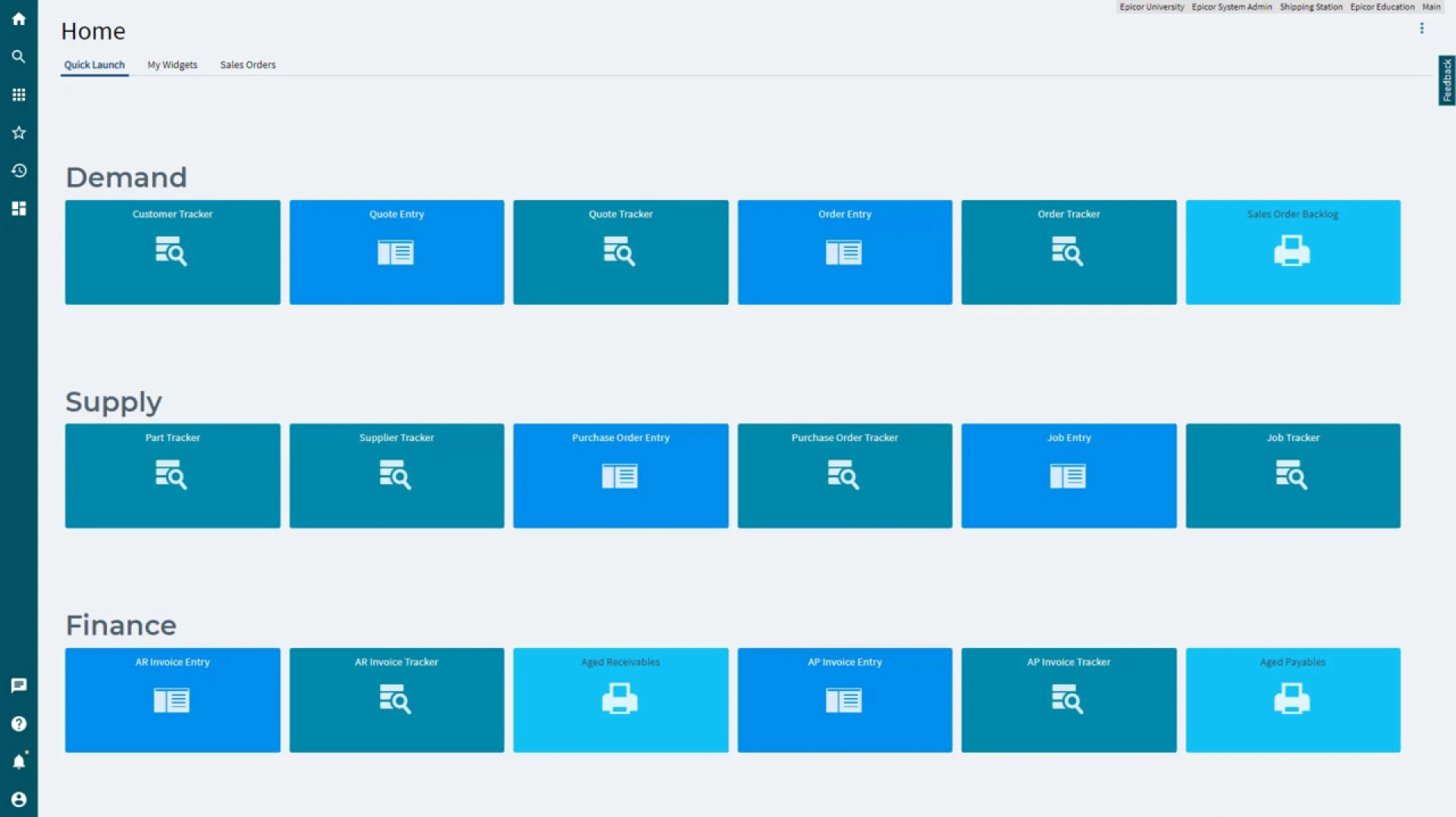 Epicor Kinetic is much more production-led in its approach. Planning, scheduling, product data, and shopfloor visibility are central to how the system is structured, which makes it better suited to manufacturers than to general trading businesses.
Where production coordination and process depth are major priorities, it offers more relevant functionality than a general-purpose ERP.
Pros:
- Forecasting, MRP, and scheduling support more responsive production planning.
- Product data tools help control bills of material, routings, and specifications.
- Real-time production visibility improves shopfloor coordination.
Cons:
- It is less suitable for simple trading businesses.
- Finance-led businesses may prefer a less production-heavy system.
- It works best where production planning and product control are already major priorities.
Key Features:
- Forecasting, MRP, and advanced scheduling.
- Real-time production visibility.
- Product data management.
- Built-in collaboration and business intelligence.
10. QuickBooks Enterprise
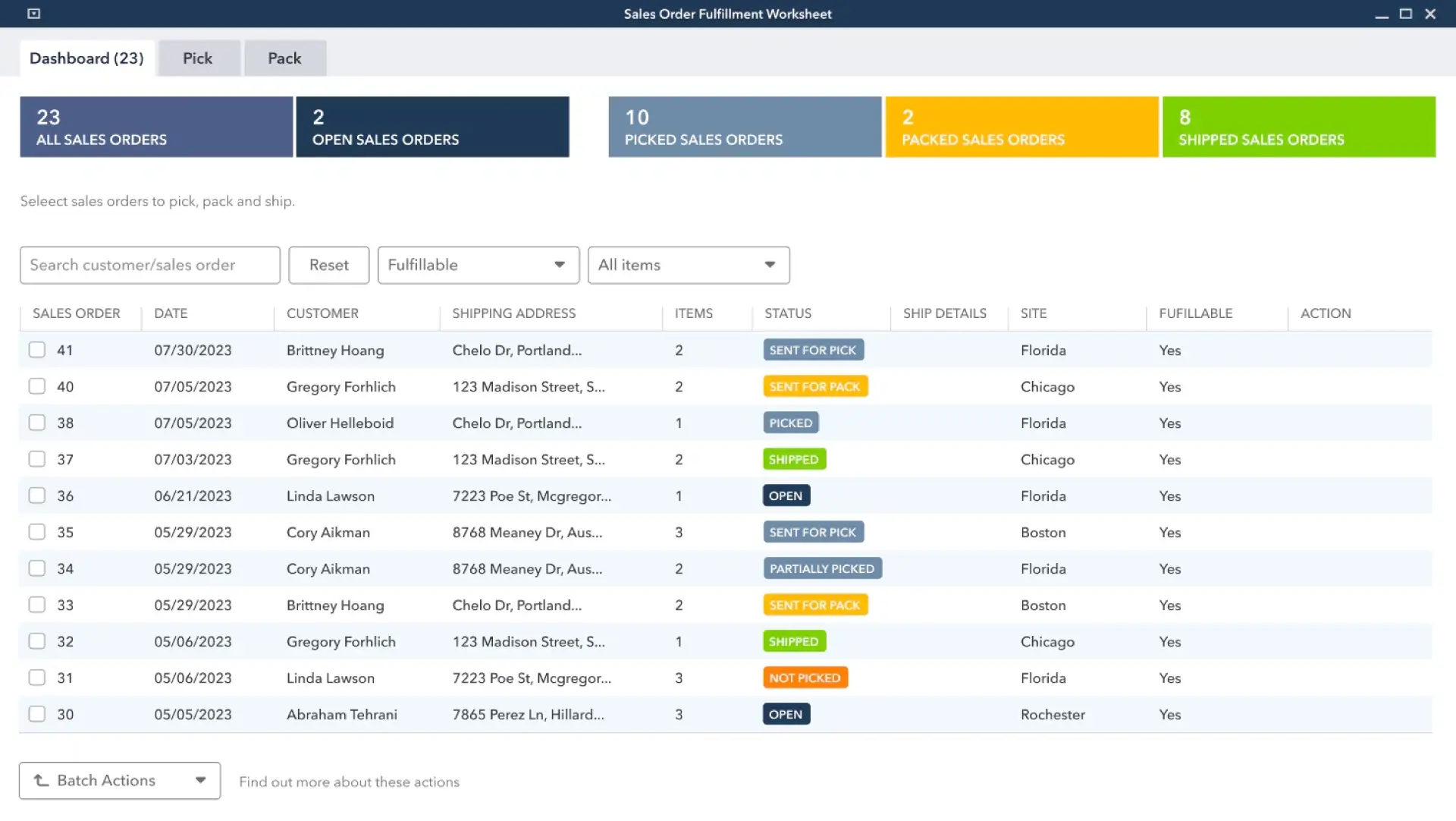 QuickBooks Enterprise starts from a finance-first base and becomes more operational when inventory, pricing, approvals, and fulfilment tools are added.
That makes it useful for businesses that want stronger stock and order control without fully shifting away from an accounting-led environment. It usually fits best where finance remains the core system and operational depth is added around it.
Pros:
- Advanced Inventory adds multi-location, bin, lot, serial, and expiry-date tracking.
- The sales order fulfilment worksheet gives teams a clearer fulfilment view.
- Advanced pricing and approvals improve control over margins and purchasing.
Cons:
- Important inventory and workflow controls depend on higher-tier features rather than the base setup.
- It works better when finance sits at the centre of operations than when the business needs deeper end-to-end process control.
- Businesses with more complex manufacturing, planning, or multi-entity requirements may eventually need a broader ERP platform.
Key Features:
- Advanced Inventory.
- Advanced Pricing.
- Bill and PO workflow approvals.
- Sales Order Fulfilment Worksheet.
What to Look for in the Best ERP System
South African businesses should check these areas before deciding.
1. Multi-Branch & Multi-Warehouse Support
If stock is spread across branches or warehouses, the best ERP system should show stock movement, transfers, availability, and replenishment clearly from one place.
2. VAT & South African Compliance
VAT handling should sit inside the core workflow. In South Africa, invoice accuracy, reporting, and tax records need to stay clean and reliable.
3. Local Currency Support (ZAR)
The ERP should handle the South African Rand properly across finance, purchasing, billing, and reporting without extra workarounds.
4. Offline + Mobile Capabilities
This is useful in real operating conditions. For many businesses, smooth billing during internet issues or similar disruptions helps stores continue trading without added confusion.
5. Scalability for SMEs to Enterprises
A business should choose software that fits current needs and still supports growth later. This becomes more important once new branches, product lines, or warehouses are added.
6. Pricing Transparency & Local Support Availability
Price is only one part of the decision. Support, onboarding, training, and implementation quality all shape the long-term value of the system.
Tip: Ask vendors to show stock transfers, VAT billing, and branch reporting in the demo.
How VasyERP Supports South African Businesses
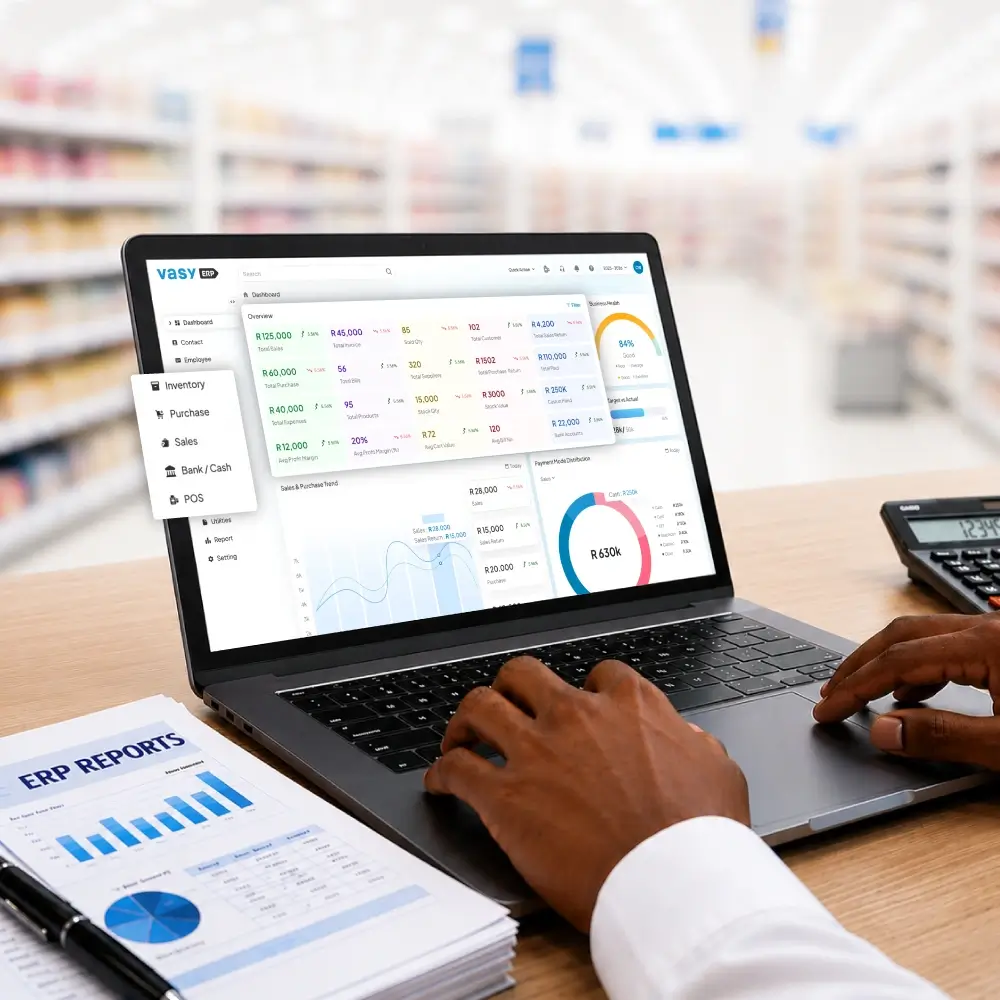 VasyERP helps South African businesses run billing, stock, purchasing, and reporting through one connected system. Its local offering includes cloud-based POS software that works online and offline, real-time stock updates, OCR bill capture, loyalty features, auto-replenishment, and centralised control for multi-store operations.
This works well for businesses that need tighter control at the store level without adding more manual work in the back office. Teams can track sales, stock movement, purchasing, and branch performance more clearly from one place.
For businesses comparing top ERP software, VasyERP is a practical ERP solution provider for daily operations as well as future growth.
FAQs About ERP Systems in South Africa
The best ERP system for a South African small business depends on its main operational needs. Some businesses prioritise retail and inventory control, while others need stronger financial visibility or broader operational management capabilities.
ERP pricing in South Africa depends on factors such as users, modules, implementation, customisation, and support requirements. Businesses should evaluate the total long-term cost, including setup, training, maintenance, and scalability.
Yes, many ERP systems support South African Rand and VAT requirements. Businesses should still confirm local tax handling, VAT compliance, and reporting capabilities during the evaluation stage.
Many South African businesses benefit from cloud ERP because it improves accessibility, visibility, and scalability. Offline functionality can also help businesses continue operations during internet or power interruptions.
Last Updated on June 28, 2026